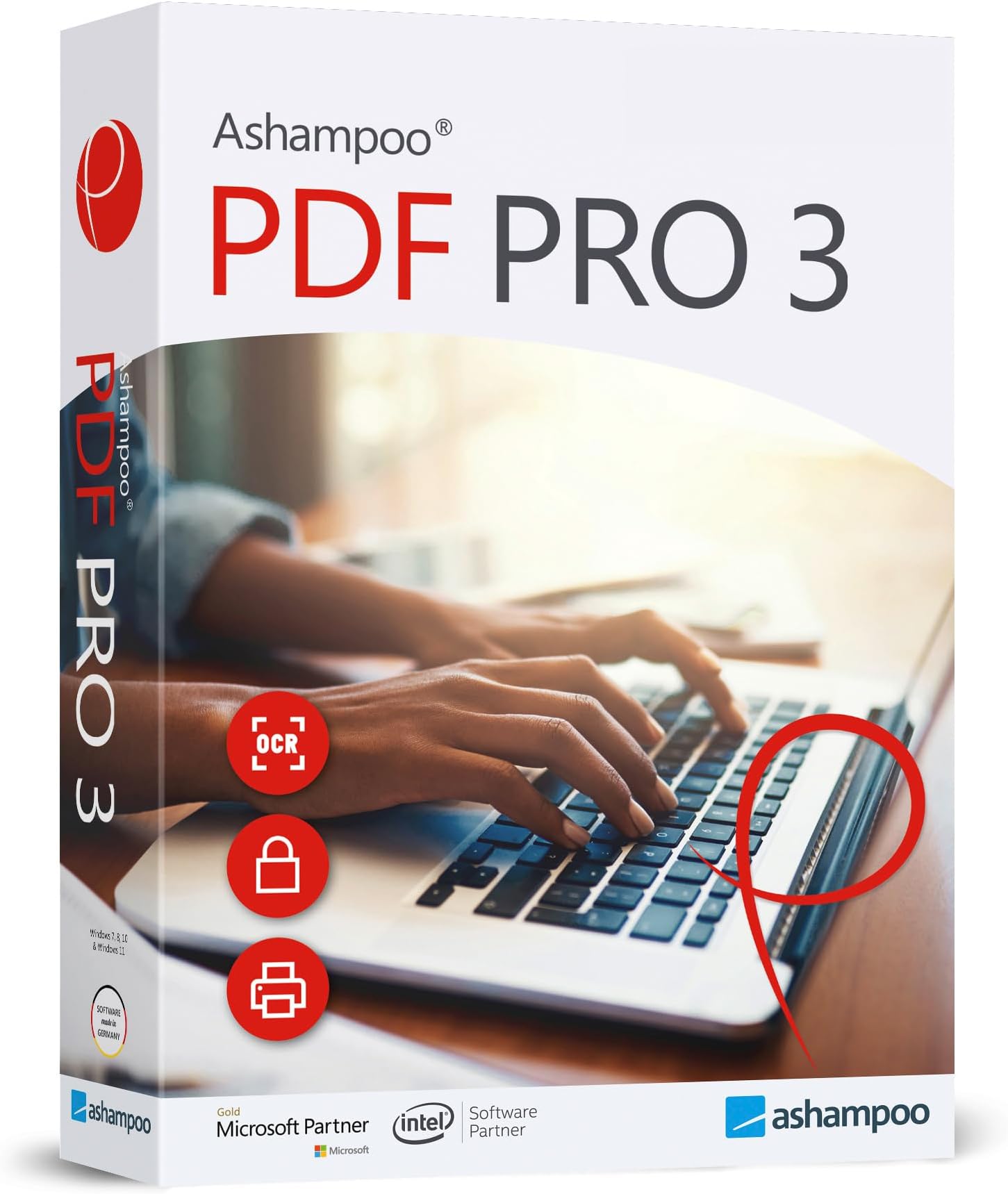


PDF Pro 3 - PDF editor to create, edit, convert and merge PDFs - 100% Compatible with Adobe Acrobat - for Windows 11, 10, 8.1, 7
Product ID: 166291465
📄All-in-one PDF management
🔒Advanced document protection
⚙️OCR & interactive form creation
📄 Unlock your PDF potential — professional power without the premium price!
PDF Pro 3 is a versatile PDF editor designed for Windows users, offering comprehensive tools to create, edit, convert, merge, and secure PDF documents. Fully compatible with Adobe Acrobat, it features OCR technology, interactive form creation, and document protection, all wrapped in an intuitive interface with free technical support. Ideal for professionals seeking robust PDF functionality at a fraction of the cost.














| ASIN | B07YSRXL9L |
| Best Sellers Rank | #361 in Software ( See Top 100 in Software ) #3 in File Conversion |
| Customer Reviews | 3.5 3.5 out of 5 stars (544) |
| Date First Available | October 7, 2019 |
| Manufacturer | Markt+Technik |
| Package Dimensions | 7.5 x 5.3 x 0.6 inches; 2.4 ounces |
P**R
Perfect for a word document
I was able to do what I needed to do
B**R
Call me Stupid
I guess you get what you pay for cheap is cheap. Didn’t open until after my 30 day return was up, dumb. 1st computer nothing, no install, same with the 2nd, finally some with the 3 th. Worked on it for over 1/2 an hour to get it to install. The contact they gave goes to some college site. It installed? It’s junk still unable to edit anything. It open then asks to transform to editing mode then can’t edit. Teaches me to make sure it works before my return time expires. Call me stupid!!
G**G
You can buy it for half the price from the software company
Not very easy to use and lacks some features that I had in my other pdf editor. Also, I could have purchased for $15 after receiving it since they have it on sale on their website. My other pdf editor will remove watermarks from sample pdf files. This software will not delete things like the watermark "SAMPLE", etc. Nice to have 1 price to pay instead of a monthly fee for Adobe.
L**M
Good alternative to Adobe
I only used Adobe to be able to add, delete or insert pdf pages and some light updates. I haven't yet used the editing tools but the other uses have been very easy to utilize. Great savings for my needs.
T**R
A decent program for the price.
Finding an affordable PDF converter program was a pain in the you-know-what. Most programs are actually subscriptions, not technology you buy and own. I needed the converter as I had lost the working files of one of my books due to a technical glitch. All I had was the PDF that the folks at Amazon very kindly sent to me. After months of looking over available technology I settled on this program. It took may attempts and experiments to get this to work for me. I needed to convert to a doc. file, which it did, but the file was a jumble of text boxes on every page, a document nearly impossible to edit and convert to WordPerfect, the program I use for my writing. I tried everything I could think of to produce a serviceable document, then finally hit on an idea. I converted the document to RTF, which produced a document in which every page had one large text box. I then did a select-all and copy-and-paste onto a blank document, and got my editable format! It is taking quite a while to go page by page to make formatting corrections, but I am satisfied with the result, considering how affordable this product is.
J**D
Extremely clunky to work with
Very slow for the program to even open. Easy to add text to existing documents but have to edit to position properly. Will not print the document at all, only prints a section at the top. Have to save and then open in Adobe Reader to print it. Not worth my time to return. For the price, at the very least I am able to do the minimal editing I need to an existing document.
J**N
What's not to love?
I remember back in the day when some places had 'Giveaway of the Day' concepts and that is how I first encountered products by Ashampoo. Most of my friends would say 'if they are giving it away, it must be junk' but surprisingly Ashampoo's products have proven to be sturdy and useful things. So far this one is doing everything I ask of it, so what more do you want?
S**M
GREAT product
Two things of interest about this product. I have been using the free Adobe Acrobat Reader. Got a .pdf from a friend the other day, wanted to print it out. Adobe said I needed a different font to print, but, no way could I get whatever it wanted to download. I fired up this up, hit print, and away it went, now that is what I wanted. Second, I had a minor problem on one of my installs, a quick email to their support address and I had a quick reply and an instant fix to the problem. I can only say that is does what I want and their customer support is quick and customer oriented. Would definitely recommend them.
A**N
Su operación es con pantalla tipo office, lo que lo hace fácil de trabajar
Tiene las mismas funciones que Adobe
C**C
Good poduct
Fast shipping from Amazon; The product does what it says; I had a problem with installation on a second computer, solved the next day by the Customer Service; I think the best way to deal with this software is to download the trial, experience it and use the key, after you pay
M**D
great product
so easy to use and works well. I have used other PDF editor programmes and this one beats the others hands down. would recommend this product for home and work. we got this product so we can amend our company policies so we can keep up to date for our FORS audit.
K**R
Software
Works ok
E**M
Mostly good
For a budget product it works quite well.
Trustpilot
1 month ago
1 month ago