Buy anything from 5,000+ international stores. One checkout price. No surprise fees. Join 2M+ shoppers on Desertcart.
Desertcart purchases this item on your behalf and handles shipping, customs, and support to Romania.
📲 Control Everything, Anywhere — Because Your Smart Home Deserves Smarter Commands!
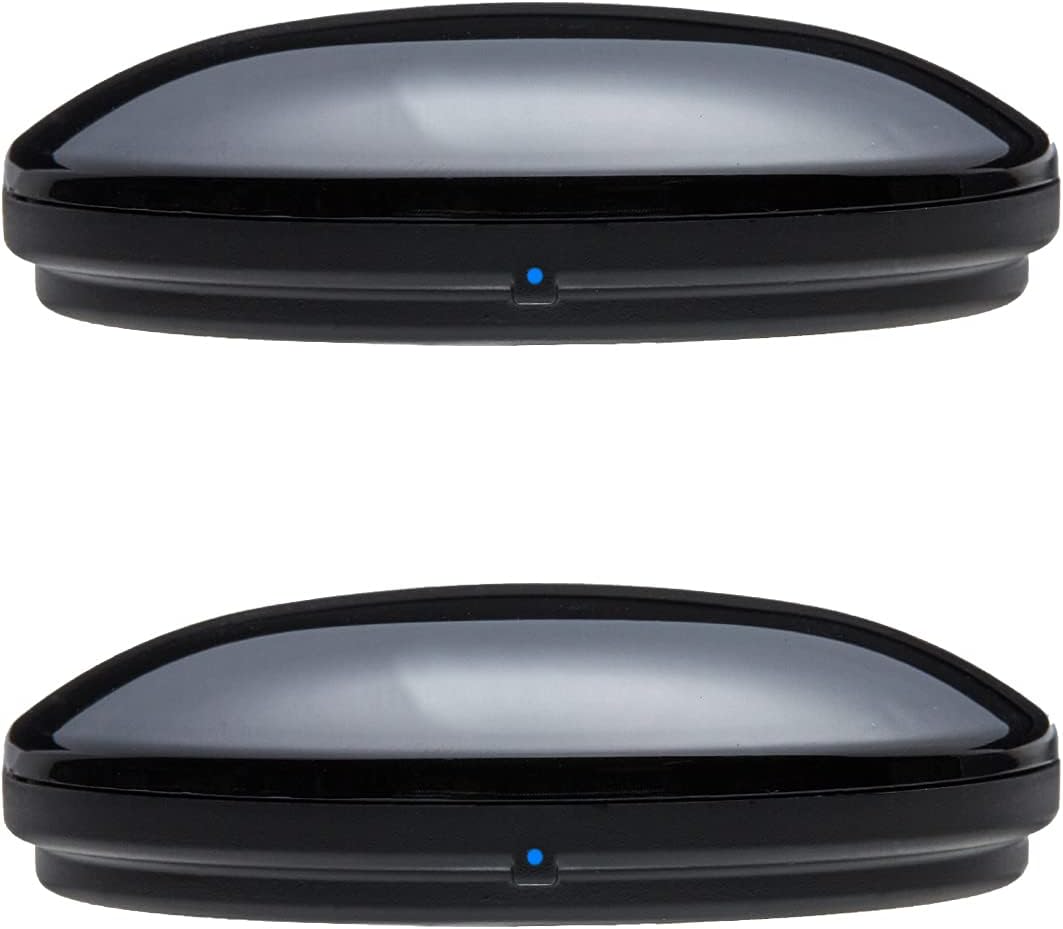
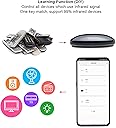
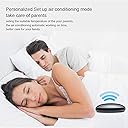
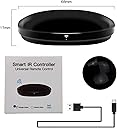
The FRANKEVER Smart IR Remote Control is a universal WiFi IR blaster that supports over 50,000 infrared devices, enabling seamless control of TVs, air conditioners, and more via the Smart Life app or voice assistants like Alexa and Google Assistant. With easy setup, customizable timers, and no hub required, it transforms your smartphone into a powerful remote, delivering smart home convenience and comfort at your fingertips.


| ASIN | B0851VWKRB |
| ASIN | B0851VWKRB |
| Additional Features | Universal |
| Battery Type | Lithium |
| Best Sellers Rank | #182,860 in Tools & Home Improvement ( See Top 100 in Tools & Home Improvement ) #318 in Home Automation Hubs & Controllers |
| Brand | FRANKEVER |
| Button Quantity | 30 |
| Color | R4 |
| Compatible Devices | Home Theater |
| Connectivity Technology | Infrared, Radio Frequency, Wi-Fi |
| Controller Type | Button Control \u3002 |
| Customer Reviews | 4.1 4.1 out of 5 stars (753) |
| Customer reviews | 4.1 4.1 out of 5 stars (753) |
| Date First Available | 12 March 2020 |
| Item model number | FK-UFO-R4 |
| Manufacturer | FRANKEVER |
| Manufacturer | FRANKEVER |
| Maximum Number of Supported Devices | 1 |
| Maximum Range | 10 Meters |
| Mfr Part Number | FK-UFO-R4 |
| Model Name | FK-UFO-R4 |
| Model Number | FK-UFO-R4 |
| Package Dimensions | 27.6 x 18.5 x 5.4 cm; 140 g |
| UPC | 602430108938 |
H**D
Very good
N**N
I got tired of not being able to control my fan on my shelf and ceiling. This one device turned anything with a remote into Alexa enabled. I can now set my AC and leave it on fan or turned off when I go to work. If it ends up being hotter in the day and I want the house cooled down, I just go to the app and turn the AC on as I leave work. And it feels great walking into a cool house instead of a hotbox that will take an hour to cool down.
J**S
This product does not support IR, only RF frequencies. I have two of these products install.
A**X
** Instructions for adding any button to an Alexa routine at the bottom of my review ** PROS - able to be added to Alexa routines - small and sleek - able to control devices spread all over the room - uses standard usb-c (cable included) - my devices were already in the database - can add buttons not in the database CONS - none, but it would be nice to add the device straight to the Alexa app, and control all functions straight from the routines menu, but I don’t think any IR device can do this yet. OVERVIEW WOW, this device is awesome, especially when you consider the price. I was surprised by how small the device is (I attached a size comparison with a pen). Setup was pretty easy, I just followed the instructions in the manual, and then connected the smart life skill to use the device with Alexa. MY USE CASE I have this controlling 3 devices: projector, TV, and soundbar. My goal in getting this was to easily transition between using my PS4 while sitting at my desk on my TV, to laying in bed on my projector, and vice versa. This worked out perfectly by using an Alexa routine (see attached video). I was a little worried that a device like this would only emit IR in one direction, similar to a remote, however, it was able to reach 3 devices on separate sides of the room. Amazing! I even pushed it behind my TV and it still works. INSTRUCTIONS TO ADD ANY BUTTON TO AN ALEXA ROUTINE I highly recommend you screenshot this section for later if you intend on using Alexa routines with this product. 1. Setup the device as shown in the manual 2. Add your device to the smart life app, most devices are already in their database, if it isn’t, choose the most similar device. 3. Once the device is added, open the remote for it. If there’s a button that you want that’s not included with the default remote, add a custom button. This will have you point your remote towards the device and hold the button to add, works perfectly. 4. Once all the buttons that you want are on the remote in the smart life app, then go to the smart tab in the smart life app and click on the tap-to-run menu. Here you’ll have to create a tap-to-run task for each function that you would like Alexa to receive. 5. Once you have all the tap-to-run tasks working within the smart life app, go to the Alexa app, and search for the smart life skill and connect it to your account. 6. In the Alexa app, go to the devices tab, click the “+” in the upper right hand corner, tap add device, then scroll to the bottom and tap other. This will pull in all the tap-to-run tasks into Alexa. Alexa will recognize them as scenes, therefore, you will find them in the scenes menu. 7. Now you’re ready to create your Alexa routine like normal and just add the appropriate scene to your routine. ** if you found this helpful please let me know by clicking ‘helpful’ **
R**N
Works perfectly and can either create a remote using your old remote or use the extensive library both from the company or from users have have been able to control everything I have tried to control. App is user friendly and not hard to set up.
Trustpilot
2 weeks ago
1 month ago