Buy anything from 5,000+ international stores. One checkout price. No surprise fees. Join 2M+ shoppers on Desertcart.
Desertcart purchases this item on your behalf and handles shipping, customs, and support to Romania.
🎨 Elevate your edits—control creativity like never before!
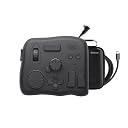
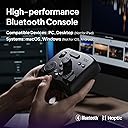
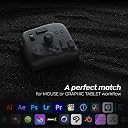
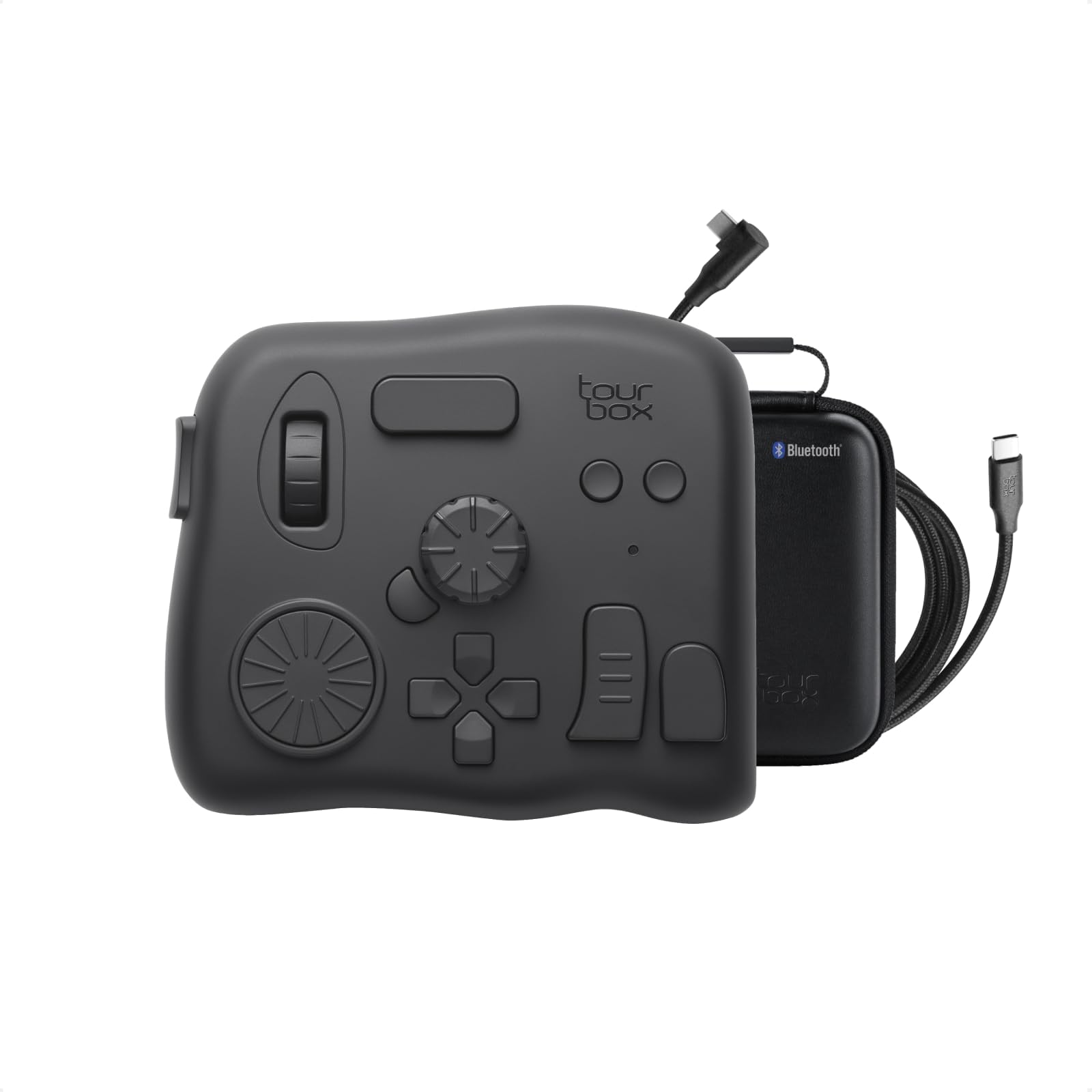
The TourBox Elite is a professional-grade video editing and color grading controller featuring dual Bluetooth and USB-C connectivity, extensive software compatibility, and a fully customizable interface. Designed for Mac and PC, it offers tactile, one-handed control over complex editing tasks with upgraded materials and advanced haptic feedback, making it an essential tool for digital creators seeking speed, precision, and seamless workflow integration.


| ASIN | B0B5XD8JM1 |
| Best Sellers Rank | #2,970 in Computer Keyboards |
| Brand Name | TOUR BOX |
| Color | Translucent |
| Customer Reviews | 4.5 4.5 out of 5 stars (180) |
| Display Type | LED |
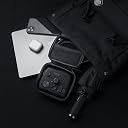
| Included Components | Device, Cable, Travel Bag, Quick Start Guide |
| Item Weight | 0.94 Kilograms |
| Manufacturer | TourBox Tech Inc. |
| Material Type | Plastic |
| Operating Temperature | 10 Degrees Celsius |
| UPC | 850040209167 |
| Voltage | 3 Volts (DC) |
| Warranty Description | 1 Year Manufacturer |
D**A
Best tool I didn't know I needed!
I use a Wacom pad for editing photos and creating digital art, and I have loved the customizable one-touch features mine has on it, so when I saw what the TourBox Elite could do, I knew instantly I was going to love it. It arrived...and it sat in the box for a week. I admired the heaviness and quality of it. I enjoyed playing with the little wheels and knobs, but I felt a little mental barrier to getting it set to start using. Maybe two weeks went by before I forced myself to figure it out. Loading the software was a tad clunky, and until I got an update installed, it behaved that way too. But once everything was set up and I'd made a few custom modifications to the presets, I realized it truly was everything I hoped it would be. I had to draw a little post-it map for reference while I learned what each thingy did, but as I'm a quick learner (or I'd like to think I am) within a few sessions, I was using the TourBox as though I've been using it for years. I have not eliminated my keyboard, but there is no doubt when working in Adobe and Corel programs, it is remarkably easier to zoom, move, switch tools, etc than using keyboard commands. Between the mouse/Wacom pen in my right hand and the TourBox in my left, I'm working faster and smoother, keeping my eyes on the screen without interruption. I LOVE it and I'm glad I got it! BTW, I'm a right-hander. If it's not already available in reverse for Lefties, that should be remedied.
G**N
Must have for mass image and video editing
Have a huge media library and find editing a slow and laborous process? I did, so I went for this option. I will be honest, it is a little intimidating at first, but using the presets, tips, and building a little memory muscle I was rapidly editing in post. Works exceptionally well for LRC and PSP, and I'll soon try it for video. There are a library of presets you can add, and the functions are customizable. The semi-transparent on-screen help was very useful at first. The unit is solid, heavy and allows you to use both hands and skip keyboards and short cut pretzel finger combinations. It has been a game changer.
C**N
Works reasonably well on PS and Vegas Pro
It has a good weight to it, so it stays put on the table. Easy customization, although there is a known software bug that has not been addressed yet. This bug was documented in forums early on which relates to double click function assignment of buttons - it will also trigger the single click function no matter how fast you double click the button. The only way to get around this is to assign a non-modifiable function to the single click function such as a Ctrl, Alt, Shift. If not for this bug, I would've given it a 5 star.
N**O
This thing is amazing! Increased productivity by double or triple!
The moment I felt this tourbox I knew it was high quality. It's not cheap plastic and lightweight where it would slide around the desk while being used. It is packed full of great buttons and dials that can be 100% customized to your liking, but even better is that there are dozens of different templates already created for you to select from to save time in setting up and to start using it to save time. Editing has never been as enjoyable as it is now never touching my keyboard again, a hand on my mouse and a hand on the tourbox and I'm set!
G**8
Awesome
Best used for Lightroom and DR
S**I
Unique Productivity tool..highly recommend
Sharing this review after 2 yrs usage, primarily for Final Cut pro X editing. With small footprint it fits in left palm comfortably without taking-up too much space on table. Giving each key a unique feel is what sets this apart; I barely look at keyboard while editing. Better, lighter and portable than Davinci Resolve Speed editor for edit. Only con is its scroll button which became faulty after an year's usage. Still worth it and highly recommend. Hope they continue to stay in business and come-up with more innovative products.
W**N
Do it, buy it, apologize to your partner later.
Expect a sharp learning curve... or it just might be my age. I've had this Tourbox for almost a month now and love it. The presets that come with this are more or less just hands-on tutorials. The first thing I did was to design my own presets which were based on editing images just using the mouse and keyboard. I made note of the most used keyboard shortcuts while processing an image from start to finish. Then I set up the Tourbox's controls based on what I used most. I kept refining the controls based on sequence, comfort and editing steps until I'm at a point that I have greatly increase overall editing speed. The first couple of editing sessions I had to force myself not to reach for the keyboard and it took a while to edit all the images, but I was learning Tourbox. When I reached for the keyboard, I would stop, look for, and test different presets to see how they fit into my Tourbox workflow. I swapped out the button and dial presets quite a few times, so don't expect to become fluent with Tourbox overnight. I use a combination of Bridge, Photoshop, and Lightroom when editing. Each one of these apps have their own set of presets on Tourbox. As you change apps, Tourbox switches to the presets for that app flawlessly. Learning and mentally retaining the different button combinations takes a little while to become efficient, but I can now flow smoothly between apps and presets. The only area that I've not tackled yet is setting up macros. The reason for the four-star review is that the response time can be slow when jumping around the controls, whether it be connected by Bluetooth or cable. The next issue I had was trying to use it with Microsoft Excel. I just had some basic presets added but I could not convert an Excel sheet into a PDF, even though the conversion was not setup up on the Tourbox. Apparently some apps can mess with others that use macros, from what I found on Google. But like I said at the beginning, I love it! The price is very affordable, and the quality is solid. Now when I sit down to the desk to open a browser window or app, the first thing I notice is that my hand is reaching for the Tourbox even though they are not linked. Do yourself a favor and get a Tourbox, you can thank me later.
J**.
Loved the idea. Just didn't end up using it.
Interesting way of using editing software.
P**T
Cuando recibes el producto es como abrir un producto de apple , pero una vez que empiezas a usarlo se convierte en una pesadilla , la manera en que indican cómo se instala es nos 100% acertada , Almenos en lo Mac mini M1 así lo fue , cuando intentas configurar es ahí donde no es intuitivo y es torpe , solo comandos y no botones ! , cuando intento programar ciertas funciones no me deja , siempre es una batalla ,también la conexión a Bluetooth no es tan buena cuado lo haces por primera vez , una vez que agarra entonces ahora si ya no tienes problemas , siento que pierde su propósito el producto cuando te hace perder todo el día configurándolo , debería ser de uso rápido y amigable pero no lo es , no lo recomiendo por la experiencia que tuve , lo que quería es dejar de usar el teclado por eso lo compre ,pero solo le agregué un aparato más a mi flujo de edición 😕 , estoy pensando en comprar otro de otra marca y a un precio similar , Ya lo regrese !
G**V
Even though it is mentioned that they sell (with storage box), they don’t send it. The product is good.
G**G
Excelente!! Me es muy útil tenía mucho tiempo queriendo adquirirlo y me encanto
Y**9
あると超活躍。持ち運びには不向き
M**7
I love this little unit. Gotta admit I eyed this for quite a while before finally taking the plunge, and...THIS THING REALLY DELIVERS!! It took me almost no time to get set up and create a few custom profiles for software I use - FCPX, Affinity Photo, Apple Photos, IINA media player. It's really easy to configure and use, and most importantly it really does make my work easier and more enjoyable. I've been using it constantly and in the early going when I did have some questions, Tourbox stellar support team responded promptly and professionally. I can't say enough about this - kudos to the design team and Tourbox.
Trustpilot
2 days ago
1 month ago