Buy anything from 5,000+ international stores. One checkout price. No surprise fees. Join 2M+ shoppers on Desertcart.
Desertcart purchases this item on your behalf and handles shipping, customs, and support to Romania.
๐ Elevate your Raspberry Pi vision game with autofocus precision and pro-level clarity!
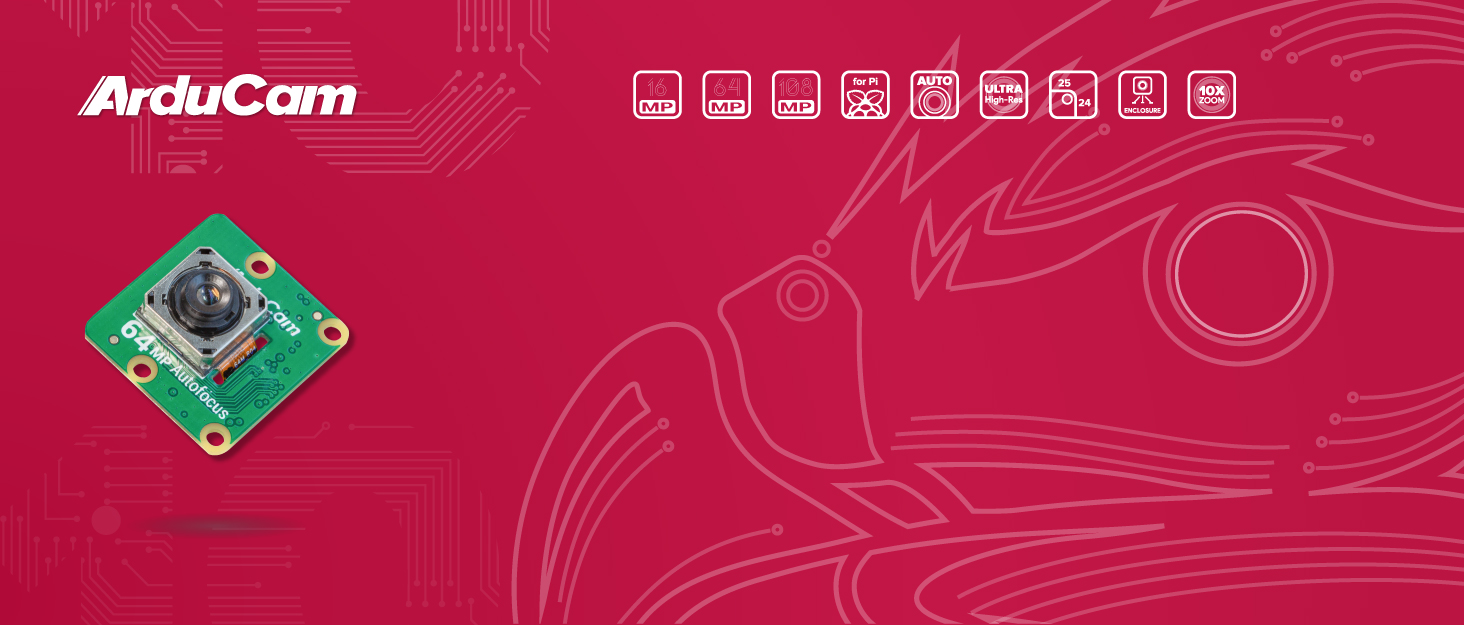
The Arducam Raspberry Pi Camera Module 3 features a cutting-edge 12MP IMX708 sensor with a 75ยฐ diagonal field of view and hybrid PDAF+CDAF autofocus technology. Compatible with Raspberry Pi 5, 4B, 3B, and Zero W/2 W models, it connects via a CSI-2 2-wire serial interface and supports libcamera and Picamera2 software. Designed for professionals and enthusiasts, it requires minor configuration adjustments to unleash its full imaging potential.


| ASIN | B0C9PYCV9S |
| Best Sellers Rank | #156 in Single Board Computers (Computers & Accessories) |
| Brand | Arducam |
| Built-In Media | 12MP IMX708 image sensor, 66ยฐ HFOV autofocus Lens, Raspberry Pi compatible cables or connectors |
| CPU Manufacturer | ARM |
| Compatible Devices | Raspberry Pi 5/4B/3B, Zero W/2 W |
| Connectivity Technology | CSI-2 |
| Customer Reviews | 4.4 out of 5 stars 131 Reviews |
| Included Components | 12MP IMX708 image sensor, 66ยฐ HFOV autofocus Lens, Raspberry Pi compatible cables or connectors |
| Manufacturer | Arducam |
| Mfr Part Number | B0312 |
| Model Name | Arducam for Raspberry Pi Camera Module 3, 12MP IMX708 75ยฐ(D) Autofocus Pi Camera V3 |
| Model Number | B0312 |
| Operating System | Bullseye OS |
| Processor Brand | ARM |
| Processor Count | 1 |
| RAM Memory Technology | LPDDR4 |
| Total Usb Ports | 4 |
| Wireless Compability | 802.11b |
H**O
Nice Camera
I use this camera on a Pi 5 Bookworm 64 bit with the AI-Hat running a custom YOLO11 model for a security system. Runs at over 30Hz with a 1280x720 image size for my application 24-7. No issues, great picture. When used with a Pi 5 be sure to setup your /boot/firmware/config.txt file with the following 2 lines otherwise the camera will NOT be recognized: camera_auto_detect=0 # CHANGE existing line default was =1 dtoverlay=imx708,cam0. # NEW place after [all], cam0 or cam1 depending on the Pi 5 camera slot.
J**L
Incompatible with Jetson Nano
Warning: Not fully compatible with the Jetson Nano! The camera itself is perfectly fine but any picture captured on the camera using the Nano will appear pink/magenta and fully washed out and this is because the sensor is operation without a specific Image Signal Processor tuned to to the Nano platform. I am going to return and swap for an IMX477 sensor which has ISP support on the Jetson.
J**H
Impressive Pi camera
Iโve only had the camera for a few days, so hereโs my initial impression: Image quality and autofocus are excellent. Price was pretty reasonable at -$32 dollars. One thing to keep in mind, take off the red plastic lens cover (including rubber standoffs)
J**E
Support is great and the camera works well.
I had installed drivers and libraries and struggled to get the camera working the way that I needed. I contacted support and received a quick response to check some settings. I had the wrong settings and the camera worked perfectly afterwards. I'll definitely buy this camera again for my Raspberry Pi when I need one.
D**.
High performing camera at an exceptional price
Excellent little camera! I needed something for a machine vision project and this camera performed the best of 5 different cameras that I tried (and was the cheapest by far). The only downside is that routing the ribbon is a much bigger pain that I expected and ribbon connectors are far less sturdy than a typical USB plug. If this is used in an environment where there's plenty of room for a ribbon and it won't be disturbed, then this is a great choice!
M**.
Nightmare to setup on RaspPi 3B with newest OctoPi
UPDATE: The seller reached out to offer a refund. Thank you. I did not accept their offer because I did a LOT of research and testing and finally found a configuration that (barely) works on a Raspberry Pi 3B. Upgraded to 3 stars because it works but involved much more work than was expected because the product description page on the vendor website does not provide sufficient detail. Sure. It shows how to configure and get the camera _detected_, but from there you're pretty much on your own. ffmpeg, libcamera-vid, and ustreamer were used in my final solution. Frame rate is only 6 FPS at 1024x576, but that's good enough for what I need at the moment on my 3D printer. Auto-Focus is working now with some custom options on the command line, but it took a while to find that info. I do not recommend this for a Raspberry Pi 3B because it really does not have enough CPU at 1.2GHz to run this camera at a decent resolution and frame rate. It would probably work great for stills, but not for 12MP video! I haven't tested with a 4B (1.8GHz) or 5 (2.4GHz turbo) yet, but I expect they would perform significantly better. ORIGINAL REVIEW: While the camera sensor itself outputs RAW10, the output format from the IMX708 plugin is YUYV and is not easy to setup with common tools which use MJPEG. As such, it is not easily compatible with most tools. Even with LLM AI "help", it took me over two full days to get an almost working camera. I still can't get it to focus on my print bed. In my case, it's not worth the money because of the excessive time I've put into it so far. I do *not* recommend this camera for a beginner. It's a LOT of work to get setup.
A**R
Incorrect cable installation directions, otherwise easy to setup and use. Nice picture.
I got it to work on a Pi Zero 2 W. The software directions were correct, I had to make the 2 changes in the firmware config file like they said and restart the pi. I also needed to enable I2C (which is not mentioned, and can be done via raspi-config). The camera auto focuses well, and has a fairly nice clear picture. The only reason I didn't give it a 5 star is because the directions for physically connecting the camera are not correct. It shows it using the large included cable (with the larger end on their camera) and the smaller end on the Pi Zero 2. You actually need to use the thinner cable that comes with it. The way the photo shows the cable being attached is also incorrect. The cable is backwards on one of the connections (I don't remember which), so if you get the "No Cameras Available" error, try flipping the cable at each end (one at a time), restart the pi and try again. Other than the directions for the cable not being correct, it was very easy to setup. I didn't have to install any drivers or software.
P**3
Great camera for student projects, but setup takes some trial and error
I picked up this camera to use with our Raspberry Pi projects in the classroom, and overall itโs been a solid addition. The image quality is really goodโthe pictures come out sharp, and the autofocus works well, which makes it great for things like robotics builds, experiments, or even simple vision projects. Weโve used it with different Raspberry Pi setups, and it integrates well once everything is configured. Itโs a nice way to introduce students to real-world applications like monitoring systems, basic AI/vision ideas, or documenting their projects. Once itโs up and running, though, it does exactly what itโs supposed to do. For classroom use, robotics clubs, or STEM programs, itโs definitely a worthwhile toolโjust not something Iโd call plug-and-play for beginners.
G**D
Great quality and packaging
Amazing product, worth the price, highly compatible with pi ,amazing camera quality
M**R
Works as expected.
Good product, does as expected. Comes with two ribbon wires for connection to various models of the Raspberry Pi. Wouldn't hurt if wires were a bit longer. Easy connection to Raspberry Pi software, resolution is good. Price is right, I recommend this product.
J**E
This camera DOES NOT CONNECT TO A PI ZERO 2W
Be Warned!!! This is a warning to any who want to use a Pi Zero W or Pi Zero 2W with this camera I am so disappointed. I have contacted the distributor/manufacturer over in Honkers and told them that this camera's included cable is ONLY suitable for standard Pi camera ports. It is TOO WIDE and CANNOT fit the smaller 9mm wide Pi Zero 2W SBC. Probably perfectly fine for a Pi 3/3B/4 etc and the specs suggest that it is a good camera but I have a very specific use for this using a Zero, so I have done my money cold. I guess if the distributors/manufacturers included an additional cable that connects between a Pi Zero W and this camera then all would be okay. Otherwise these cables (with narrow connector both ends) are difficult to find. In fact, I can't find one online anywhere. There is an adapter board that would suit and I've seen one on a YT video but nowhere else.
H**U
Good product
Why did you choose this product over others?: Works well, just remember to remove the lens cover
I**L
Fails with dmaHeap allocation error
Using with a Pi 4 running bookworm (12) and half the time libcamera-still fails with error: dmaHeap allocation failure for rpicam-apps0 ERROR: *** failed to allocate capture buffers for stream *** Have been through the trouble shooting guides, allocated more cma (512M) but makes no difference. The image quality when it manages to capture an image is very good and Iโve therefore given three stars. The issue with reliably capturing an image can be got around by using a script to keep trying until success, which suits my use case, but is not ideal
Trustpilot
2 weeks ago
2 months ago