We remain fully operational. Our teams are working around the clock to ensure your deliveries continue safely.

DOWNLOAD THE APP


Customer Services
Copyright © 2025 Desertcart Holdings Limited
DOWNLOAD THE APP



Buy anything from 5,000+ international stores. One checkout price. No surprise fees. Join 2M+ shoppers on Desertcart.
Desertcart purchases this item on your behalf and handles shipping, customs, and support to Romania.
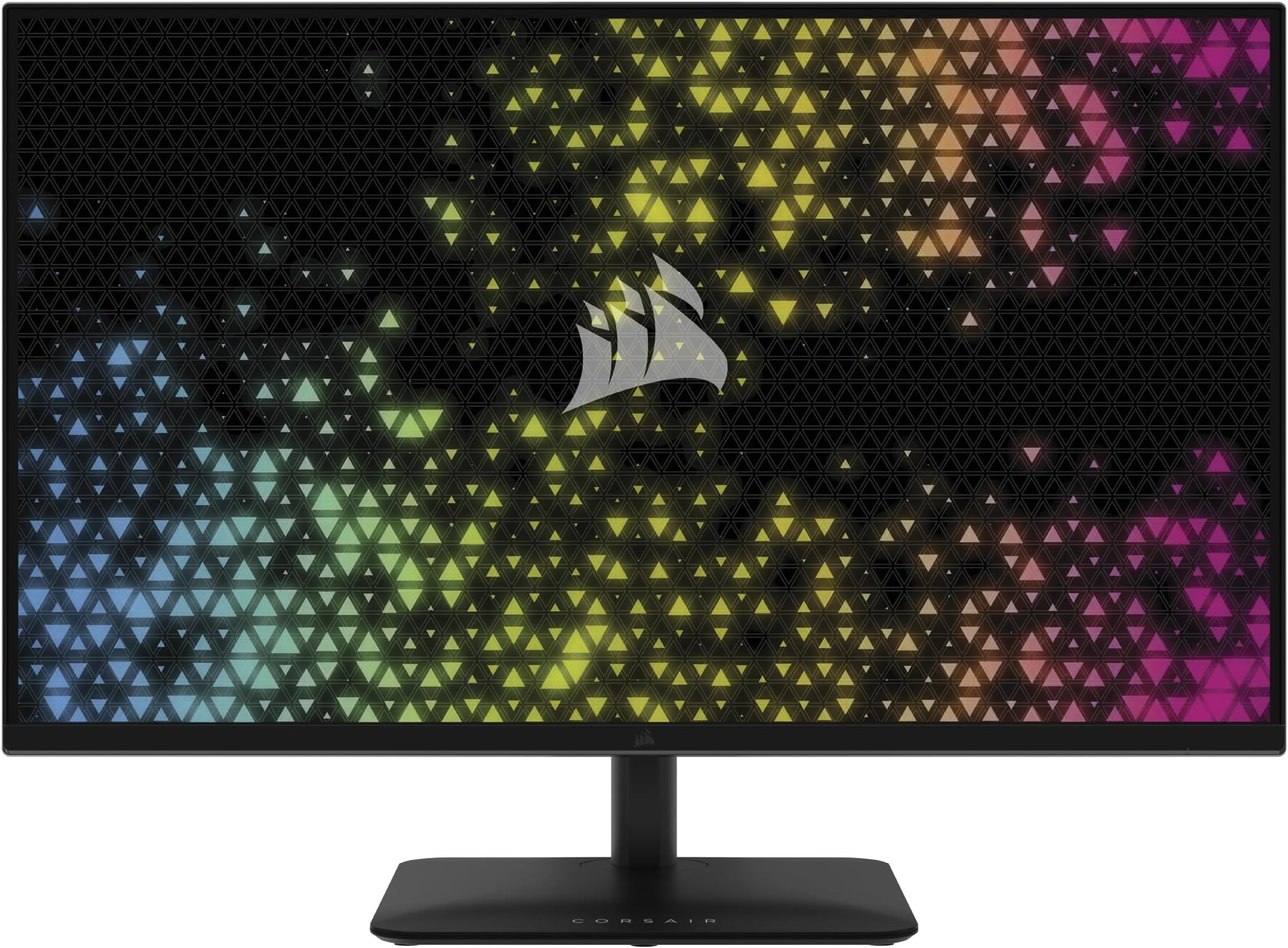
🎮 Elevate Your Game with Unmatched Clarity and Speed!
The Corsair XENEON 27QHD240 is a cutting-edge 27-inch OLED gaming monitor featuring a stunning 2560 x 1440 resolution, a lightning-fast 240Hz refresh rate, and an ultra-responsive 0.03ms response time. With advanced technologies like NVIDIA G-SYNC and AMD FreeSync Premium, this monitor delivers an unparalleled gaming experience, while its self-lit OLED pixels provide exceptional HDR and color accuracy. Perfect for both work and play, it combines sleek design with future-ready connectivity options.


| ASIN | B0CND6MWLW |
| Adaptive Sync | FreeSync Premium |
| Additional Features | Adaptive Sync, Height Adjustment, High Dynamic Range, Tilt Adjustment, USB Hub |
| Aspect Ratio | 16:9 |
| Brand | Corsair |
| Brightness | 300 nits |
| Built-In Media | 1x Display Port 1.4 (1.5m) Cable, 1x HDMI 2.0 (1.5m) Cable, 1x USB-A to USB-B (1.5m) Cable, AC Power Adapter and Power Cord, CORSAIR XENEON 315QHD165 Gaming Monitor, Documentation, Monitor Stand Neck and Monitor Stand Base |
| Color | Black |
| Color Gamut | 99 |
| Compatible Devices | Desktop, Gaming Console |
| Connectivity Technology | DisplayPort, HDMI, USB Type A, USB Type B |
| Contrast Ratio | 1000:1 o superior |
| Customer Reviews | 4.2 4.2 out of 5 stars (242) |
| Display Resolution Maximum | 2560 x 1440 Pixels |
| Display Technology | LED with some extra treatment to make it bright |
| Display Type | LED |
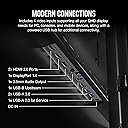
| Hardware Connectivity | 3.5mm Audio, DisplayPort, HDMI, USB 3.0 Type A, USB 3.0 Type B |
| Has Color Screen | Yes |
| Is Electric | Yes |
| Item Dimensions D x W x H | 27D x 71.6W x 55.1H centimeters |
| Item Weight | 17.86 Pounds |
| Manufacturer | Corsair |
| Model Name | XENEON 315QHD165 |
| Model Number | CM-9020007-NA |
| Mounting Type | Desk Mount |
| Native Resolution | 2560x1440 |
| Number of Component Outputs | 2 |
| Picture Quality Enhancement Technology | Advanced IPS technology |
| Refresh Rate | 165 Hz |
| Resolution | QHD Wide 1440p |
| Response Time | 1 Milliseconds |
| Screen Finish | Glossy |
| Screen Size | 31.5 Inches |
| Shape | Flat |
| Specific Uses For Product | Gaming |
| Total Number of HDMI Ports | 2 |
| Total USB 3.0 Ports | 3 |
| Total Usb Ports | 3 |
| UPC | 840006675068 |
| Viewing Angle | 85 Degrees |
E**O
Llego muy rapido el monitor, tiene muy buenos colores y alta frecuencia de actualizacion de cuadros, lo unico que si me molesta es que tiene ghosting pero es muy dificil notarlo, la unica forma de quitar el ghosting fue desactivar la sincronizacion G-Sync y desactivando eso el monitor esta 10/10
Y**R
Compré este monitor Corsair OLED en diciembre y, después de varios meses de uso intensivo, puedo decir que ha sido una excelente inversión. La calidad de imagen es simplemente espectacular: colores vibrantes, negros profundos y una nitidez que realmente se nota en juegos de todo tipo. Lo uso principalmente para gaming (FPS, RTS, MOBA) y el rendimiento ha sido impecable. La alta frecuencia de actualización y el bajo tiempo de respuesta hacen que todo se sienta fluido y preciso, ideal para juegos competitivos. Además, las herramientas que incluye para prevenir el burn-in son efectivas y fáciles de configurar, algo muy importante en monitores OLED. Hasta ahora, cero problemas. Muy recomendable si estás buscando una experiencia visual premium para juegos.
F**4
Absolutely amazing screen! It’s a 21:9 OLED that can do 240hz!!! And you can bend it from Flat to Curved. That means when you’re tired of playing FPS or Racing games on curved at 240hz, you can lactually bend it back to Flat so you can chil out and watch movies at 60hz. Incredible design and gorgeous picture! Don’t walk to the Amazon store, Run!!! And buy this immediately!
G**I
Great monitor with amazing colors. The matte finish I am pretty used to and it is not overwhelming. I honestly prefer not seeing a reflection in my monitor as I sit right next to a bright window. I play a lot at night but I still use it during the day sometimes for work. Brightness isn’t the BEST but it is more than enough for me to play competitive games. The screen protects itself in a way that whenever pure white is shown on screen it usually comes off as grey which I don’t mind. For work it is a little adjustment/dimmer (when in pure white docs). Although for gaming, I don’t need my eyes seared by every flash bang to be competitive, so I’m not missing out there. HDR is ok but I’m not a huge single player person and I typically keep it off most the time. A nice item for working from home is that I can power/display my usb c charging laptop with one cord to the monitor. No additional power cords/supplies are needed to plug into the monitor to charge my laptop ~60watts (I think) while showing a picture on screen. The monitor power cord alone supplied enough for itself and an excess of 60w to charge (the monitor cord itself has a larger power brick due to this). Keeps my desk clear of unnecessary/excessive cords. Response time is stellar and quality is top notch. No dead pixels. I really enjoy this monitor and the only reason I would ever change it is to upgrade from 1440p 240hz to a 4k 240hz monitor. Even then, 1440p OLED is almost perfect on a 27 inch display except text clarity is the only real improvement I would see from 4k resolution (OLEDs are typically a bit worse for text clarity).
E**I
I have used all the oled monitors that are available in the market. I do have a lg c2 55 that I use for RPG, and TV, corsair for work (I code, text isn't an issue for me - Is it crisp? No, Would you notice? With 110 PPI I would say no issue for most). Corsair just nailed the monitor I/O - I love the way they designed it. PS5/Xbox - you got hdmi 2.1. PC no issues with display port, and Type-C DP - The only high end gaming monitor that provides this (I love type-c DP, I could just plug in one usb-c to my work laptop, and not worry about power supply (its adequate unless you are gaming), and monitor's USB hub as the monitor has usb-c upstream port (What happened to lg, dell, Asus - still stuck with USB-A - This isn't a game changer, but a nice to have!), and the type-c DP. So, Monitor's Input switch is all it needs to switch your accessories between machines. This works great for people who work and game on different machines but single monitor. NO RGB -> I like my monitors black. This is subjective, so for people who are into RGB this is a let down. Movies & TV -> Nothing special to me, as I have a 55 c2. A television obviously excels with its AI upscaling, smoothing and so on. Blacks -> Its just black, once you switch to oled you will love the blacks and would never go back (Proceed with caution!) Webcam placement -> I had issues with AW34DWF because no magnetic attachment support, this monitors works perfect. Gaming -> AW34DWF - Colors are just amazing. When you get to WOLED panels, you will notice how over-saturated Quantum Dot panels are, and I eventually started appreciating the colors on WOLED. Brightness -> I game and work with lights on, I have no issue at all. There is a built in ABL(Auto brightness limiter) that is aggressive, but interesting part is it doesn't affect you while gaming. But, regular desktop usage takes time to get used to. There is a brightness stabilizer - If you use this the brightness is way below sub-par. I would recommend turn off brightness stabilizer and get used to the built-in ABL. This way you get the best experience it could offer in terms of brightness. Even with lights OFF (a dark room) - With brightness stabilizer ON - You just can't game. I think they have done this because of the 3 year burn-in warranty. It took me 2-3 days to get used to ABL. No I barely notice it. Hope this helps someone. I have finally decided to keep this, my hunt for an OLED monitor started in March, and finally came to an end!
Trustpilot
1 month ago
2 weeks ago