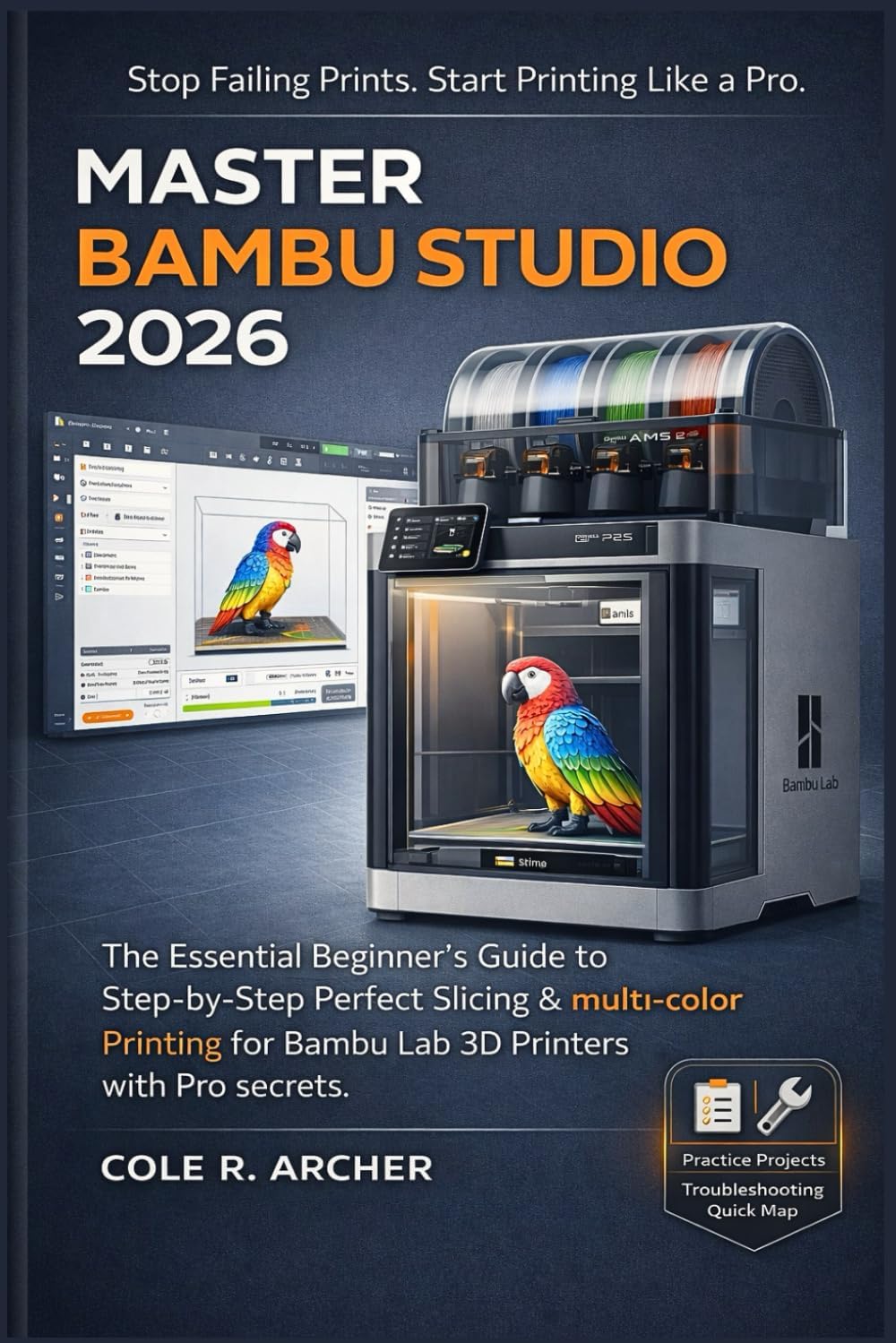
MASTER BAMBU STUDIO 2026: The Essential Beginner’s Guide to Step-by-Step Perfect Slicing & multi-color Printing for Bambu Lab 3D Printers with Pro secrets (3D printer Survival Guide)
Product ID: 805847215
Buy anything from 5,000+ international stores. One checkout price. No surprise fees. Join 2M+ shoppers on Desertcart.
Desertcart purchases this item on your behalf and handles shipping, customs, and support to Romania.
If you're using Bambu Studio but still struggling with failed prints, frustrating supports that won't come off cleanly, annoying stringing, unreliable bed adhesion, parts that feel weak and brittle, rough or unattractive surface finishes, or overwhelming and confusing settings... this book is written specifically for you. It targets the real-world frustrations that many Bambu Lab users face, even with these "plug-and-play" printers and provides clear, practical solutions to get consistent, high-quality results without the endless trial-and-error. MASTER BAMBU STUDIO 2026 is a concise, hands-on beginner's guide that walks you through installing Bambu Studio correctly, configuring it for optimal performance, slicing models with confidence, and consistently achieving clean, high-quality 3D prints—without wasting filament, relying on untested profiles, or getting lost in endless online forums. This isn't a dense technical manual filled with theory. It's a practical, real-world slicing system tailored for everyday makers using Bambu Lab printers, including the A1, A1 Mini, P1P, P1S, X1 Carbon, and compatible models—with or without AMS or AMS Lite. Inside, you'll discover how to: Install and set up Bambu Studio smoothly (eliminating lag, crashes, and common configuration headaches) Focus on the essential settings that deliver results: layer height, wall thickness, infill patterns, print speeds, cooling, and retraction Achieve flawless first layers and resolve adhesion issues like warping, lifting, or peeling corners Master Smart Supports for easy removal without damaging your model's surfaces Troubleshoot and eliminate frequent print defects: stringing, blobs, ringing, elephant's foot, layer shifting, weak structures, and gaps Optimize for both strength and surface finish using efficient toolpaths and proven slicing techniques Set up reliable multi-color and multi-material printing with AMS/AMS Lite, including advanced purge optimization and waste reduction Diagnose problems quickly like a pro , saving time and frustration You'll also uncover the "pro-level" insights most resources overlook: building consistent, repeatable custom profiles, avoiding endless trial-and-error tweaks, and following a streamlined workflow that produces dependable results print after print. Stop guessing. Stop wasting material. Start slicing—and printing—like an expert. Grab your copy of MASTER BAMBU STUDIO 2026 today and elevate your Bambu Lab experience. Scroll up now to get started! Review: This book helps you get serious with your prints. - I don't like the word "Beginner's" in the title. This isn't a bad book for beginners, but it shouldn't be a beginner's first book. It's a book for people who are beginning to get serious with printing. The target market for this book is people who want to 3D print things for others, quite often for sale. If correctness, reliability, repeatability, strength, finish, and efficient workflows that leave little room for error are important to you, then this is the book to get. If the default settings on your Bambu printer have served you well so far, and you don't want to invest any time or energy into making prints better/faster/cheaper/stronger/more consistent, then this book may not be necessary. (To be fair, Bambu selects some pretty good default settings, but there's no such thing as a setting that is consistently good for everything.) Slicers are often difficult to configure, and it's usually a smart choice not to mess with them unless you know what you're doing. This book explains how to use your slicer to your advantage, and to ensure that you don't regret making changes. Much of what Archer teaches is an adaptation of a form of design discipline that engineers and software designers who work on large projects already have to use. The process is tedious at times, but it ensures that you make fewer mistakes, and that you learn from the mistakes that you do make. The book has a good section on troubleshooting problems with print quality. Archer dissects the failure modes of the printing process, to enable you to correct your prints. Most of the time, the printer itself is fine, and the problem is slicer settings. If you look at your prints and say "I could sell this!", then it's past time for you to get this book. It will pay for itself rapidly in time and materials saved, as well as in repeat business. Review: Badly written, lacking in important information, sometimes completely obtuse. - Some useful information, but really badly written. The author seems to be reluctant to use verbs. There are a ton of Bambu Studio features that are not mentioned. Sometimes the text refers to a control or feature that can't be found in Studio. Most of the zillions of parameters one can set are not mentioned at all. Some explanations are impossible to follow. I hoped to learn more about using Studio but am disappointed.


| Best Sellers Rank | #84,648 in Books ( See Top 100 in Books ) #6 in 3D Printing Books #7 in Industrial Manufacturing |
| Customer Reviews | 4.1 out of 5 stars 8 Reviews |
S**V
This book helps you get serious with your prints.
I don't like the word "Beginner's" in the title. This isn't a bad book for beginners, but it shouldn't be a beginner's first book. It's a book for people who are beginning to get serious with printing. The target market for this book is people who want to 3D print things for others, quite often for sale. If correctness, reliability, repeatability, strength, finish, and efficient workflows that leave little room for error are important to you, then this is the book to get. If the default settings on your Bambu printer have served you well so far, and you don't want to invest any time or energy into making prints better/faster/cheaper/stronger/more consistent, then this book may not be necessary. (To be fair, Bambu selects some pretty good default settings, but there's no such thing as a setting that is consistently good for everything.) Slicers are often difficult to configure, and it's usually a smart choice not to mess with them unless you know what you're doing. This book explains how to use your slicer to your advantage, and to ensure that you don't regret making changes. Much of what Archer teaches is an adaptation of a form of design discipline that engineers and software designers who work on large projects already have to use. The process is tedious at times, but it ensures that you make fewer mistakes, and that you learn from the mistakes that you do make. The book has a good section on troubleshooting problems with print quality. Archer dissects the failure modes of the printing process, to enable you to correct your prints. Most of the time, the printer itself is fine, and the problem is slicer settings. If you look at your prints and say "I could sell this!", then it's past time for you to get this book. It will pay for itself rapidly in time and materials saved, as well as in repeat business.
J**E
Badly written, lacking in important information, sometimes completely obtuse.
Some useful information, but really badly written. The author seems to be reluctant to use verbs. There are a ton of Bambu Studio features that are not mentioned. Sometimes the text refers to a control or feature that can't be found in Studio. Most of the zillions of parameters one can set are not mentioned at all. Some explanations are impossible to follow. I hoped to learn more about using Studio but am disappointed.
A**R
Great book
Great book for product
M**N
Great Resource, Slightly Technical
Packed with pro tips that actually work. A little technical at times, but worth it for the results.
Trustpilot
2 months ago
1 week ago