🎨 Elevate Your Artistry — Create Boldly, Work Smartly!
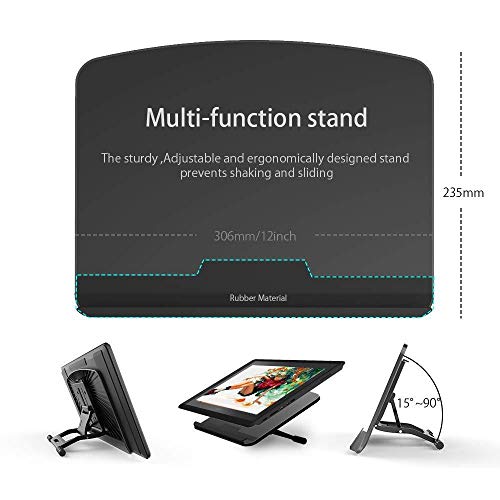
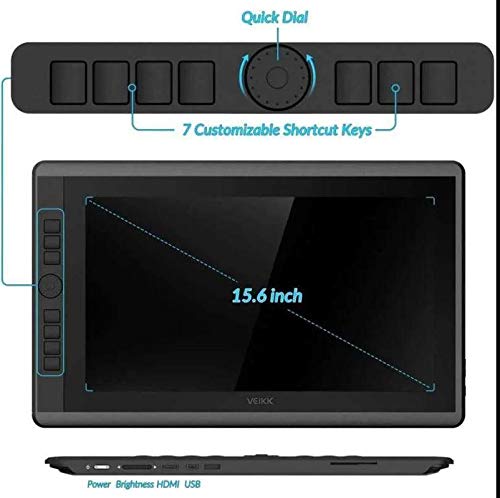
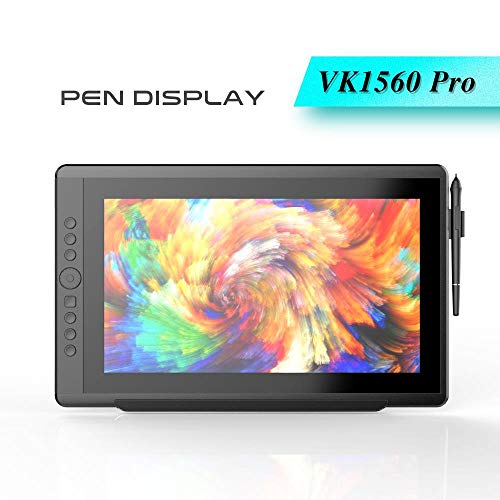
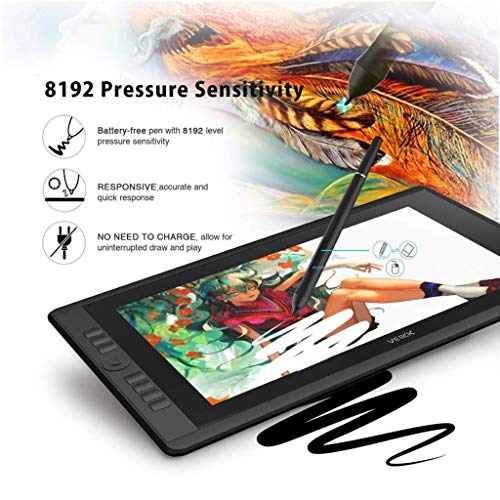
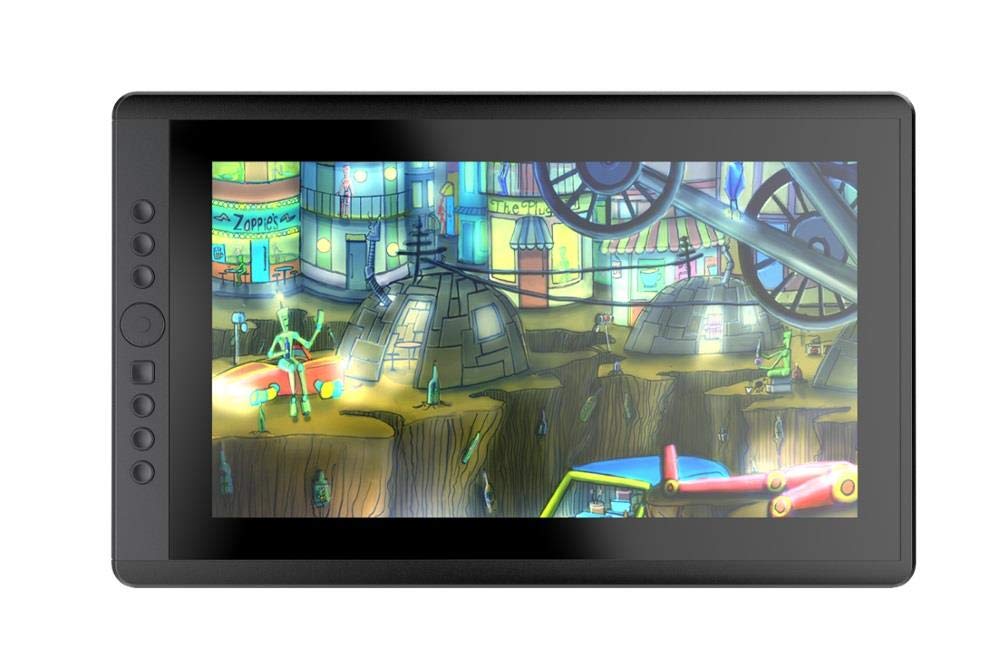
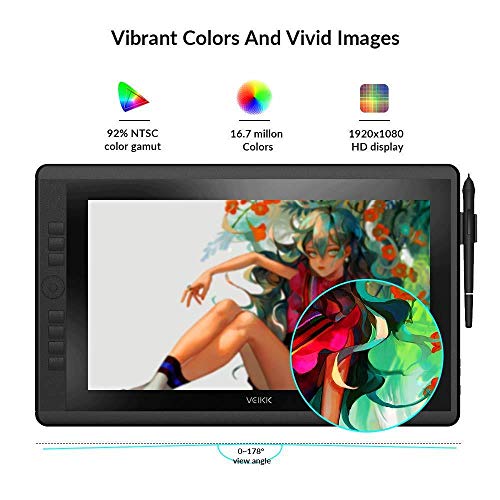
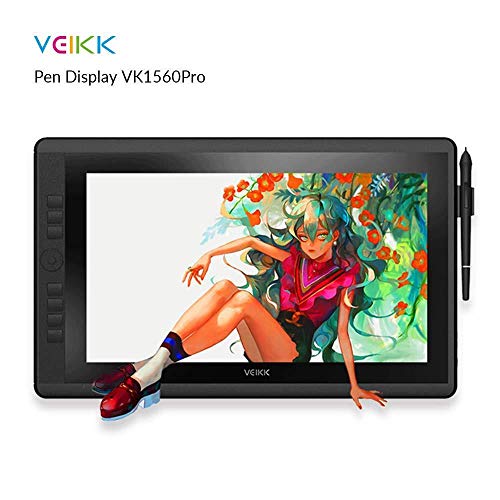
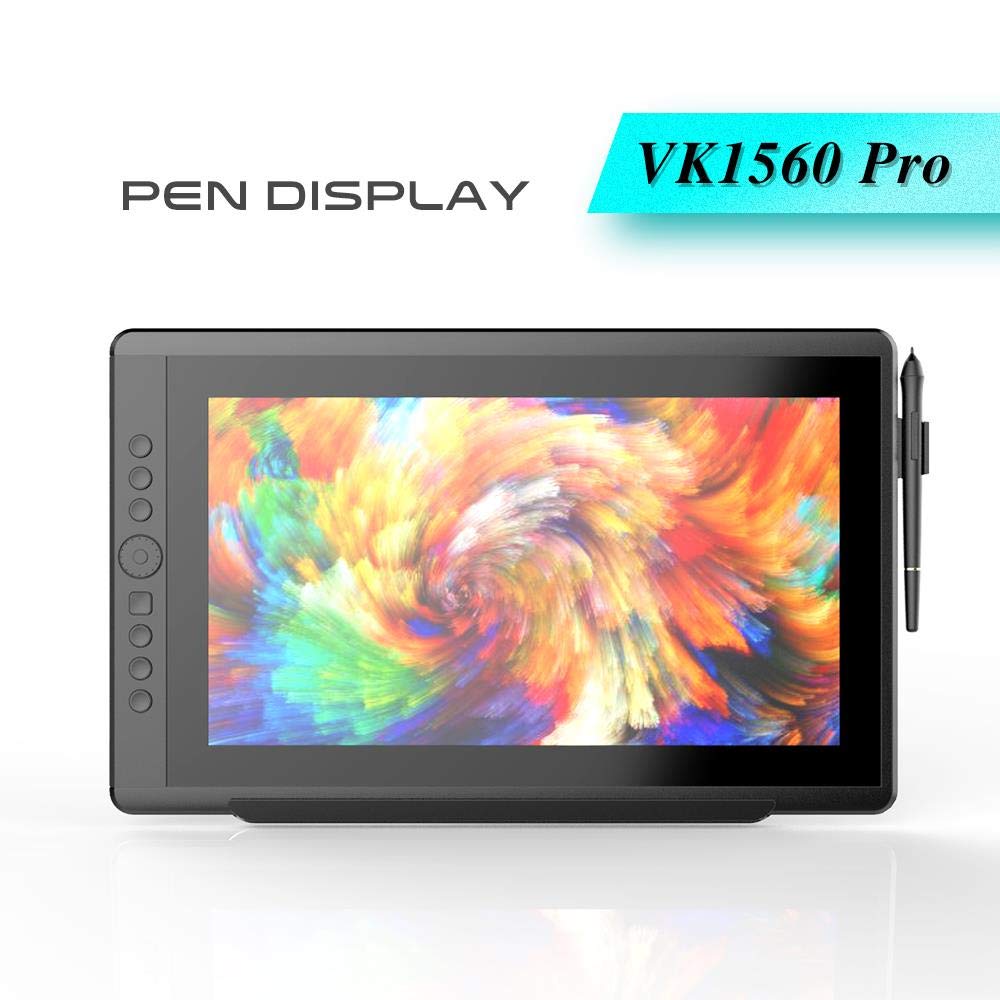
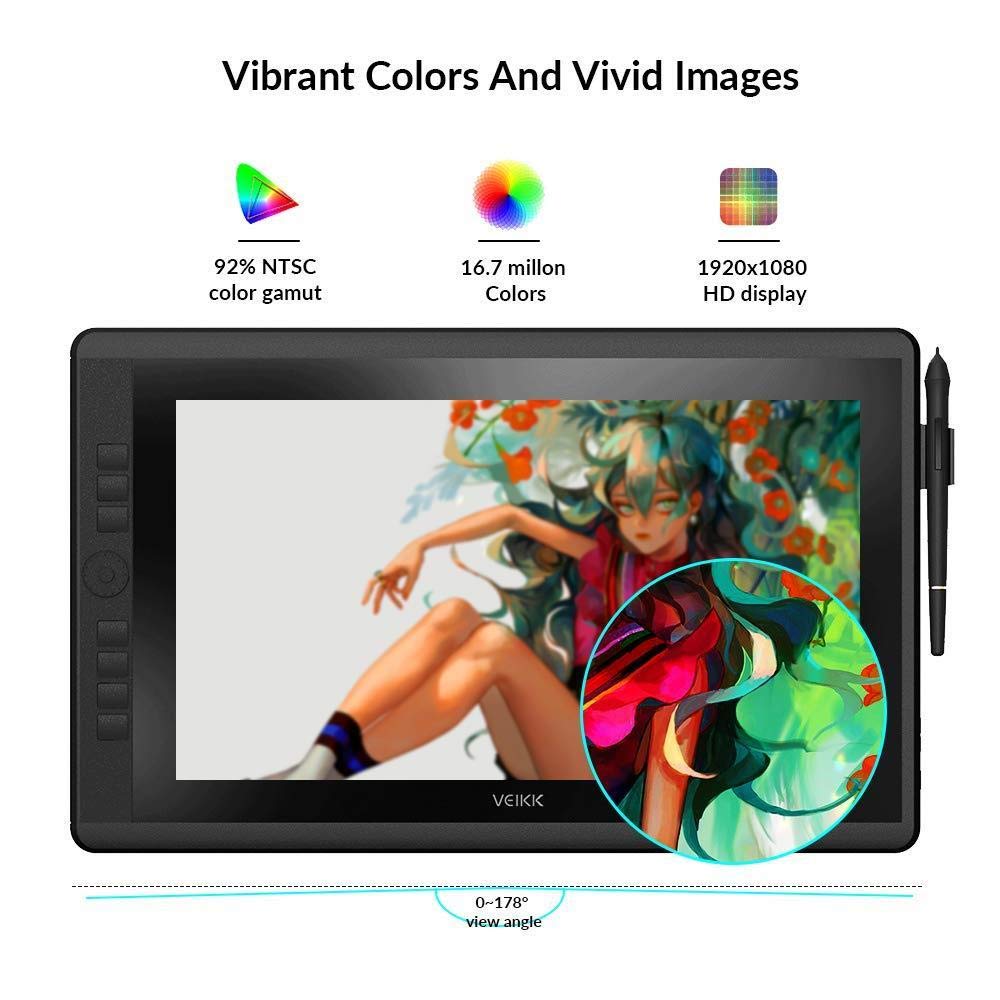
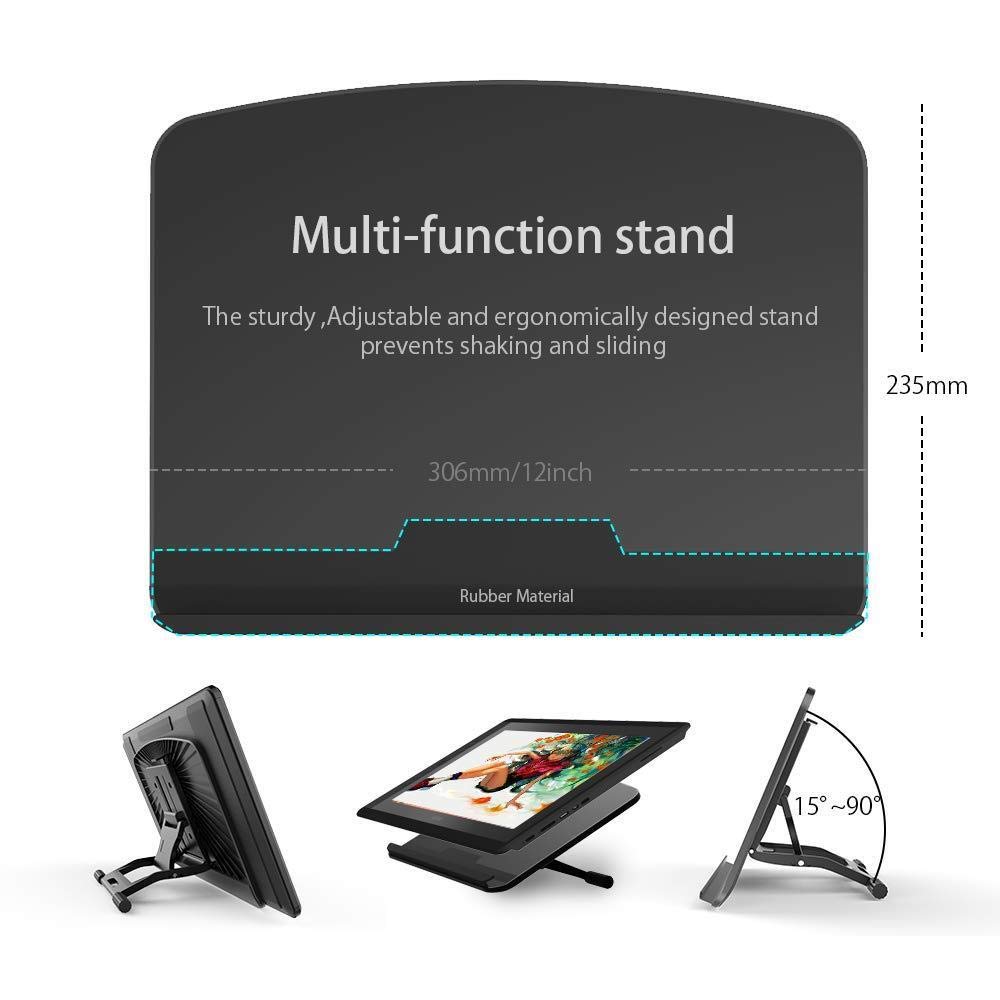
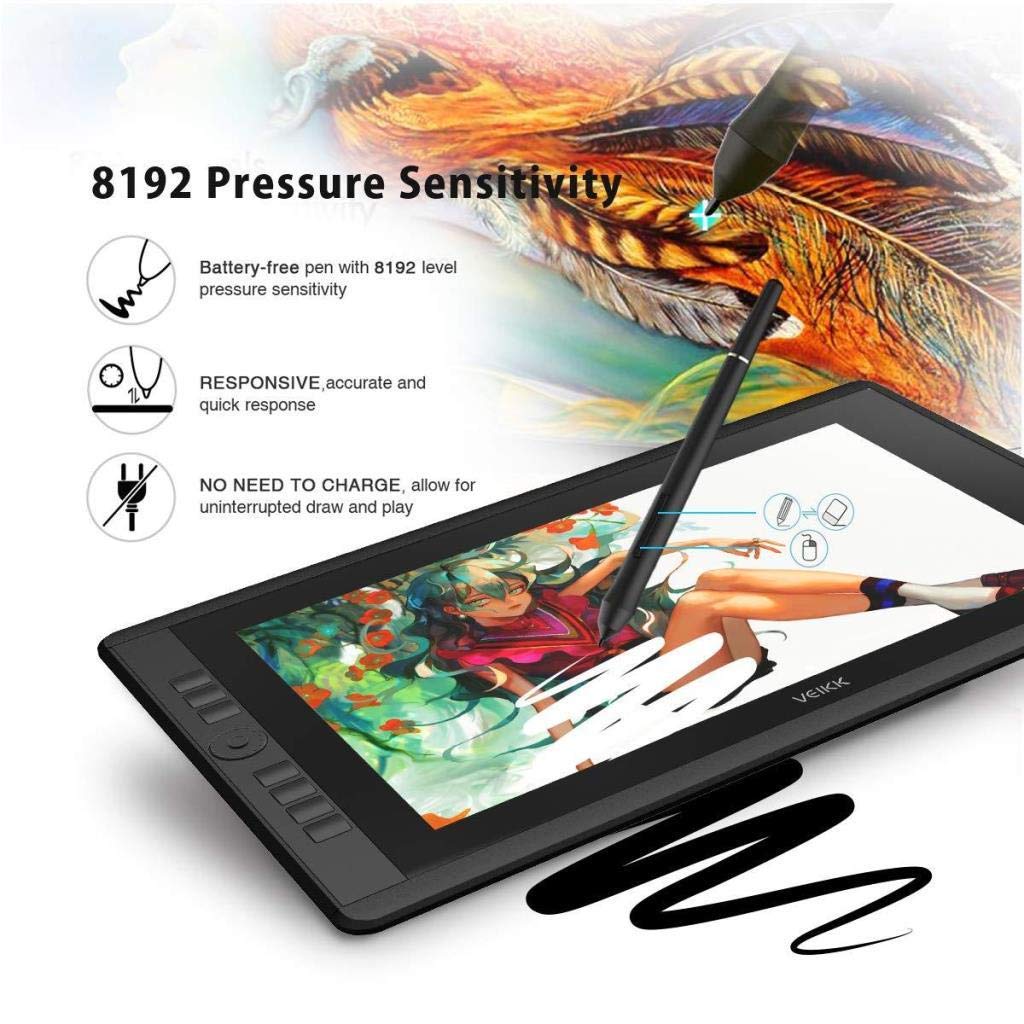
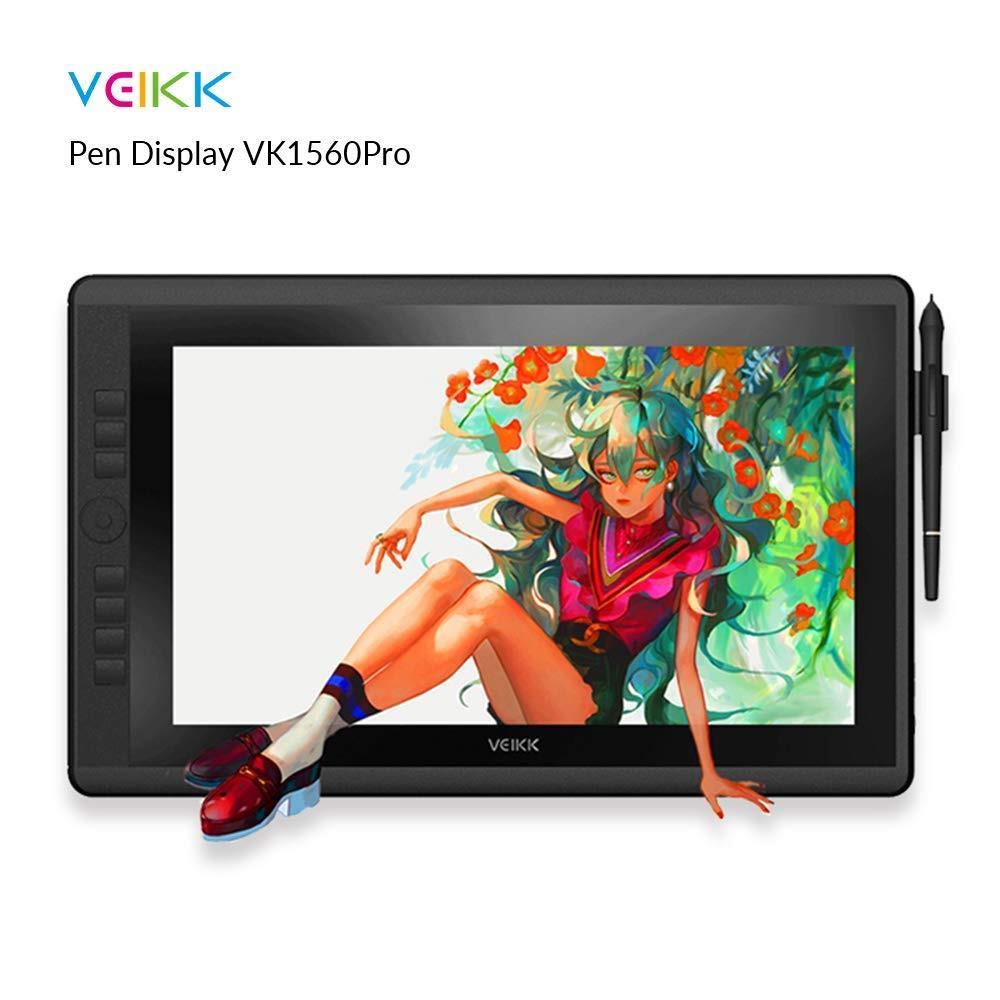
The VEIKK VK1560 is a sleek, portable 15.6-inch graphics drawing tablet featuring a vibrant 1920x1080 Full HD display with 94% Adobe RGB color accuracy. It includes a battery-free passive pen with 8192 levels of pressure sensitivity for precise, lag-free input. Designed for professionals and creatives, it offers 7 customizable shortcut keys and a scroll dial for enhanced workflow efficiency. The adjustable stand ensures ergonomic comfort, while compatibility with Mac and Windows systems and popular design software makes it a versatile tool for illustrators, architects, and digital artists alike. The package includes all essential accessories, making it a complete, ready-to-use creative solution.
| ASIN | B07DJ9XS4C |
| Colour | Black |
| Connectivity technologies | HDMI, USB |
| Customer Reviews | 4.3 4.3 out of 5 stars (41) |
| Date First Available | 5 Jun. 2018 |
| Display resolution | 1920x1080 |
| Item Weight | 3.79 kg |
| Item model number | VK1560 |
| OS | windows 10/8/7 |
| Other display features | Wireless |
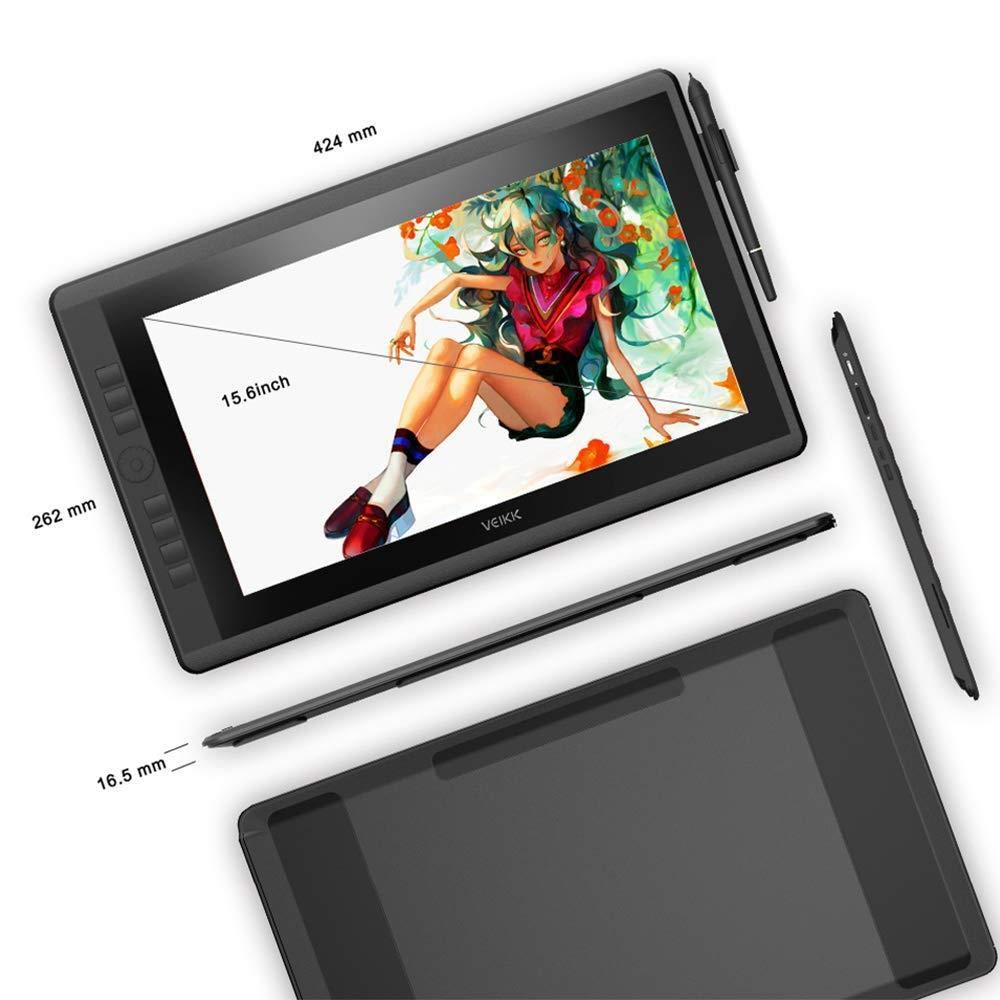
| Product Dimensions | 44.2 x 24.1 x 1.78 cm; 3.79 kg |
| Special features | Portable |
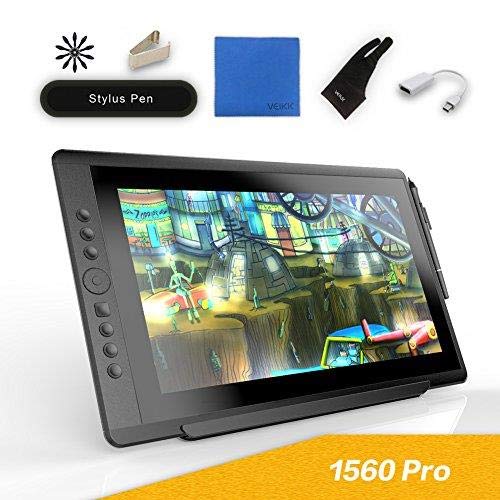
| What’s in the box | 1 x Pen Display, 1 x Passive Pen, 10 x Replacement Nibs(4 soft,6 hard,1 pen remover inside), 1 x Pen Pocket, 1 x USB Cable, 1 x Quick Guide, 1 x Drawing Glove, 1 x HDMI Cable, 1 x Power Adapter, 1 x Power Cable, 1 x DP to HDMI Cable, 1 x Cleaning Cloth |
A**P
This VEIKK drawing tablet is essentially on par with a cintiq in my opinion, but at a MUCH more affordable cost! Included: -the drawing tablet with attached adjustable stand -a drawing & smudge-free glove -screen cleaning cloth -battery-free drawing pen -nib remover ring -extra nibs -a drawing pen case that holds the nibs, nib remover ring, and drawing pen for portability -screen protector already applied, just needs a peel -hdmi cord -usb cord -power adapter & cord -mini display to HDMI adapter -quick start guide -driver software download card Set Up: Super easy to set up and quickly get drawing! All you have to do is download the appropriate driver software for your computer, install and plug everything into the right spots! If it doesn’t turn on automatically, there’s a small power button on the back. Review: I really love the quantity and quality of everything I’m getting from this buy! You get so much for the price and I’d argue even more than what comes with a cintiq and they’ve even thought ahead with the hdmi adapter! The set up was super easy I was really surprised! I’m a hobby-level novice at drawing digitally, so I expected a bit of a challenge, especially with my Mac, but, thankfully, that wasn’t the case at all! It’s really lightweight and the adjustable stand is a lifesaver! I would say that the stand is probably my favorite part! Most tablets don’t come with one, so that’s usually an additional purchase (and usually takes up more space on the desk); However, because this comes with one it really saves money and is super convenient! It’s really great to be able to adjust to whatever level is comfortable for wherever you’re sitting. Mine is usually sitting around a 45 degree angle and I find that’s the most comfortable spot for my eyes and wrist as I draw! The hotkeys on the side are super helpful with any drawing program and it’s really easy to change the settings on them. The dial makes it super convenient to change brush/tool size in any art program and I also loved how easy it was to calibrate the pen and screen so that there wasn’t any offset! Overall, really amazing product for the price and I’m so glad I finally have a drawing tablet that doesn’t break the bank!
G**.
I recently got the VEIKK VK1560. To start, it is an amazing tablet! I would recommend this tablet to anyone at all! The tablet is easy to set up and is compatible with practically every computer and program, but if you don't have an HDMI port on your computer, than you will have to buy an adapter. On the other hand if you have a display port it will work just fine. Here is an overview of what comes in the box: -The tablet with a protective film, and adjustable stand -The pen case, which includes extra nibs, hard and soft, the pen, and a nib remover -All the cables you will need to plug into the tablet -A cleaning cloth -A drawing glove The tablet itself has 7 express keys and a scroll wheel, and the pen has 2 express keys. The tablet is HD and has extremely little to no latency with the pen. I find the tablet extremely easy to work with. The tablet is basically a monitor that you are able to draw on, and it can have it's own desktop, or be a mirror screen. If you mirror screen you might not get a HD quality if your computer isn't HD, but if you make it it's own desktop the tablet will always be HD. Another cool feature is how the tablet has a pen mold built into it, to hold your pen. I find it extremely helpful when trying to find a place to put my pen. Overall, I would totally recommend this tablet to anyone in need of a display tablet. I find this tablet to be the best price and quality. If you want to see an overview of this tablet please watch the linked video.
V**T
First off I've gotta say WOW! How is it that this drawing monitor is at this price point? For background I am not a professional definitely at a hobbyist level. I've used a number of drawing tablets and monitors including Wacom Intuos / Huion KAMVAS GT-221 Pro / Ugee 1910B / and a few various others. I am really impressed by this drawing monitor and was a little skeptical because I've never heard of the brand but it is really an excellent buy. -The Unboxing- Very simple exterior packaging nothing flashy but very thoughtful the items included and packaging. Included was; -Pen / nibs / nib remover (in a nice foam lined plastic case) -hdmi cable -usb cable -power adapter and cable -two finger drawing glove -screen cleaning cloth -Mini display to HDMI adapter (wow!? how thoughtful is it to include this? many ultrabooks / laptops will need this) -The Installation- Crazy easy installation. Just make sure you uninstall any other tablet drivers. Quick download from the website listed 2 places on the included paper works. Works perfectly after install. It is easily configurable if you want to change the button functions / adjust pressure curve / calibrate (was well calibrated for me out of the box but i ran through the calibration anyways very simple) -The Experience- The Monitor; Brightness and color were not noticeably different from my desktop monitor. During use the work area of the screen stays cool. There is a line along the top of the monitor that gets rather warm, not uncomfortable just warm. There is a factory installed screen protector (other than the protective film you peel off after opening) it is probably best described as a satin finish. (below that is the glass of the monitor and that is high gloss). The adjustment for the stand is very easy and familiar to use though the monitor is very light and comfortable enough to have in your lap (how i use it) Buttons and everything else have a good quality feel to it. (nothing loose or hallow feeling) There is one draw back. the stand is not removable and you cannot mount this on one of those handy articulating swing arm monitor mounts. The Pen; Really good solid feel to it though it is very light. Glides very nicely over the factory installed screen protector on the monitor no hangups not squeaks (something I've found on other similarly priced tablets / monitors). Pressure sensitivity is very responsive. I am a little light handed so i adjusted the curve in the pen's settings to make it more comfortable for how i work. Love the pen holder that it built into the monitor. Comments; Used it without any hiccups on Photoshop / Krita / Blender. The dial / button is very similar to wacom and its super super useful. Honestly this is a great product well above my expectations at the price point. Don't know what else to say. If you are looking for a great drawing monitor priced well below what it should be give this a try.
N**S
The VK 1560 fills a gap in the tablet monitor market quite nicely. I am a professional artist with 7 years of experience and have primarily used Cintiqs or Intuos as my daily use tools. The VK is lightweight which makes it comfortable to use while in your lap, and is compact enough to fit in a backpack for mobile working. After having worked on the VK 1560 daily for a week, I am tempted to replace my aging Cintiq 21UX's spot as my main tablet monitor. For the sake of organization, I'll breakdown each major point below. Build Quality: Overally, the VK 1560 is built fairly sturdily. It has a very rugged plastic housing while left panel has a nice rubberized coating that feels good to the touch. The customizeable buttons depress with a nice clickiness. The 4-function wheel also has a very nice tactile scroll, making adjusting brush sizes extremely accurate. Mine came with a screen protector preinstalled which seems to be oil-phobic which is a nice touch and makes keeping the screen clean very easy. The pen holder on the right side is a nice touch as I am prone to losing my pen quite often. My only real complaint is that there are no VESA mounts on the back and no way to remove the included stand as far as I can see. Software: NOTE: before installing the VK drivers, make sure you completely uninstall any and all tablet drivers you currently have installed as they will conflict with the VK Drivers. If you plan on reverting back to Wacom Cintiq drivers, make a system restore point before you install the VK Drivers. Installation was pretty straight forward and easy. VK's tablet software is fairly basic but includes everything that you would expect from Wacom. Custom setups for individual software. You can adjust pressure curves, assign every button, pen buttons, and adjust screen mapping. The only time I ran into an issue was when calibrating. If I attempted to calibrate the tablet while a second monitor is active, the calibration points would appear on my second monitor regardless of which order I set the monitors in Windows. This was fixed by only having the VK 1560 active and I was able to calibrate. Pen/Drawing experience: The VK does in fact have a slight amount of parallax, but can easily be mitigated by calibrating it properly. The center of the screen, although, is perfectly accurate. The pen has a good ergonomics, being more comfortable to use that the stock pen that comes with Wacom tablets. Despite the fact that there is no eraser as I am accustomed to, it was an easy enough adjustment to make. The pen comes in its own carrying case, while a nice touch, has REALLY large and ugly writing on it which makes it feel cheap. The pen also comes with 8 extra nibs. 4 are a softer rubber and 4 are harder plastic. The softer nibs sort of emulate a pencil on rough paper. While the overall drawing experience is better than what I expected, there is an issue with line jitter and pen precision. With no smoothing, pen jitter can be pretty bad when making slow strokes. With a smoothing of around 5-10% in photoshop, I no longer experienced jitter. As far as pen precision goes, I never found it to be too large of an issue but it definitely can be noticeable while making small strokes. The pen has a very very small deadzone. In practice, however, it was less noticeable. Overall: The VK 1560 is a pretty strong entry in the market, with VEIKK being a relatively new company into the scene. I look forward to see what they'll bring to the table moving forward and I highly recommend this tablet to anyone that needs a potentially mobile solution.
D**S
This tablet is super light and was easy to set up. I was so excited to try it out, and I was happy with the results! With the tablet being such light weight, I found I couldn't put too much pressure on it with out it sliding, which was fine as not a lot of pressure is needed for the tablet to register the pen. The screen itself is great and HD, my drawings really seemed to pop when I was finished, and my friends loved it as well! The pen glides across the screen easily so you can be precise with your strokes. It has a very solid weight to it, and fit nicely in my hand too. The pen was very comfortable as well, I have arthritis and I could see myself spending a lot of time on a piece and not be in pain afterwards. The shortcut buttons make it incredibly easy to shift through different settings making complex drawings easier than ever! I've had it for a few weeks and I can't imagine switching back to my old drawing monitor. I really like this tablet, it's perfect for my needs and I love that is small enough to store in my desk, and ready for me to use when I'm feeling creative! If I had to recommend a tablet, it would be this one!
Trustpilot
3 weeks ago
1 month ago



