

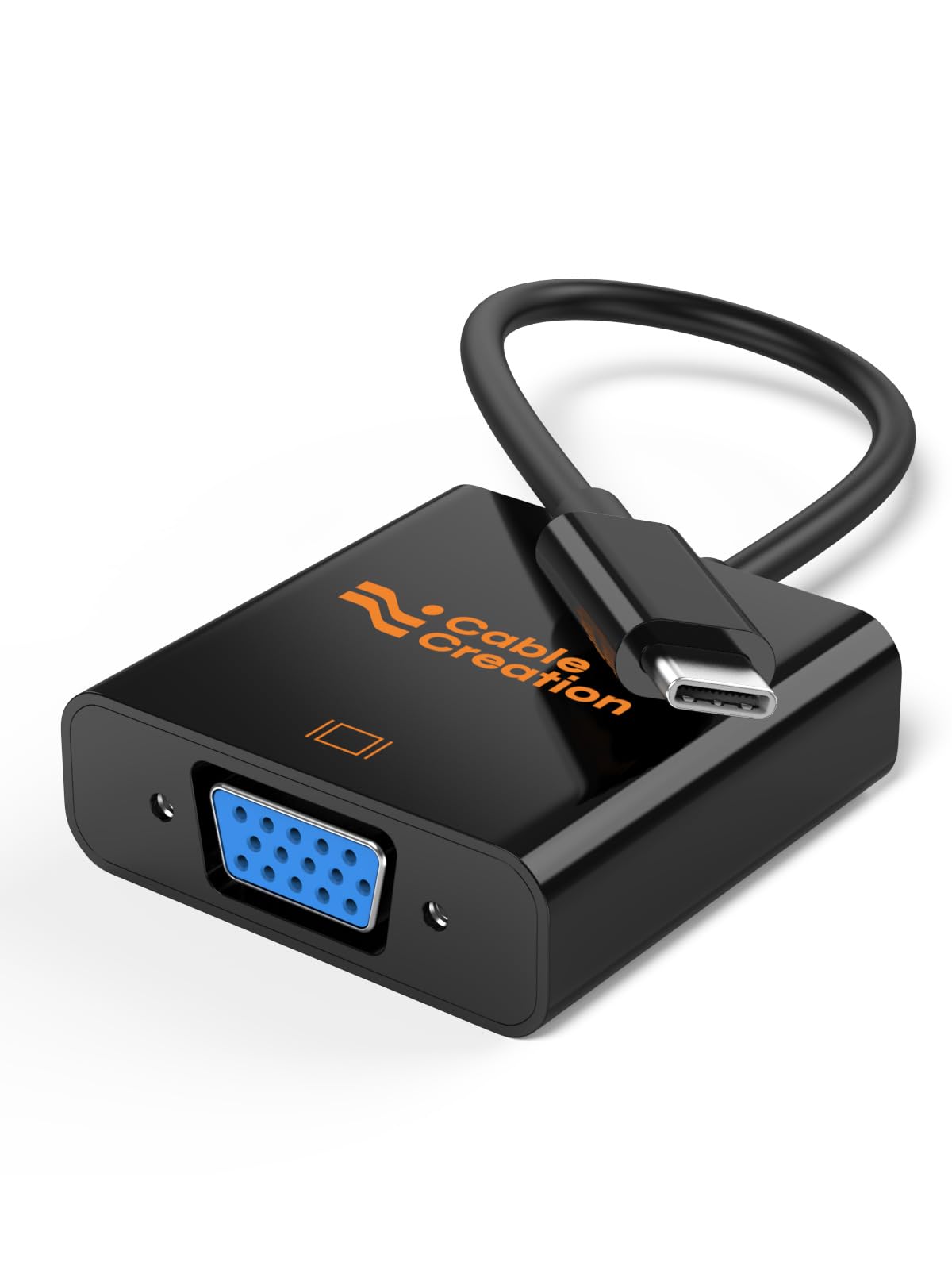






🔗 Bridge the old and new—connect with confidence and style!
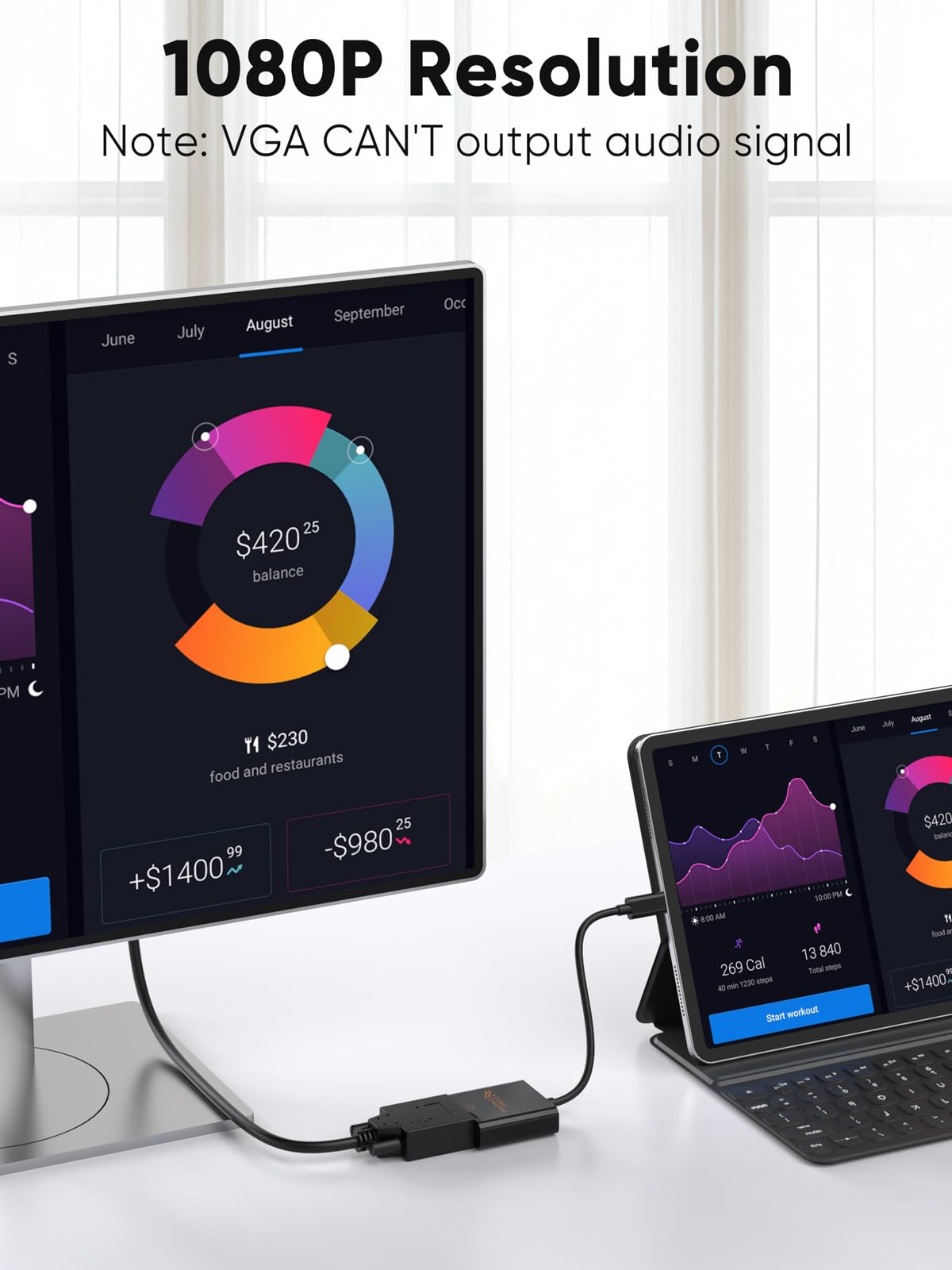
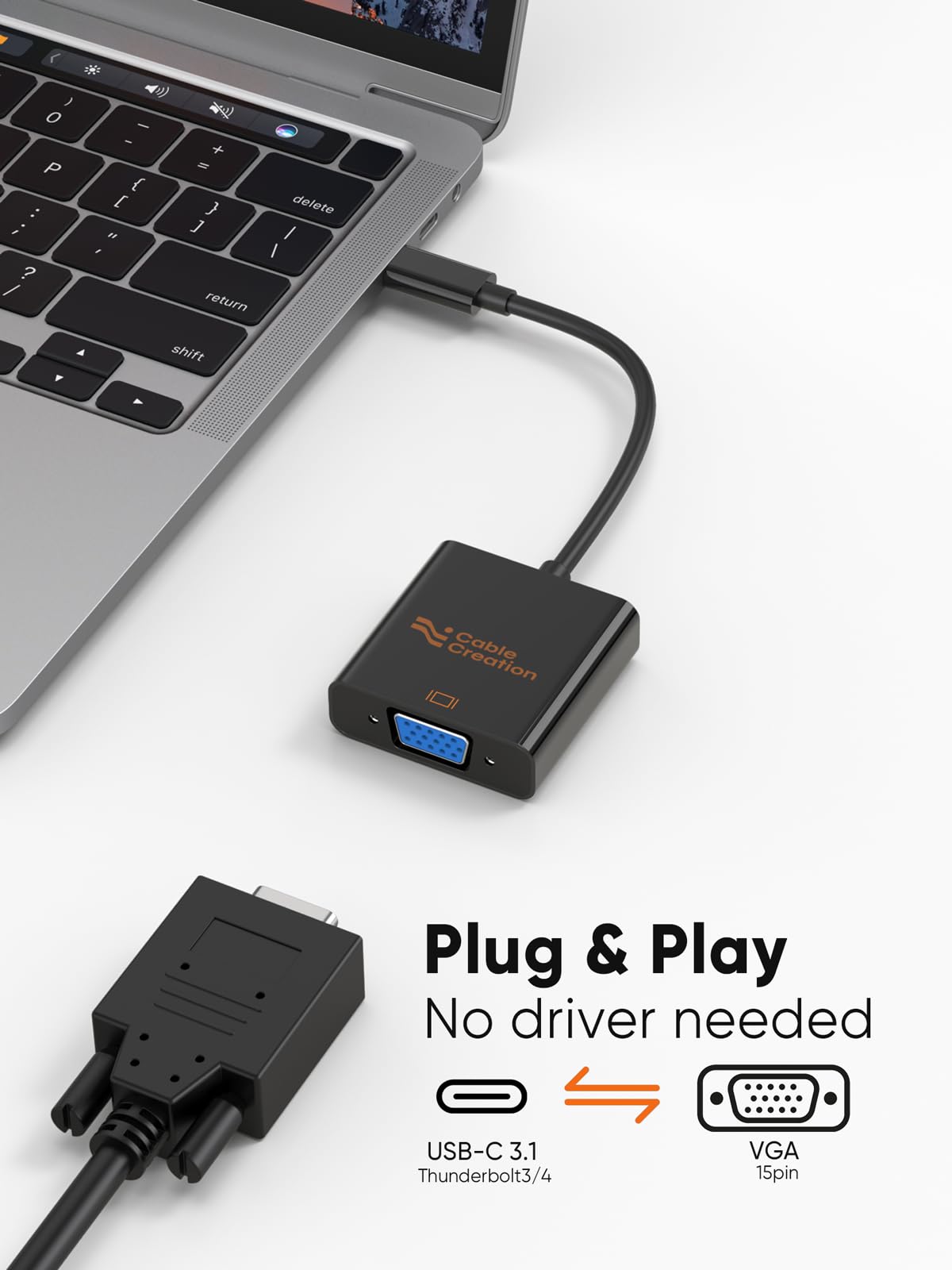
The CableCreation USB C to VGA Adapter delivers seamless 1080P@60Hz video output from modern USB-C and Thunderbolt 3/4 devices to legacy VGA monitors and projectors. With plug-and-play simplicity, broad device compatibility including MacBook, iPad Pro, and Surface, plus a compact, durable design, it’s the perfect travel companion for professionals bridging tech generations. Supported by a 2-year warranty, it ensures reliable performance for presentations, lectures, and everyday use.


S**N
Works (sorta) with the 7900 XT and XTX
I originally purchased this to use with my wife's iMac and my old X-Star 27" 1440p monitor. It worked amazing and gave that old monitor extra life. Now I'm using it on a gaming rig before I update my monitor. I upgraded to an AMD 7900 XT because it has USB C and I was hoping this adapter would be compatible. It is-- somewhat. Unfortunately once I added the 7900 XT to that computer and connected the monitor with this adapter, the Windows 11 computer no longer properly shuts down. It reboots instead. I have to shutdown the computer blind by disconnecting the monitor first and only then will the computer shut down correctly. Note: I highly doubt this is the fault of the adapter. It worked perfectly for months on the iMac. However I'm dealing with it in the meantime since I'm upgrading the monitor in 6 months. I have reported the bug to AMD. I'm posting this here so others who are considering a similar setup on a more permanent basis realize what they're getting into.
F**N
Work well for MacBook Pro with M1 Max chip
I bought two of these CableCreation USB-C to Dual Link DVI adapters to connect my 2021 MacBook Pro with M1 Max chip to two LG Ultrawide 29UM65-P monitors at 2560x1080 resolution. They work beautifully and exactly as I hoped. My use case is tricky because the DVI connections to the monitors are going via an IOGear GCS1644 dual view KVM and adapters and graphics cards are very finnicky when routed through a KVM. But these are active adapters which makes a huge difference in compatibility. The cables are also extremely important for dual-link. Most problems with dual link DVI are associated with lower quality cables or not using active adapters or trying to convert from HDMI which just doesn't work at dual link DVI resolutions. These adapters have also not impacted KVM switching speed - the IOGear still switches very quickly with NO ISSUES around window repositioning, artifacting, flickering, or other problems. The other machines connected to the KVM are all Windows 10 PCs. I'm Super happy - FIVE STARS!!
R**.
Works with 3D Vision
Honestly, this is a good product. I tried an active dual link displayport to DVI-D and it was terrible. Unreliable at best and the sync was off. Tried two DVI-D monitors with 3D Vision at 120hz and 144hz, and both worked fine. I will say the monitor takes longer to 'sync/adjust' initially, but once it stabilizes it works perfectly. So, I would configure 3D Fix Manager to start non-3D Stereo so that I could then enable it manually. That was better. Hopefully this is good news for gamers out there who like to game at 100+hz and/or use 3D Vision. OH I almost forgot the USB powered displayport solution also did something odd the colors and black levels??? Hard to explain but wit this product I saw no decline in quality.
B**L
Apple 30" Cinema display @2560x1600 via "secret" setting. Some artifacts appear.
I used to use a daisy-chained set of dongles to make newer Macs work with my beautiful old Apple 30" Cinema display at its proper resolution: Mac --> USB-C to mini DP --> mini DP to DVI dual link -->monitor. This worked perfectly for quite a while, but finally the adapter in the middle stopped working. Then I saw this here, read about the trick you have to do to make the mac use the correct resolution, and bought this. It works very well, but if the screen is showing darker images, *sometimes* red and green flickering artifacts appear. With brighter images, it looks fantastic. I've attached a video showing the issue.
H**E
Brought life back into my Apple Cinema Display 30.
Purchased this to use my Apple Cinema Display 30 A1083 with my HP Specture 360 laptop. This was plug and play. Worked gerat without any other adapters. I went right from the Dual Link DVI connector from the monitor to the adapter into the USB-C port on my computer. I tried both the USC-C and the USB-C thunderbolt port and it worked on both of them. I notice when I plugged it into my Galaxy Note 10+ that there was some signal noise on the screen. I think that this might be due to the fact that the Note cannot put out enough power for the active adapter to function properly. The default resolutoin when I plugged this in was very low and I was a litle worried at first. I went into the Windows display settings and I was able to crank it up to the displays native resolution. I am glad I was able to resurect this monitor and use it on a modern computer without much of a fuss.
S**7
Didn't work at first but...
When I received the product it worked for about a half a day then nothing. I posted that review and the seller immediately got in touch with me. They sent me a new adapter and the same result. They suggested that my VGA cable was the cause, but the cable I was using was still working (testing with my old adapter and a thunderbolt to usb-c...anyway not ideal). So, after I gave up the seller got me a new VGA cable to try (https://www.amazon.com/gp/product/B01H1EZDSG/ref=oh_aui_detailpage_o03_s00?ie=UTF8&psc=1) and I thought what the heck I will give it a try and be done with this. Wouldn't you know it fixed it completely! Has been stable now for a few days and no issues. In fact, when I first connect it up in the morning the monitor gets detected faster as well. Anyway, great seller, great product. Thanks again CableCreation for going out of your way to satisfy one lowly customer! Appreciated!
B**G
Got the job done for my Apple 30" Cinema display from 2008
Works as described, needed the 'option' key backdoor to get the full 2560x1600, but it's running well. I'm not a gamer so cannot quote frame rates etc., but I love my Apple 30" cinema displays (yes, I have two), and this has made them useful for another few years. MacBook Pro (2015 15") -> ThunderBolt 2 cable -> TB2/TB3 adaptor -> CalDigit TS3 Lite hub -> Cable Creation USB3/DVI adaptor -> Apple Cinema 30" display (1), (video) CalDigit TS3 Lite hub -> Apple USB3/USB A -> Apple Cinema 30" display (1), (usb) CalDigit TS3 Lite hub -> DisplayPort/mini-DP adaptor -> Apple min-DP / Dual Link DVI adaptor -> Apple Cinema 30" display (2), (video) CalDigit TS3 Lite hub -> Apple miniDP / Dual Link DVI adaptor -> Apple Cinema 30" display (2), (usb) CalDigit TS3 Lite hub -> Ethernet -> Cable modem, CalDigit TS3 Lite hub -> Audio in/out to Sennheiser gaming headset.
A**M
Works perfectly with my Macbook and 30" Cinema Display
I use this adapter with my M1 Macbook Pro and a 30" Apple Cinema Display, which requires a dual-link DVI signal. It produces full-resolution images with no lag, tearing, artifacts, or other problems.
Trustpilot
3 weeks ago
1 month ago



