
DOWNLOAD THE APP


Customer Services
Copyright © 2025 Desertcart Holdings Limited
DOWNLOAD THE APP


🖤 Print boldly, work smartly — never run dry on success!
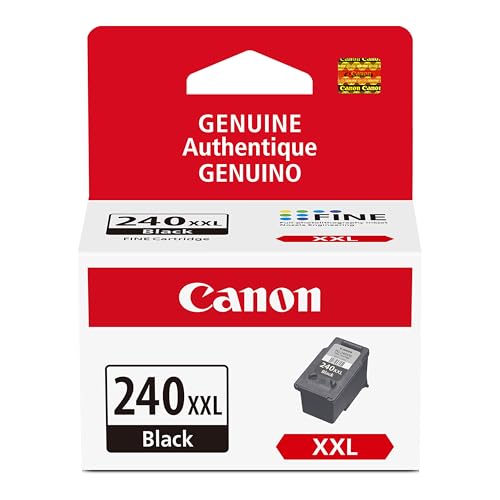
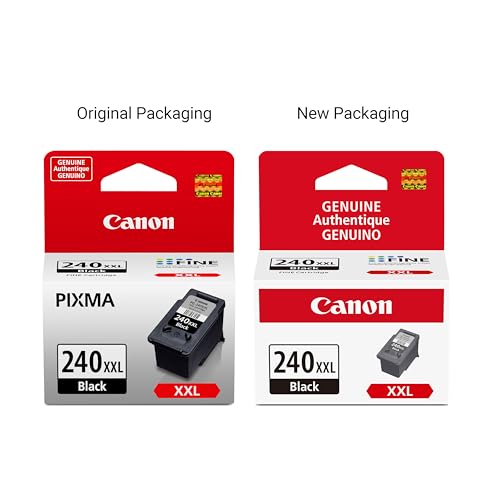
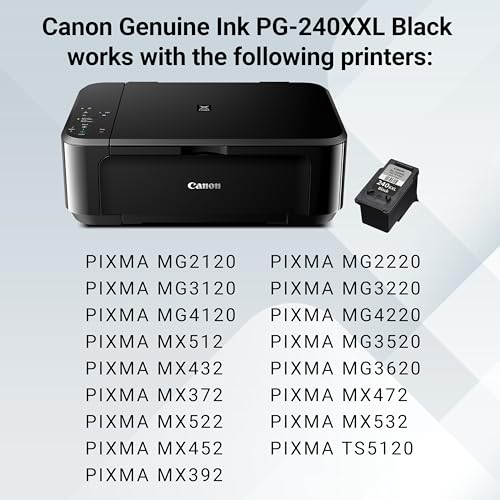
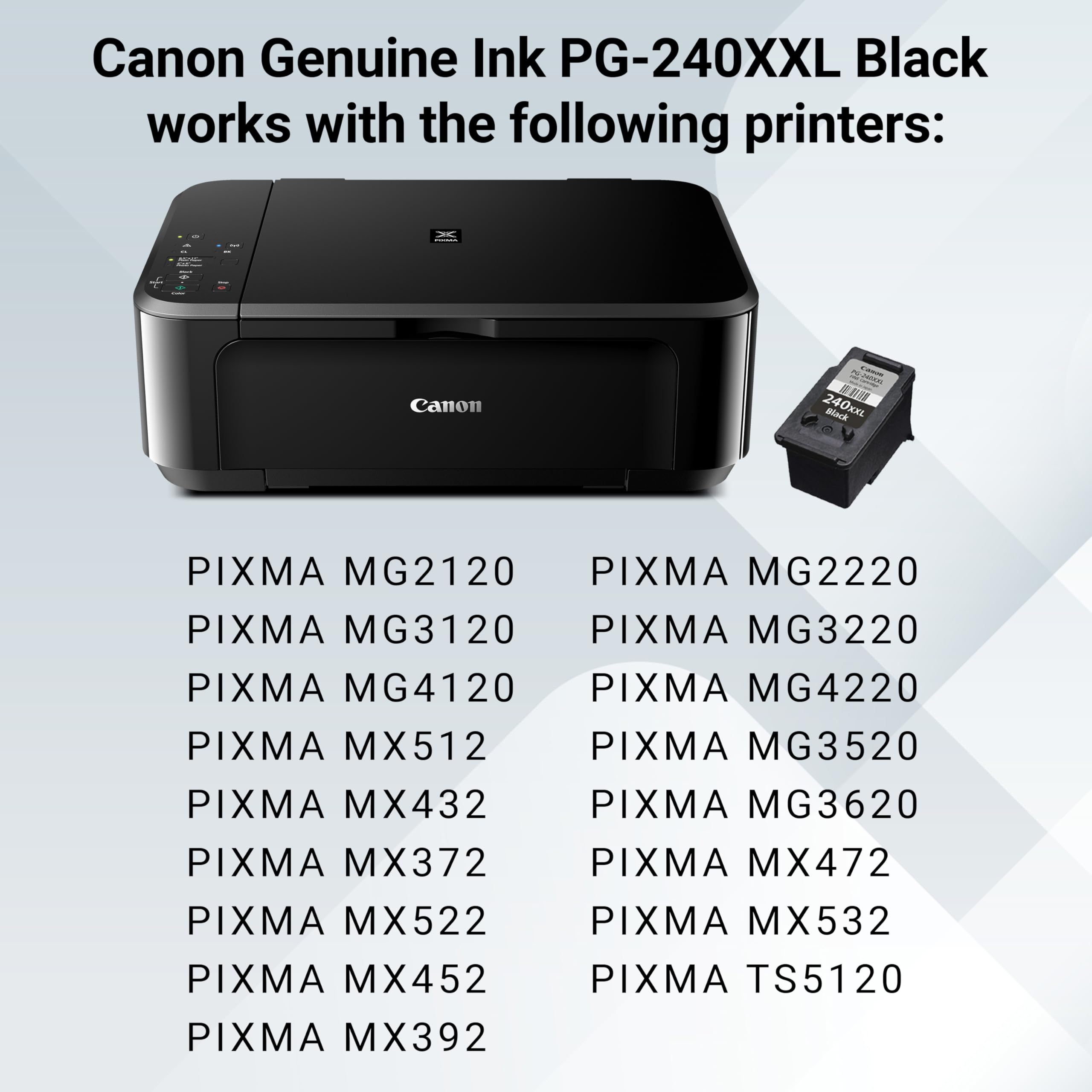
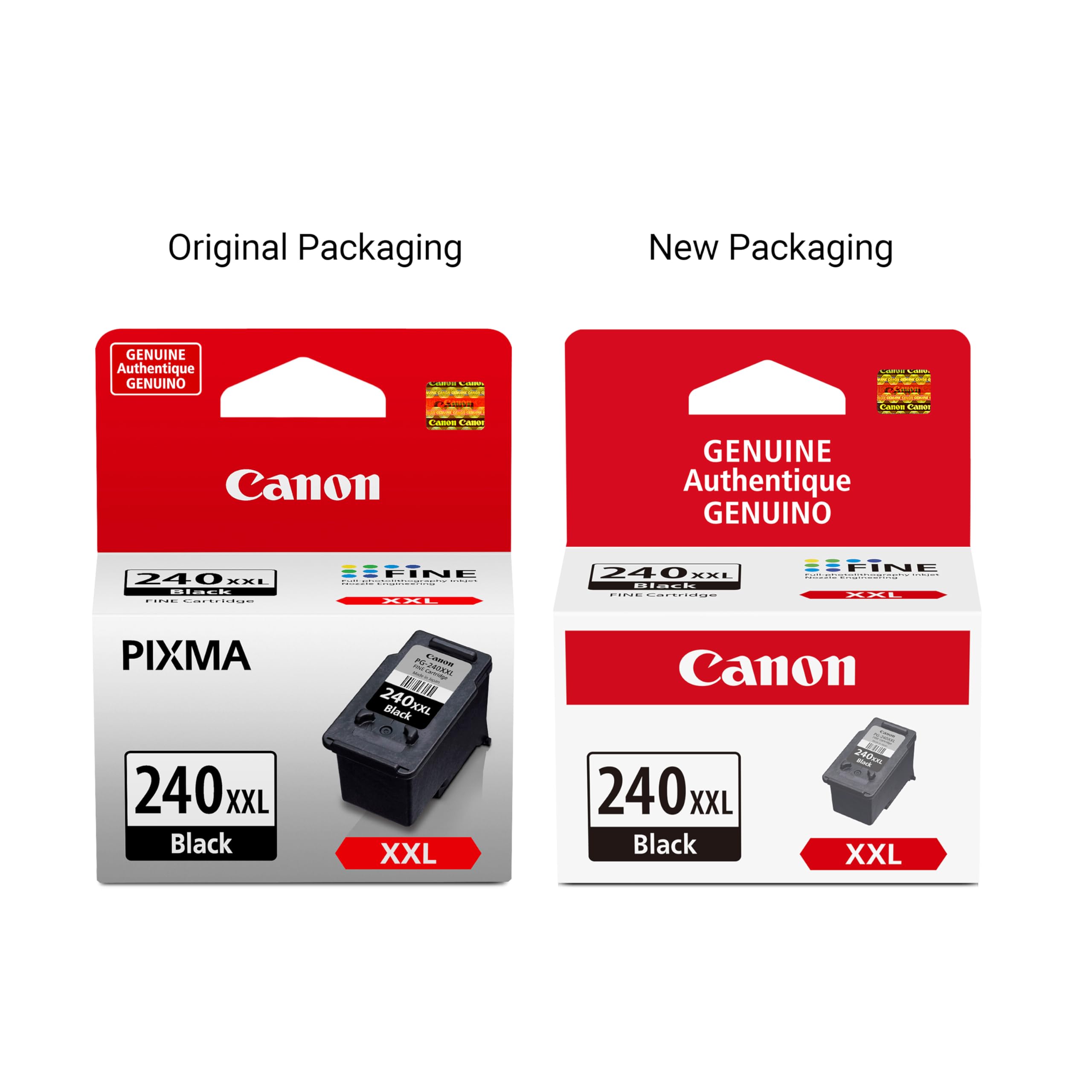
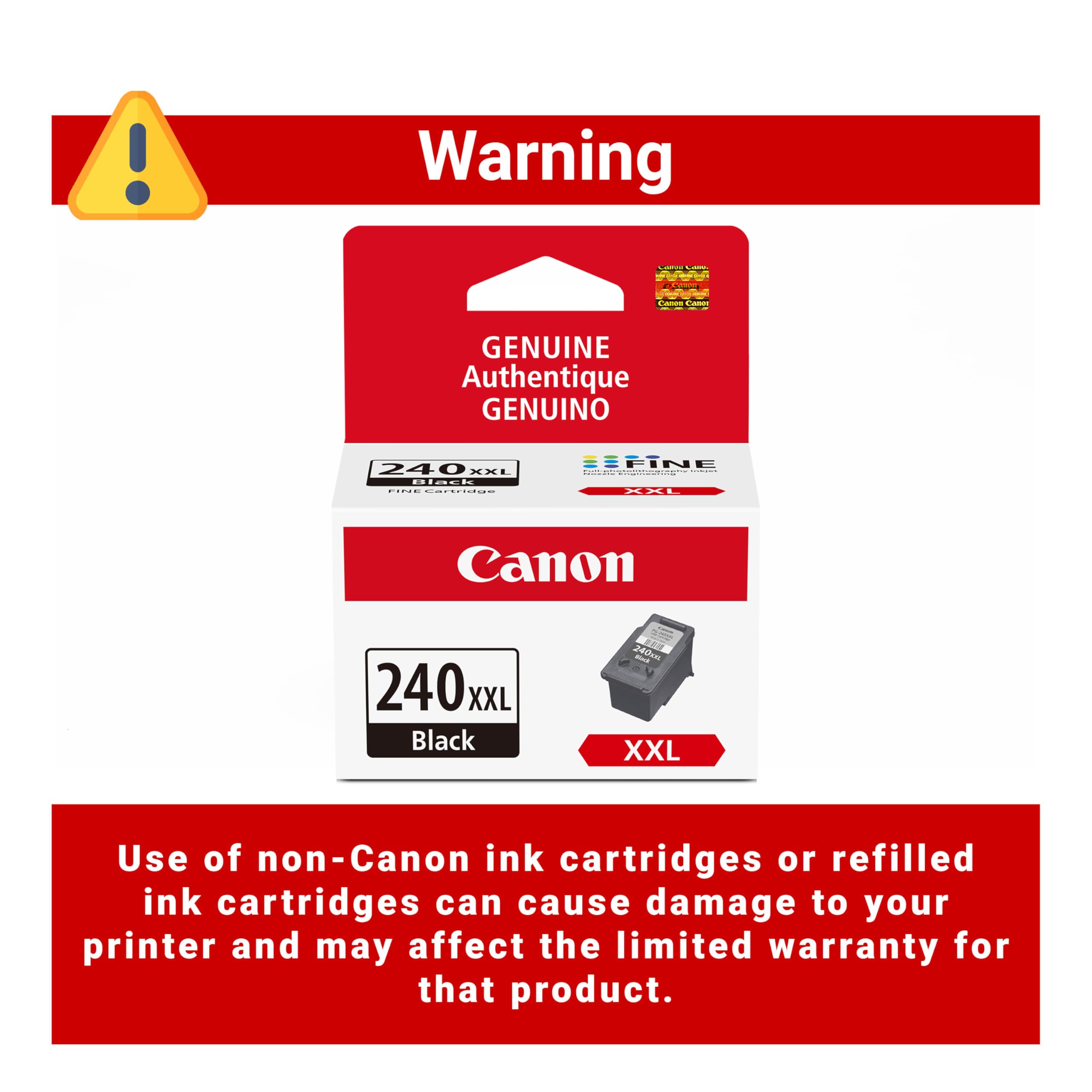
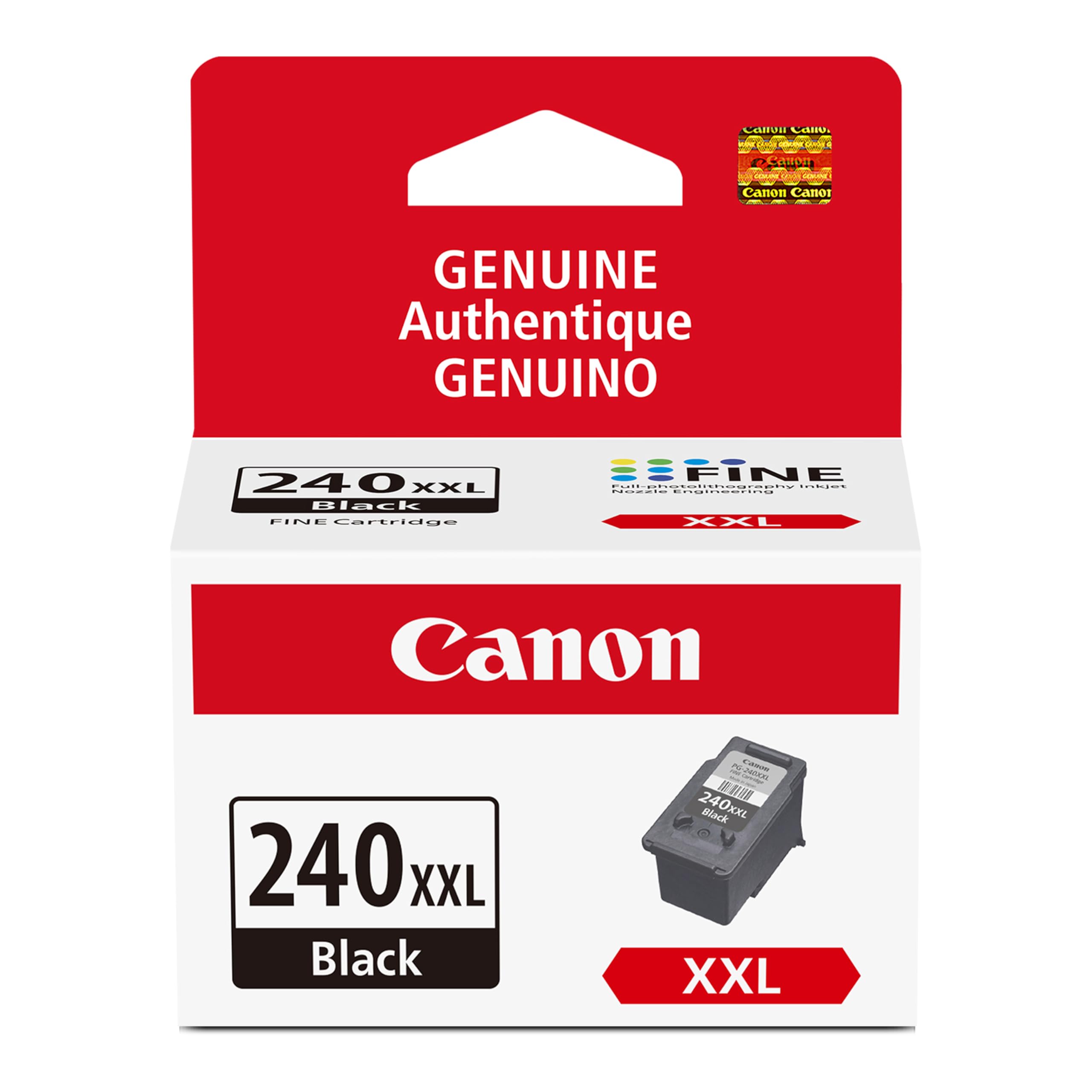
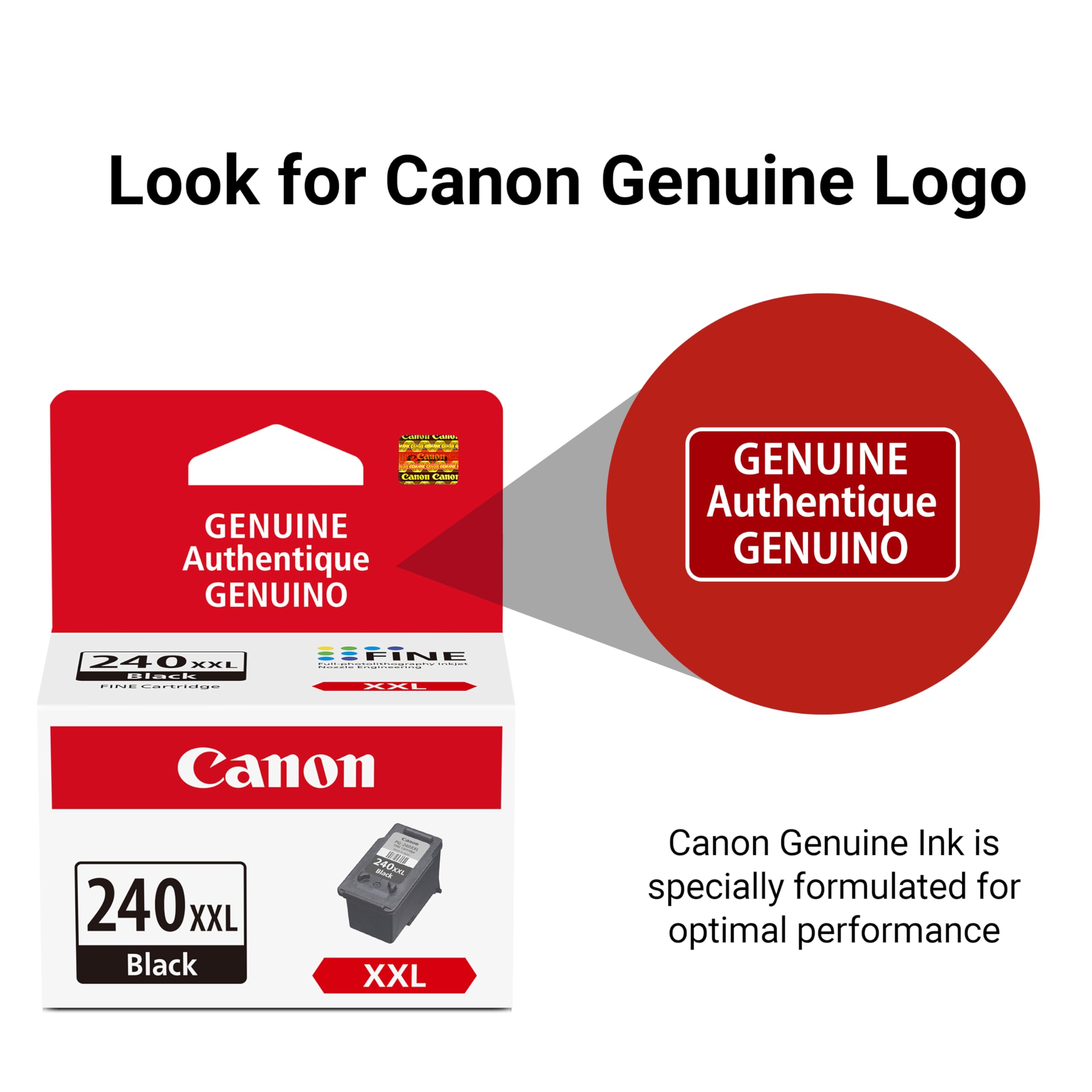
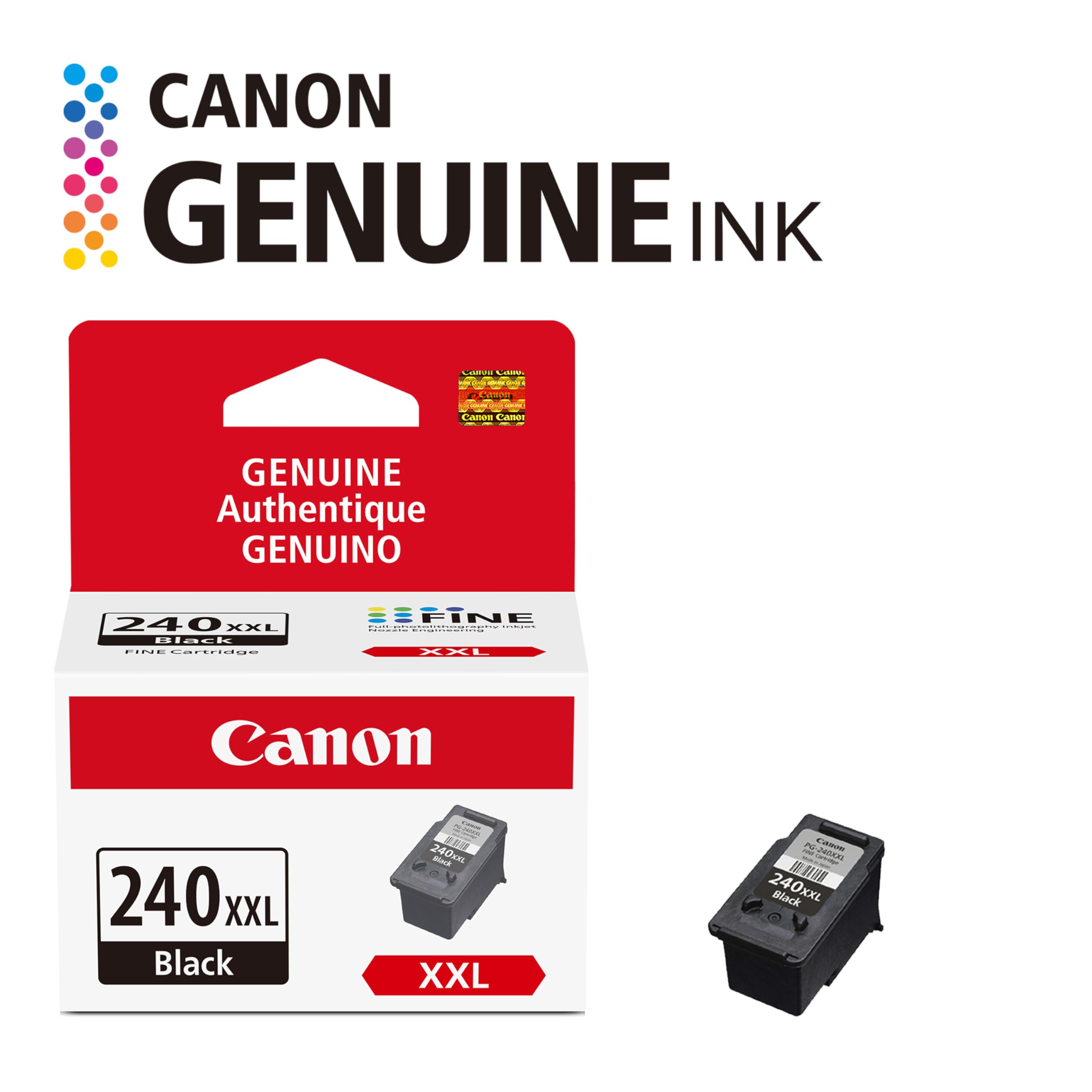
The Canon PG-240XXL is a high-capacity original black ink cartridge designed for Canon MG and TS series printers. It delivers consistent, sharp, and smudge-resistant prints ideal for professional documents and graphics. With its XXL size, it reduces replacement frequency, offering a cost-effective and reliable printing solution favored by heavy users.


| ASIN | B005VC8CK2 |
| Are Batteries Included | No |
| Brand | Canon |
| Colour | Black |
| Customer Reviews | 4.7 4.7 out of 5 stars (3,021) |
| Date First Available | 19 August 2013 |
| Item Dimensions LxWxH | 8.4 x 5.6 x 10.2 Centimeters |
| Item Height | 4 Inches |
| Item Weight | 5.66 g |
| Item Width | 2.2 Inches |
| Item model number | CNMPG240XXL |
| Manufacturer | Canon Computer Systems |
| Net Quantity | 1.0 Count |
| Product Dimensions | 8.38 x 5.59 x 10.16 cm; 5.67 g |
| Standing screen display size | 2 |
M**A
Llegó antes de tiempo, todo bien, un poco maltratada la caja pero el producto excelente y funcional. Muchas gracias.
B**R
I’ve been using the Canon PG-240 XXL ink cartridge in my MG and TS series printers for a couple of months now, and it delivers consistent, sharp black prints without any smudging or fading. The XXL size means I don’t have to replace it often, which is great for heavy printing. Installation was straightforward, fitting perfectly in my printer models listed without any issues or error messages. The print quality holds up well for both text and graphics, making it ideal for work documents and school projects. Overall, a reliable, high-capacity cartridge that balances cost and performance — definitely worth it if you print regularly and want consistent results.
G**Y
Parfait
J**Y
This product works perfectly in my Canon inkjet printer. Good strong colors. Thank you!
S**E
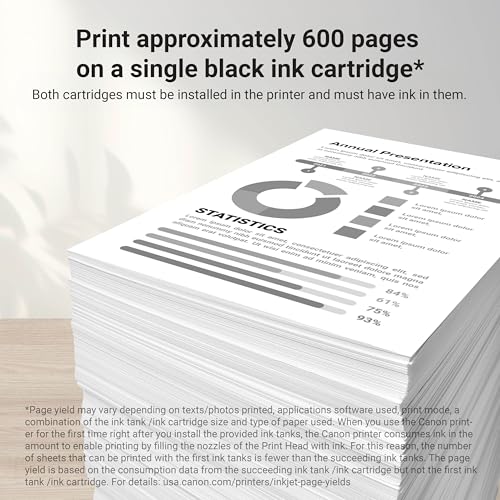
Ive had this ink for about 2 months.. and this ink is holding in well! and for 34-40 dollars.. you can not beat that deal because at walmart itll run you up to 50- 55 dollars.. so its cheaper on amazon.. and when they say it lasts 3 or 4 months on black only ink... they are telling the truth.. and it will save you tons of money.. ive tried it.. and vie been spamming black and white pages left and right every day for about a good solid month and a half.. what i learned is i turn down my black and white ink settings on my printer... go in and turn off color ink.. on my pinter driver settings.. and only print black and white images... and always look at the print preview before printing and also do not print pages that i do not need... i also do not print pages with images i do not want so it saves ink.. i also like to print pages with text only.. but if an image is important.. i do print alot of mini images but i try to stay away from images that over alot of the page.. because that can kill your ink... text only pages and very very few images is what will save you ink.. and make sure you print previews have everything you want and nothing you dont want.. printing off some websites tend to throw some advertisement pages at from and end.. so when i go to print.. i only print the middle pages and the front and back pages i copy the text and put those text into a notepad or word pad and print from that notepad or word pad.. i do not have to save the document before printing.. but its good to save 1st.. so for black and white only.. the trick is to cut down on anything thats not considered black and white that you do not want.. images that are big and very very colorful burn up your black ink fast because the colors still have color shades and the lighter colors will eat up less ink.. where as the darker colors will burn it up quick.. and ive found that if theres something i want on a page i print 1 page out.. cut that image or text out with sheers and than scan that image with another print out so i can combine the 2 pages into one and make it look the way i want it.. and leave out anything i do not want.. this saves alot of ink... you can also do your own templates for print outs.. and just copy the text on pages and just paste those texts intp notepad.. print those out of notepad.. and then cut the text out with sheers and center your custome made template around the desired text.. and you can even reposition the text for more professional documents.. ive found out the printer will print out computer text will nicely through notepad alot better than off some websites.. and the type of text format you use will save ink as well.. and if you lasy and dont wanna type something out.. you can take an ink pen and write out a note on paper.. and scan it and print the note.. and than add that note to your future print outs.. good for custom advertisements for flyers.. printer and this ink, you can be very creative and there is many many ways to save ink.. if your creative.. everthing you do on your print job counts toward the ink.. and ive also found certain colors from colored notepads and such are considered white when they print out.. its weird but its neat.. like for instance the colored note pads from the dollar tree.. but id be careful with this idea because it may not always work with all paper.. theres something about the color the printer think its white which allows you to save ink and still have your notes organized in color.. i hope this helps! DURATION OF INK: I bought this cartridge about 2 months ago and im on half.. mostly because i experienced with too many big images.. and im still printing stuff!
Trustpilot
2 weeks ago
1 month ago