
DOWNLOAD THE APP


Customer Services
Copyright © 2025 Desertcart Holdings Limited
DOWNLOAD THE APP

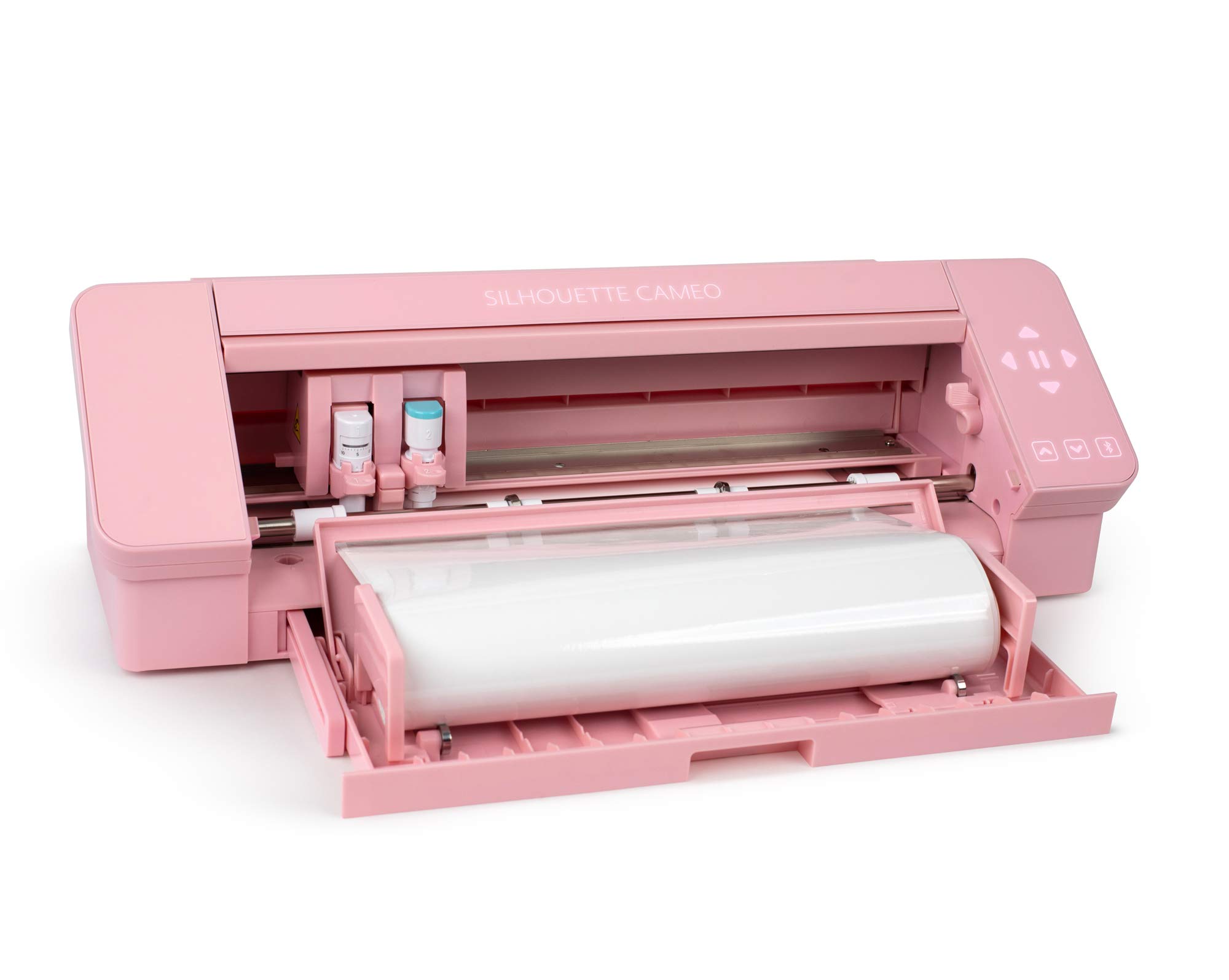
🎀 Cut faster, create bolder—pink power for your projects!
The Silhouette America Cameo 4 Pink Edition is a compact, 13.2-pound cutting machine that delivers 60% faster cutting speeds and higher pressure for thicker materials. It includes user-friendly Silhouette Studio software, requires no assembly or batteries, and is ideal for home, school, business, or hobby crafting.

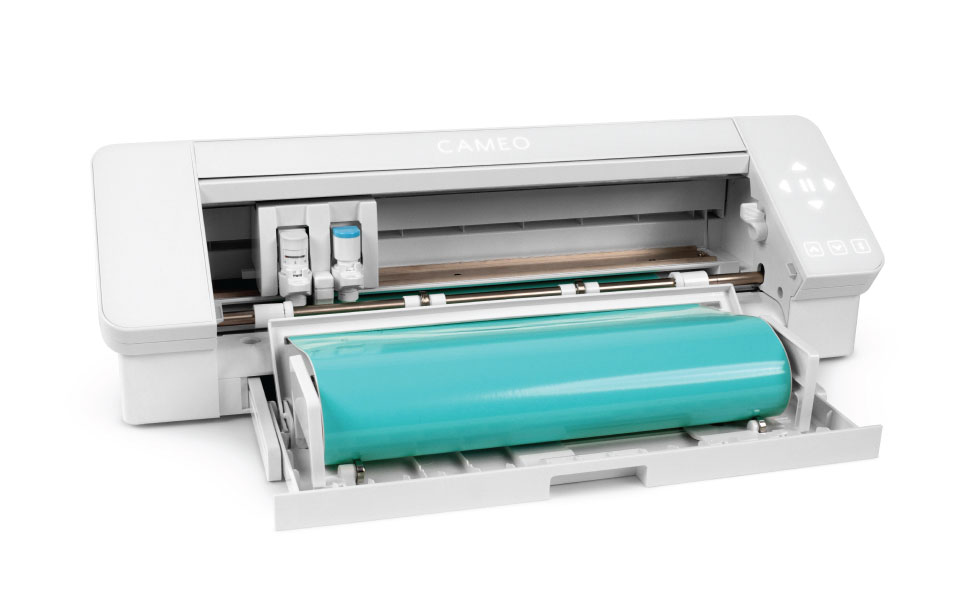


| ASIN | B07XB3B1L5 |
| Batteries required | No |
| Best Sellers Rank | #53,828 in Office Products ( See Top 100 in Office Products ) #71 in Scrapbooking Die-Cut Machines |
| Customer Reviews | 4.5 4.5 out of 5 stars (1,688) |
| Date First Available | 9 September 2019 |
| Form factor | Cameo 4 |
| Included components | Cameo 4 |
| Is assembly required | No |
| Item Weight | 5.99 kg |
| Item model number | SILH-CAMEO-4-PNK-4T |
| Number of pieces | 1 |
| Product Dimensions | 24 x 10 x 8 cm; 5.99 kg |
R**N
good device
First cut was not good, need to do calibration first, then it works as expected, good fit with Coreldraw.
T**A
Amazing
Its really very wonderful
K**A
at first it was extremely difficult to use, and wasnt even cutting the vinyl in the right spots. After watching some tutorials though i figured out how to make it work :) its super good and everything came in nicely package i definitely recommend! heres some tips btw: •make sure to print out the registration marks within the print border, and dont make your image bigger or overlap the print border, cut border, or registration marks. •watch youtube tutorials and test it out on just a plain sheet of paper so you dont waste any product (believe me its going to take multiple tries to get it right) •when inserting the blade, make sure that it is securely pushed down and INTO the machine, there shouldnt be any gaps between the blade and the blade holder. Even though it might say that your blade is already detected, that doesnt mean its securely in. •if your silhoutte is cutting in the wrong spots, it can be either: the blade isn’t securely in or, you moved the image with the registration marks before or after printing. When you finish adding your registration marks on an image, dont move around the image itself otherwise it wont line up, just print it and insert it into the silhoutte, then from your pc just click send to start cutting hope this helps! also recommend looking into how to line up your cutting mat into the silhoutte, it gave me alot of trouble at first lol also im giving it 5 stars for easy to use cause it technically is if u follow every instruction correctly
A**O
Estou amando ter minha máquina, veio tudo certinho é bem embalada. Chegou em perfeito estado e funcionando! Obrigada.
�**�
Della mia Cameo... Tutto perfecto arrivato a tempo e in óptima condizioni...
K**T
Great machine. Not so good for very small shapes under 1.5". But is really precise.
T**Y
Okay, for reviews saying it faulty.. I highly doubt it.. 9 out of 10 times it's user that is not using machine right.. Registration reading, works perfect if your mat is level, if you just let your mat hang down registration will not work, I see so many people saying machine is faulty because it will not pick up registration marks, but this is because of not levelling out the mat while it reads. Software is amazing far better the circuit and far more advance. Plug and play on applies to this if you are a silhouette user and are familiar with their machines already. If this is your first Silhouette machine , take time and learn.. You will wonder how you ever lived without this machine. As for price being more expensive on her , then Silhouettes website, well the website charges in USD , then you have to pay customs fee's if it's coming in to Canada and shipping fee's , so actually it is cheaper on Amazon. got a question ask me! Been a Silhouette user for years and own 4 machines and run a successful business using my machine from morning to night..
Trustpilot
3 weeks ago
1 month ago