
❄️ Stay cool, stay ahead — don’t let your hardware overheat!
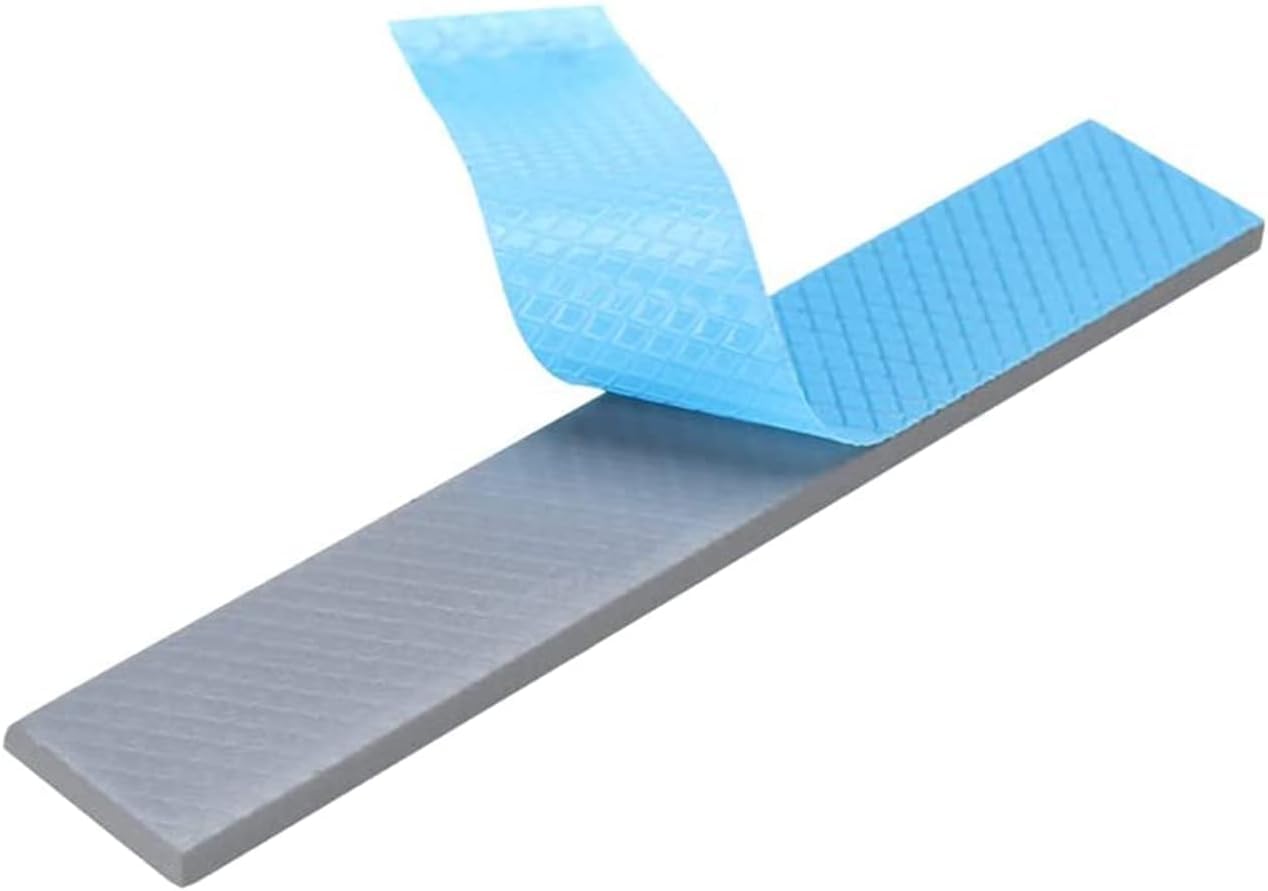
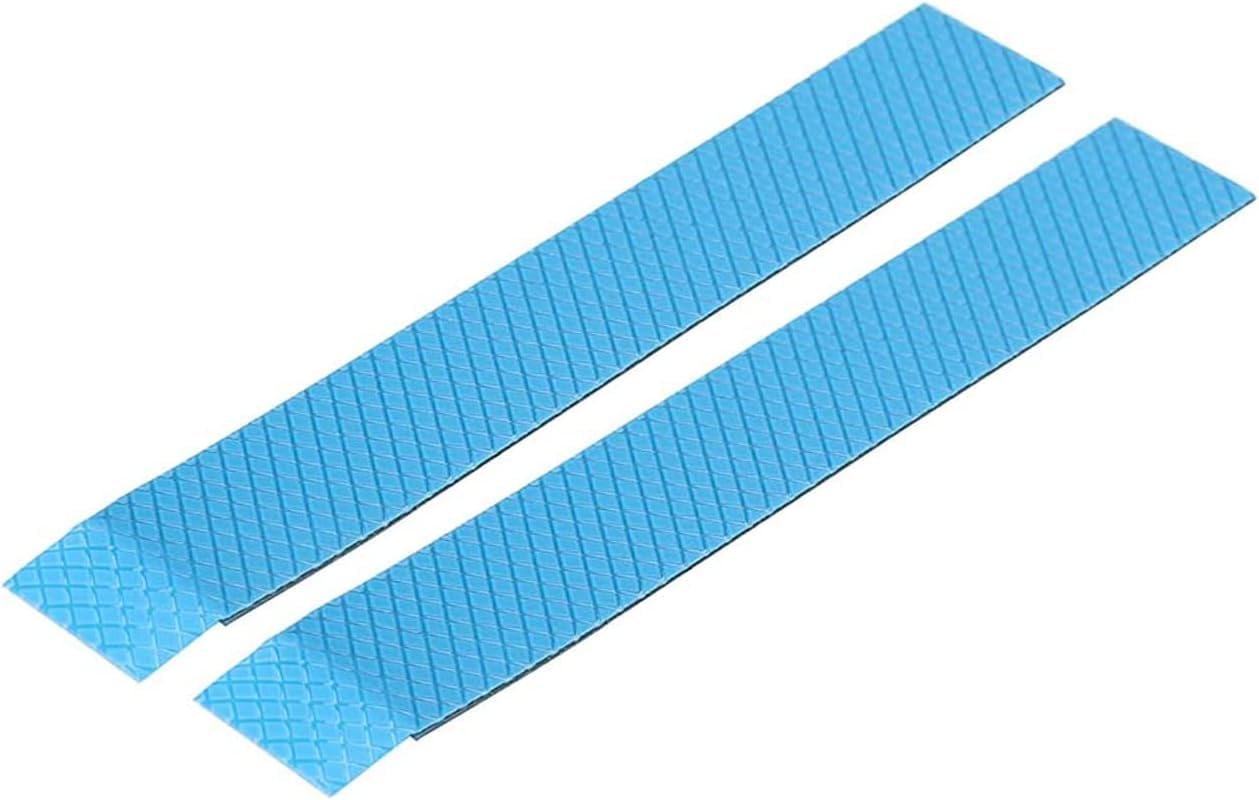
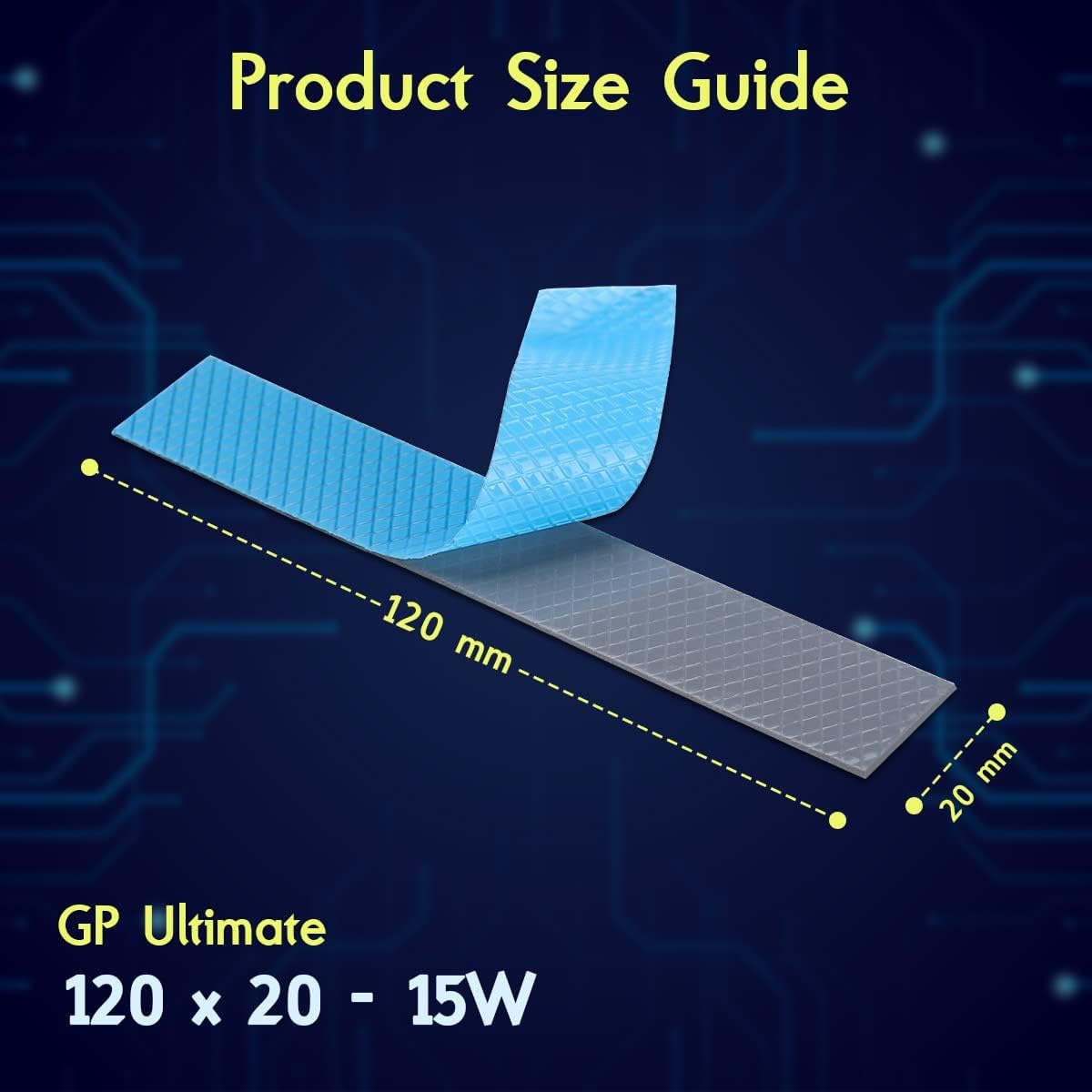
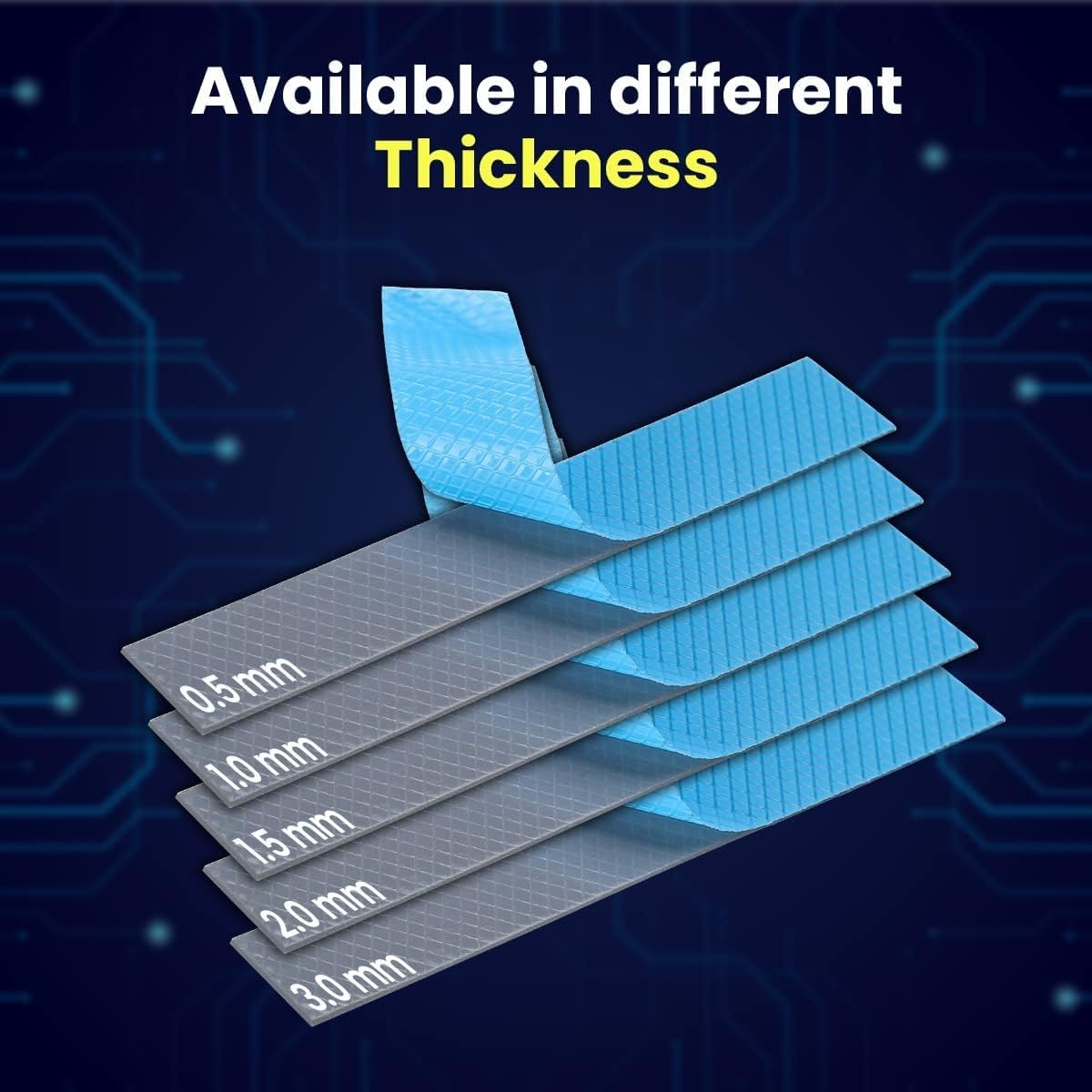
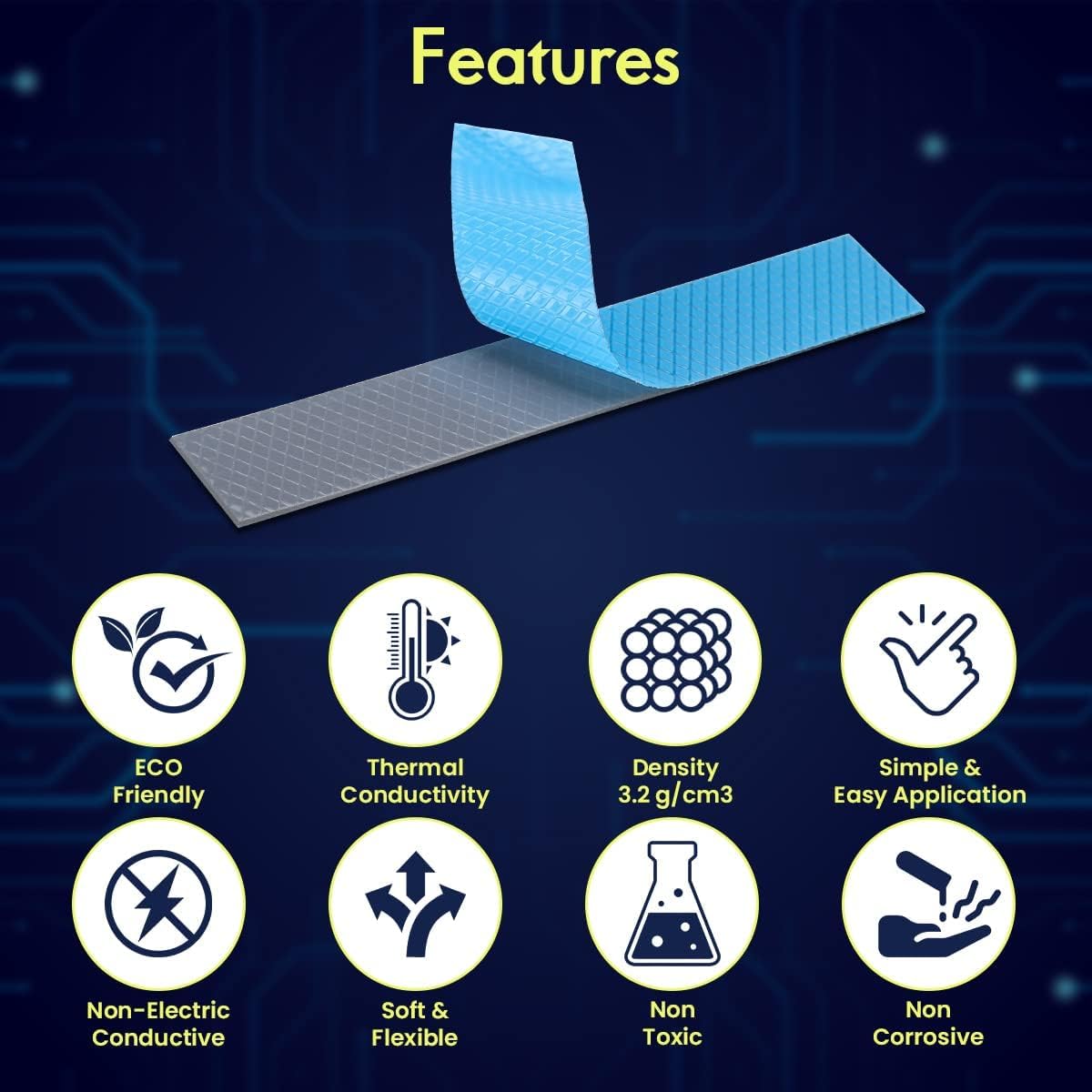
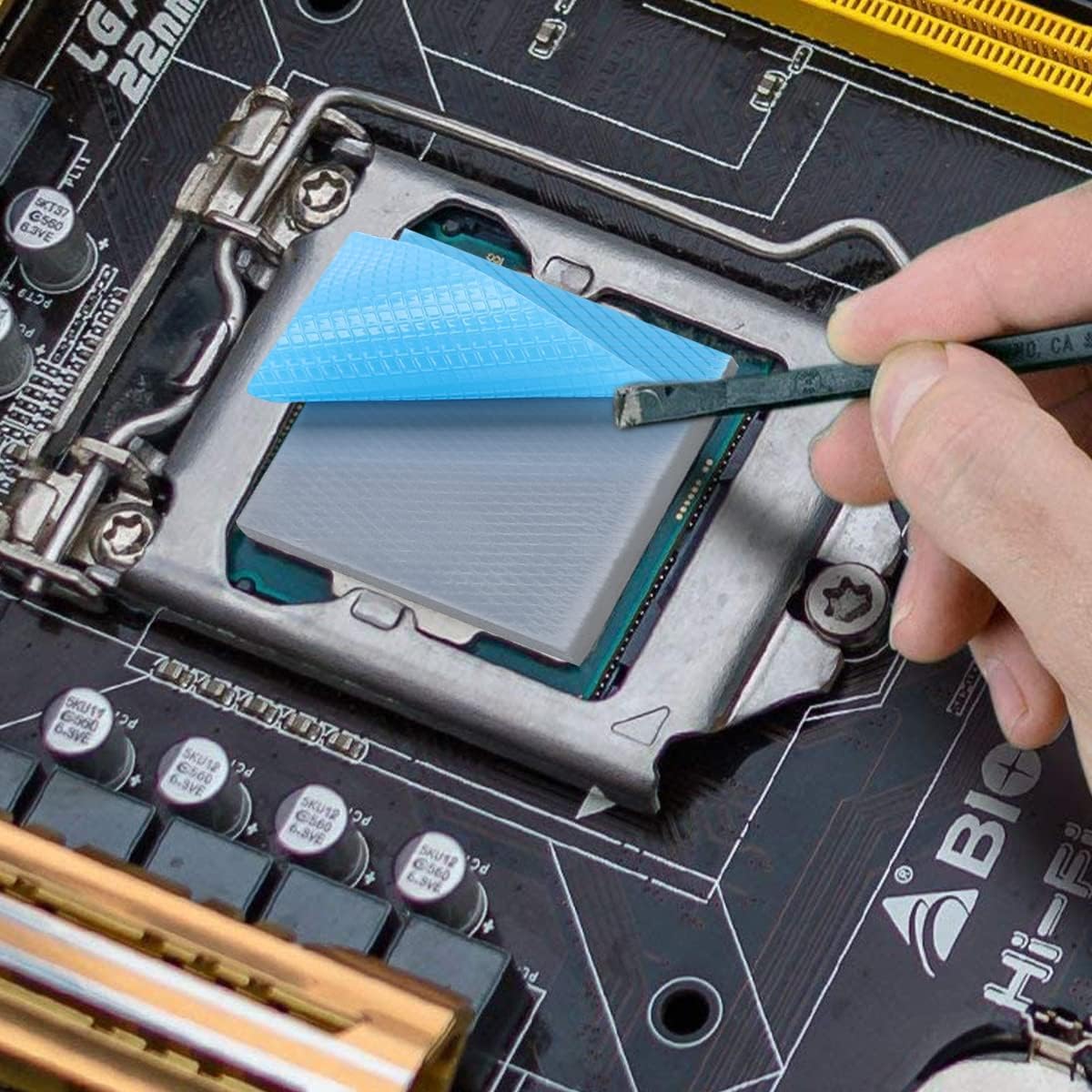
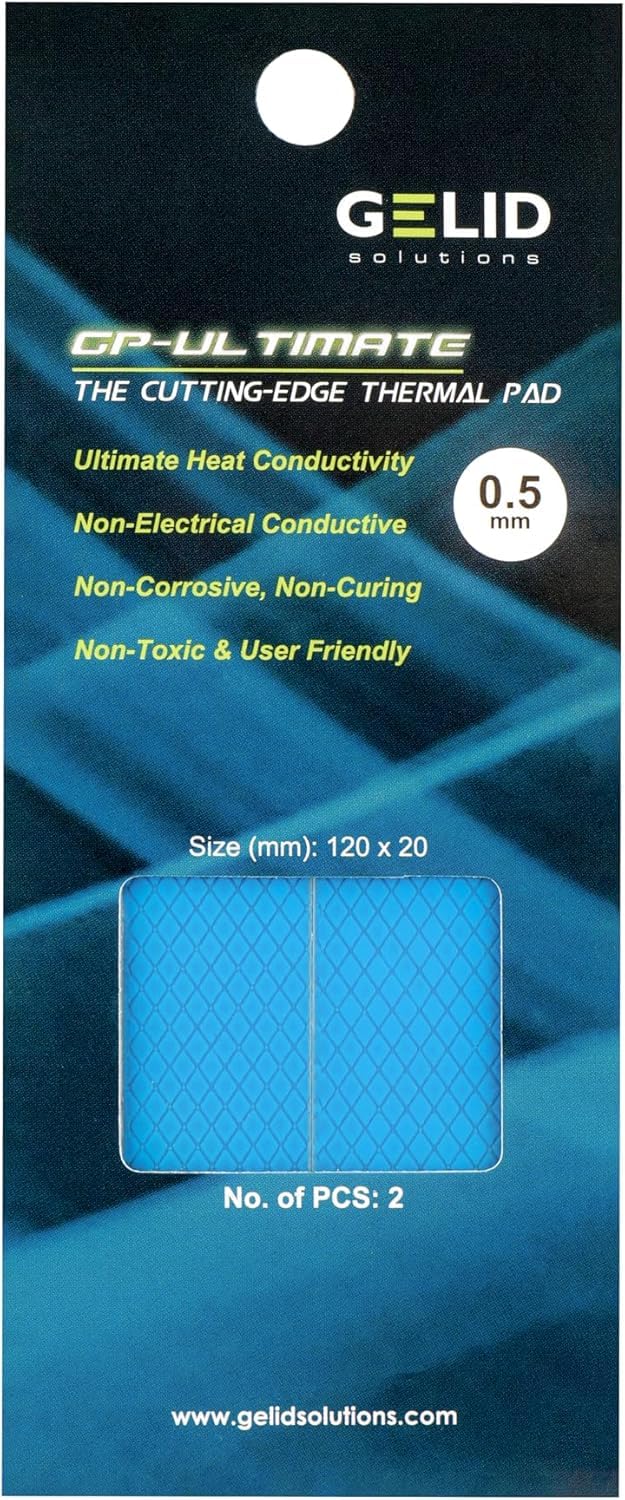
Gelid Solutions GP-Ultimate Thermal Pads deliver exceptional 15W/mK heat conduction in a precise 120x20x1.0mm size, ideal for high-performance PCBs, GPUs, and gaming consoles. Non-electrically conductive and non-toxic, these pads offer easy installation and durable reliability, making them the go-to choice for professionals seeking to optimize thermal management and extend hardware lifespan.


| ASIN | B08PKQFT2P |
| Best Sellers Rank | #35 in Thermal Pads |
| Brand | Gelid Solutions |
| Brand Name | Gelid Solutions |
| Cooler Heatsink Compatibility | PCBs and heatsinks |
| Cooler Heatsink Material | Aluminum |
| Customer Reviews | 4.6 out of 5 stars 473 Reviews |
| Item Dimensions L x W x H | 4.72"L x 0.79"W x 0.04"H |
| Item Height | 1 millimeters |
| Item Weight | 1 Grams |
| Manufacturer | Gelid Solutions |
| Mounting Type | PCB Mount |
| Product Dimensions | 4.72"L x 0.79"W x 0.04"H |
| Warranty Description | 2 Years Warranty |
S**N
terrific performance in my rig
I used these thermal pads when I installed this heatsink: "JEYI M.2 HeatSink, Heavy Duty Aluminum Convective Heat Sink, Passive Heat Sinks with Fins, FinsCold iGlacier8 " replacing a smaller copper third party heatsink. I replaced the stock thermal pads with this: "Gelid Solutions GP-Ultimate 15W-Thermal Pad 120x20x 0.5mm (2pcs)." and I put a piece of thermal insulating tape under the SSD holder to protect the MB: "Tesa's Most Advanced High Heat Harness Tape 51036f" Not sure why the previous smaller but substantial copper heatsink did so poorly. It used much thicker thermal pads, and the short profile and lack of large gaps for airflow through the copper, rather than over it, may have been factors. Installation was easy but due to the weight of the heatsink, and the difficulty of reaching the SSD holding screw, I had to lay the tower case on its side so gravity would assist me in getting that screw in. I also had to remove the GPU from the adjacent PCIE slot. (Taichi X670E, RTX 4070S). That third party thermal pad has a high heat conductivity and its very thin, which is good, but it is also very fragile. The first time I applied it I ripped off a small piece and it was too fragile to put it back. So I cut off the end of the installed pad with an exacto knife and replaced that whole piece. With care and awareness of how fragile it is, it wasn't a problem to install nicely. Since the Samsung SSD already had some kind of sticker over the chips, the thinner pads still provided good contact. P.S. The design of the JEYI heatsink is great. Although I believe the length and width are standard, so it will fit on the MB, it is very tall, giving a lot of cooling surface. The thin, tall fins are all perpendicular to the motherboard and parallel to the length of the SSD, with large air gaps between them. In a tower case with airflow from front to back, or back to front, the air flows through the space tween the fins for optimum cooling and smooth air flow. I don't think it would work as well with airflow across the width rather than the length. The black aluminum looks great and keeps the weight down. It looks like the engineers actually used computer models to test their designs. The stock thermal pads are probably OK but replacing them with these thinner, better ones must have contributed significantly to the performance.
C**.
Fixed my overheating VRAM on my 3090 FE
For the first time, I went all-out and bought the top-end GPU for the generation, the RTX 3090 FE. I was excited to install it. And then I learned about the VRAM. Even in light gaming, it was in the upper 90's. And mining? At 69% power limit, I was sitting at 94C. At 90% power limit it would quickly hit 110C. This took away all the fun of the card because it made me afraid to push it. Despite what anyone says, silicon should never hang out around 100C let alone 110C. Even IF you think that it is within spec, that heat is going into the PCB and into other components where it isn't OK. The last thing I want is a $1500 doorstopper in 3 years. It felt like owning a Lambo but only driving it at 45mph and afraid to take it on the highway. At least I assume it would feel something like that, my crypto gains have not yet been enough to acquire a Lambo. I decided to give these pads a shot since not many people have used the Gelid Ultimate, others told me these were too firm to work. But I went with the 1.5mm pads. Note you will need TWO 2-packs for the backplate VRAM. You COULD do front and back vram with two 2-packs if you don't mess up cutting at all - I did and was lucky I bought 3 of them. I did the backplate vram first since it is easier to get to. And was disappointed to say there was ZERO difference - at least in HWInfo. I didn't know if maybe I messed up, or if these pads weren't ideal, or what. I added a ton of backplate cooling (heatsinks and a 60mm noctua fan) and still no change. However, keep in mind that Memory Junction is the HOTTEST of all ram modules. If the back RAM was running cooler but front just as hot, you'd see no difference in Junction. And my theory is that by replacing only back pads, the heat from the front was preferring to go toward the back rather than the large front heatsink. Note that the stock putty/mesh "pads" are just 1.5w (yes that low). So finally I decided to go for the front vram. And it made a HUGE difference. 30 minutes temperatures: Before: 69% power limit, about 86 mh/s. Core -100, RAM+1000. 94C . After: 69% power limit. Same settings, 74C After: 90% power limit. 121mh/s. Core -100, RAM+1200. 86C. Yes, 8C lower when I INCREASED the power limit drastically. And 20C lower at same exact settings. I am no longer afraid that my VRAM is cooking itself and will give artifacts right after warranty is up and can push the card as hard as I want. Well worth the money for these pads., they are very easy to cut and also seem to retain their capability even if you open the card up again since I opened it like 4 times for various reasons and they are still giving me the same results.
C**R
THE KING OF THERMAL PADS... PERIOD! (What you need to know)
For many people, like me. I was looking for the question everyone has with their overheating 3000 series cards (especially with mining). WHAT IS THE BEST THERMAL PADS! We have far too many complicated thermal pads from thermalright to gelid to grizzly. All of them equally revered by many enthusiasts. I have tested almost all of them in my extremely air constrained case. My 3070/3080 combo has less than a few millimeters of space for any airflow and i've tested dozens of configurations and nothing seemed to work. Until I saw the thermal pad posts about dropping VRAM temps by 20+ degrees for many people. However I kept running into an issue with my configuration. It would only drop the temps by about 5-10 degrees from my starting base of 105c, I have tested the thermalright pads and the gelid extreme pads (2mm) and saw very negligible changes. I partially blame this on my case configuration because I have so little airflow between the 2 cards and my 3080 has less than 1-2 inches of space from the shroud cover of my PSU. HOWEVER! After seeing the gelid ultimate thermal pads I got excited at their conductivity of 15 over 12 from many other vendors. I quickly ordered these after being disappointed by the other thermal pads on the market. Well.... After testing it for a long duration stress test at 70% fan speed and 72% power limit, (it is nearly silent on my end). I was able to achieve 88-90c on my vram temps. An astonishing jump from my original thermal pad replacements. for anyone wondering. Yes 2 pads come with the order I got and they are about 25% wider than the VRAM chips (see picture of side by side comparison. So don't worry about them not being enough. I still had almost a full stick left. IMPORTANT INFORMATION WHEN INSTALLING. 1: Yes the pads are much more resistant and hard than other thermal pads by far so be VERY precise when choosing which thickness you choose. They feel almost clay like where the other thermal pads on the market feel like squishy gum. THIS IS IMPORTANT because the thickness of the pads will ultimately impact your contact with the GPU, how do i know this? I originally accidentally ordered the 3mm pads of the same kind and my gpu would boot into windows and immediately thermal throttle and turn off and my fans would ramp to 100%. SO BE 100% sure you buy the correct thickness. 2: Try and do some EXTREMELY light compressions when re-screwing the gpu back into place. Set the gpu upside down with the fans facing towards you and GENTLY push on the gpu. I am talking extremely light presses but hard enough to actually move the gpu a bit. The reason you want to do this is because these pads are thicker. You will have a .1 to .2 millimeter distance you will have to match with the squishy thermal pads. This quite literally took my gpu from 80c on the core gpu temps down to 65 SO IT IS IMPORTANT. And it shouldn't be overlooked. 3: CUT THE THERMAL PADS CORRECTLY! What you want to avoid doing is having the thermal pads touching the silver square of the die on the gpu and the capacitors on the side as well. This is because again thermal contact is EVERYTHING. And having the pads touching the sides leads to rocking and imbalance of mounting pressure. So cut them similar to my pictures with the thermal pads being .5 millimeters wider than the actual vram chips. Final review: Overall these are some of the best thermal pads on the market and it shows with the intense stress test I put them through. Even in an extremely air constrained environment. These pads managed to keep the GPU WELL within cool temps and reduces noise and heat. Overall I would say the only thing that may be of concern is if you need to do the back-plate side and might not have enough, or the specifics about size and compression that need to be addressed. But these are minor thing when you consider the price of 20$
T**H
Works great
These things are amazing. Just make sure you cut them correctly and be patient. The previous pads I had were not as good and probably were the wrong size so this thickness dropped my temperatures by at least 15° c
K**R
Good product but too expensive
Works well with temp reduction but too expensive
S**O
Cumple lo que promete!!!
Excelente producto. Se evidenció una reducción drástica en las temperaturas de la gráfica 3080 FTW3 ULTRA al someterla a las pruebas de estrés con FURMARK2 X64 y con perfil de OC a 4K durante un período de tiempo de 10 minutos: - GPU CORE antes vs después del cambio: 81°C vs 75°C. - VRAM JUNCTION antes vs después del cambio: 90°C vs 84°C. - GPU HOTSPOT antes vs después del cambio: 98°C vs 88.
R**T
Buy it! Works great on 5700 XT Mech
Great so far! I just installed them on my MSI 5700 XT Mech and my memory temperatures went from 96c at 100% fan speed to 86c-88c (bounces back and forth) at 80% fan speed. I was also able to increase voltage with the reduced memory temperatures and increased my hash rate by 1.5MH. The only negative I have is that my GPU temp went up 2-3c. Not a big deal when it was sitting at 47c before.
T**.
Doesn't compress as much as you'd hope
I snagged these as replacement pads for my XFX Merc 310 RX 7900XTX, whose technicians stated that I should use 2mm Thermal Pads for the VRM components. Unfortunately, there's no real way to know if the pads you're purchasing will work for your application or not until you try it live. Turns out, though these pads may perform well, they're quite hard and don't compress as much as I was hoping when re-assembling the video card. Despite multiple attempts, I had to cobble together and re-use the stock VRM thermal pads and buy an alternative because temperatures were way too high due to the heatsink not making full contact with the GPU die. My product also came damaged, which of course is at no fault of Gelid's I guess but perhaps their packaging for the product (not the shipping packaging) could be improved to prevent smushing during handling.
Trustpilot
3 weeks ago
2 months ago



