
DOWNLOAD THE APP


Customer Services
Copyright © 2025 Desertcart Holdings Limited
DOWNLOAD THE APP


🖤 Print smart, save big, and stay effortlessly connected.
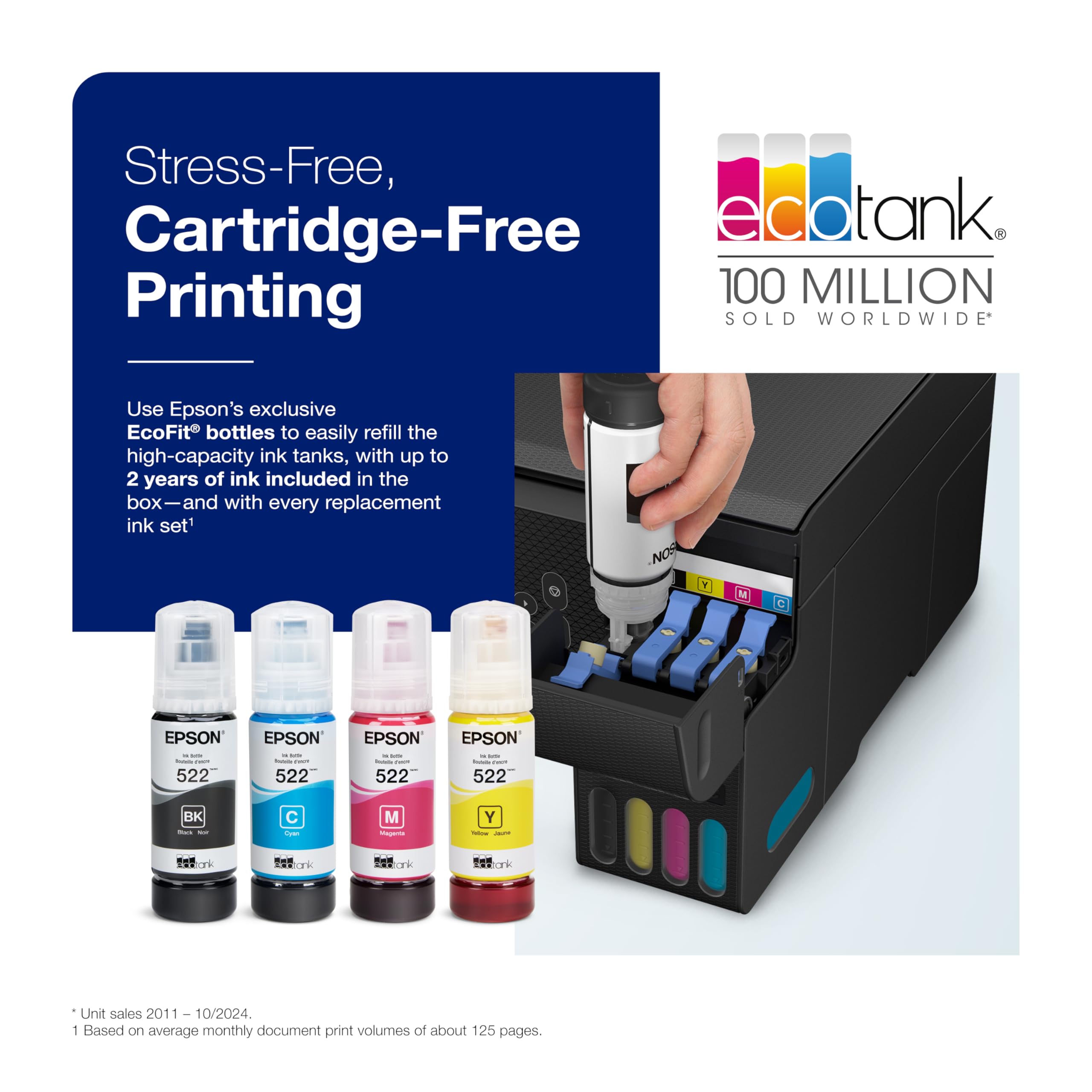
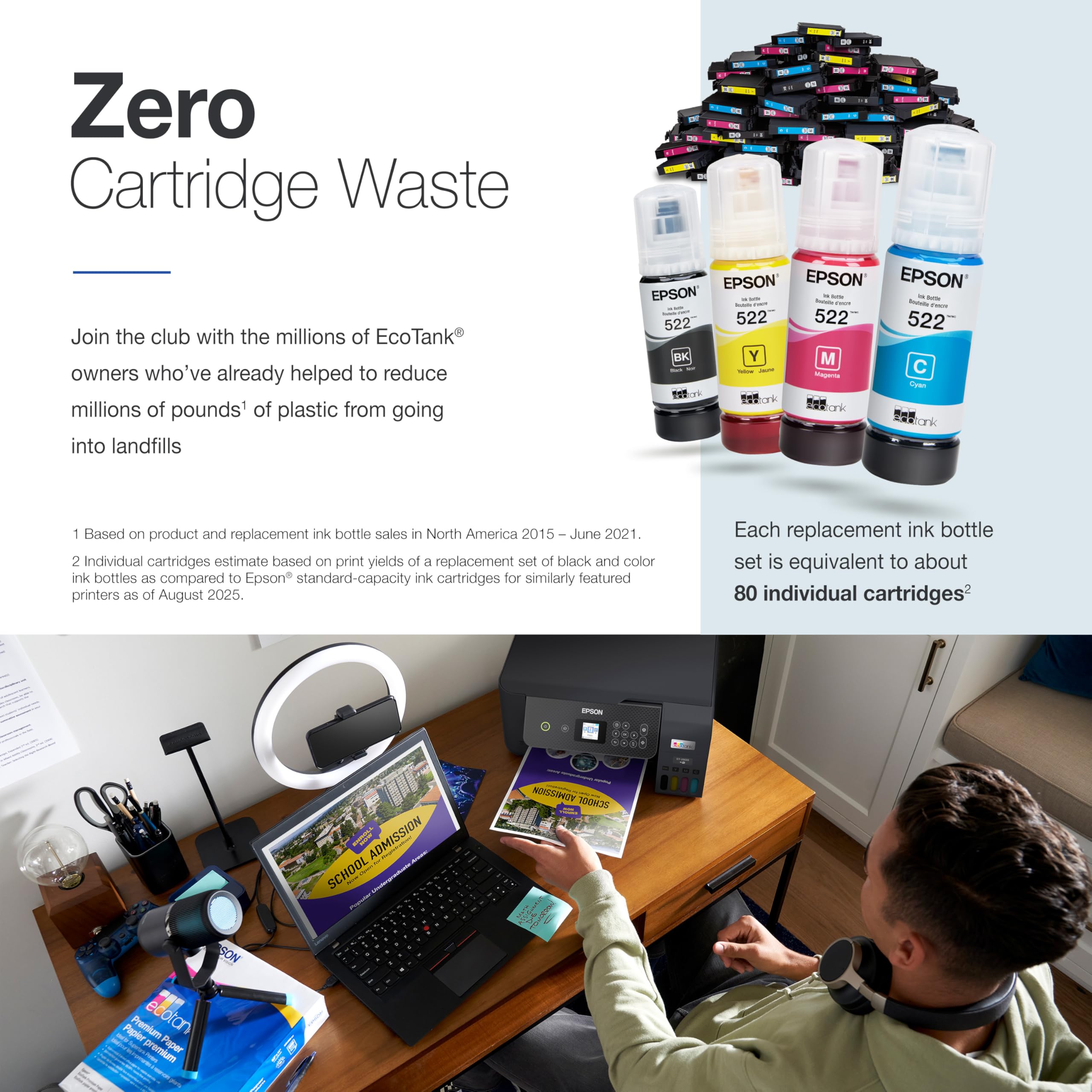
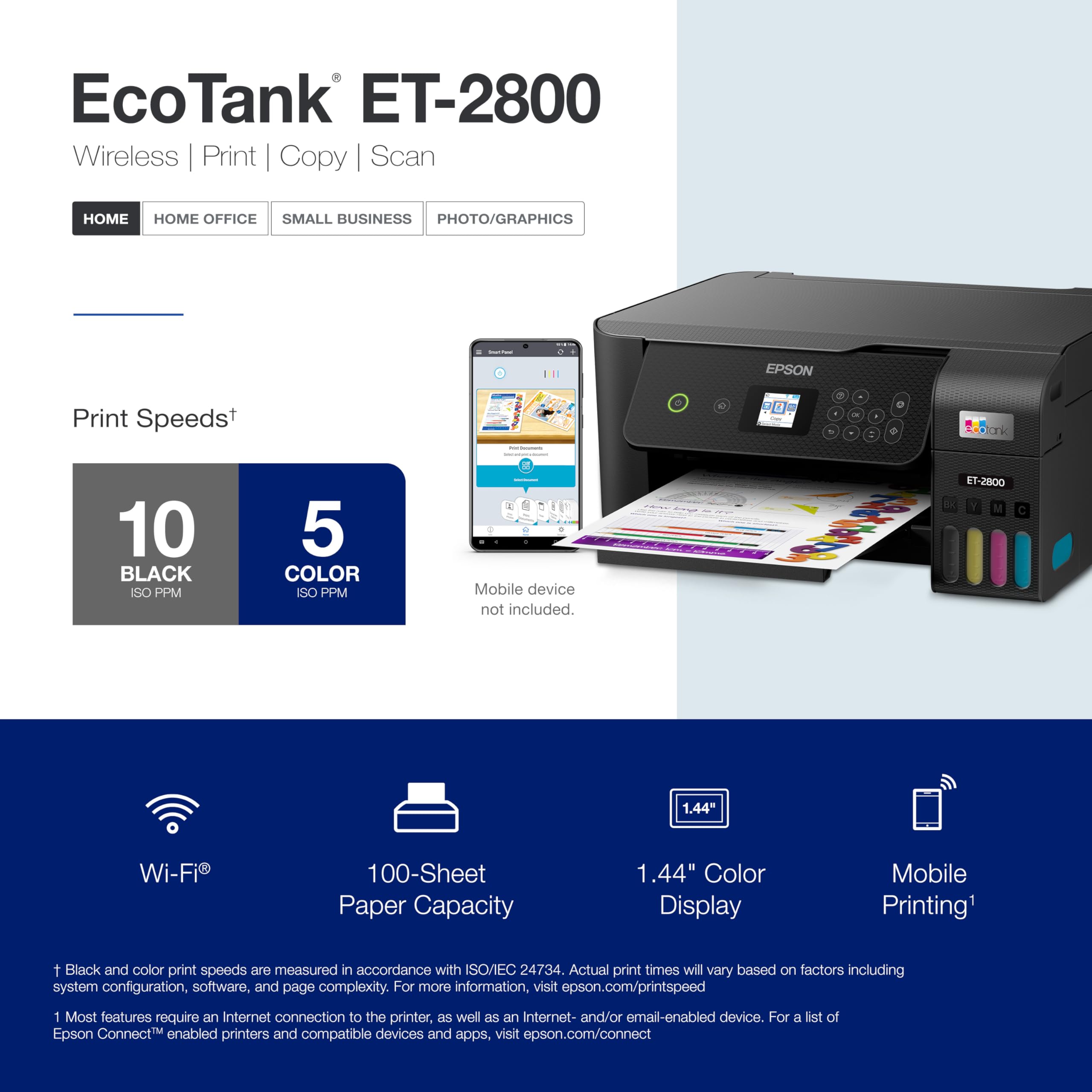
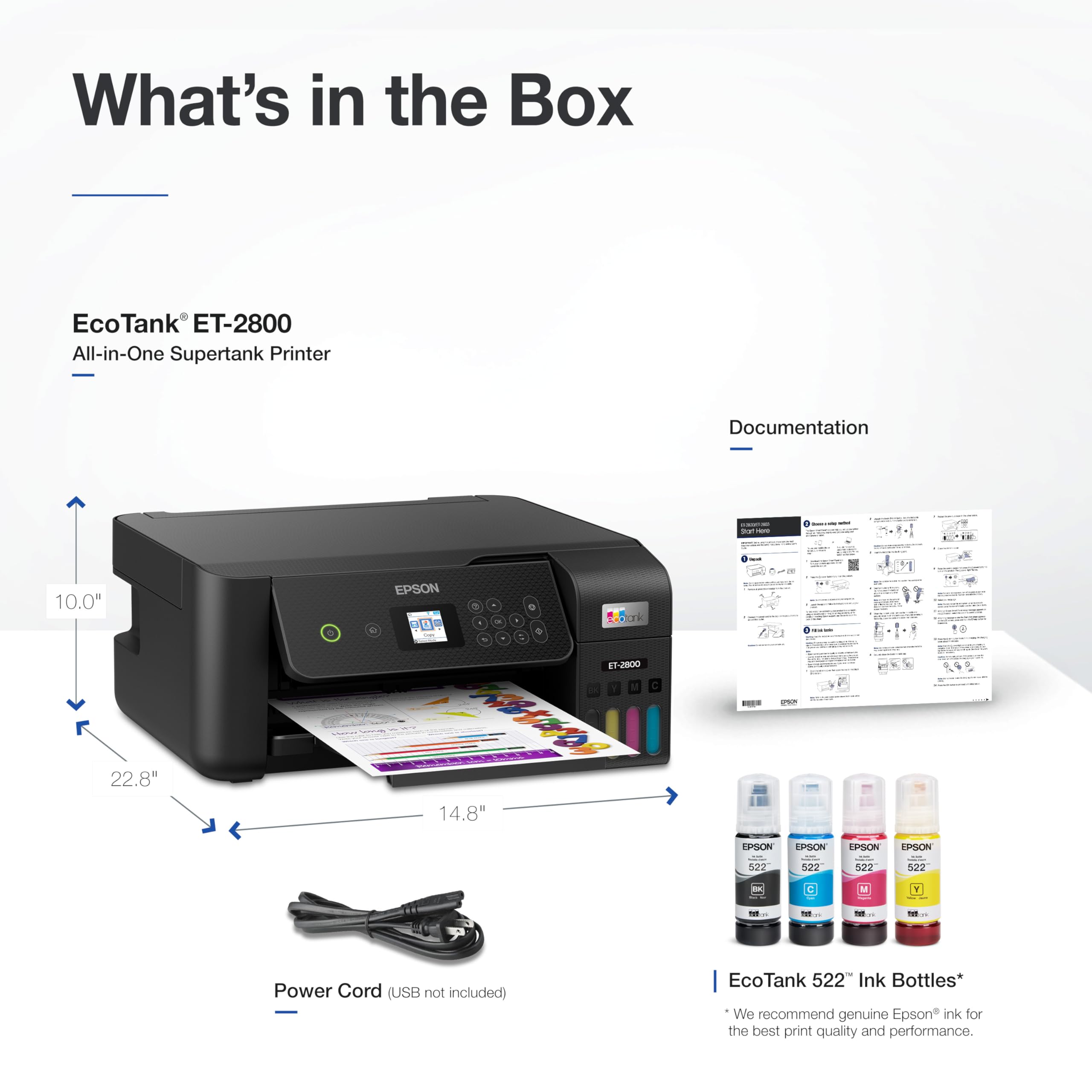
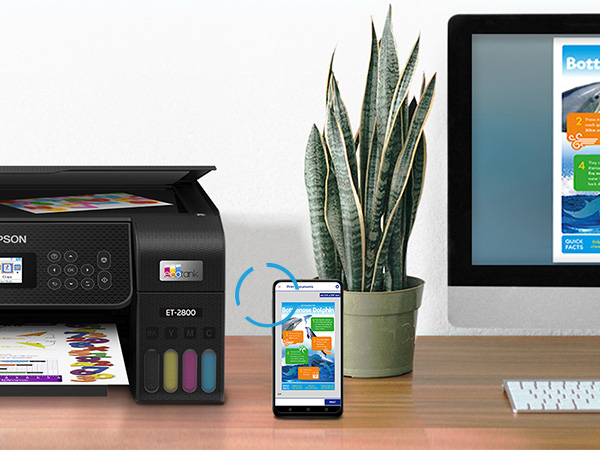
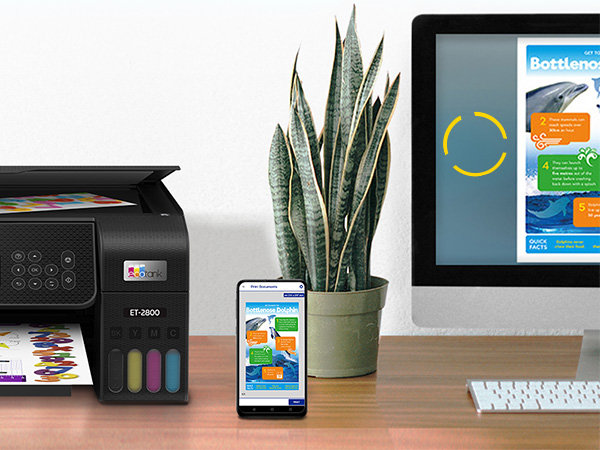
The Epson EcoTank ET-2800 is a sleek, wireless all-in-one printer designed for the modern home office. Featuring ultra-high 5760 dpi print resolution and fast 10 ppm speeds, it delivers vivid, professional-quality prints without the hassle of cartridges. Its innovative cartridge-free supertank system offers up to 7,500 color pages per refill, slashing ink costs by up to 90% and reducing environmental waste. With easy wireless connectivity and a compact design, it’s the ideal printer for millennials seeking efficiency, sustainability, and style.






| ASIN | B096N8DN2H |
| Are Batteries Included | No |
| Best Sellers Rank | #24,381 in Computers ( See Top 100 in Computers ) #98 in Ink Tank Printers |
| Color | Black |
| Colour depth | 32 bits_per_pixel |
| Compatible devices | Laptops |
| Controller type | Android |
| Customer Reviews | 4.2 4.2 out of 5 stars (15,669) |
| Date First Available | 13 April 2022 |
| Dual-sided printing | No |
| EU Spare Part Availability Duration | 2 Years |
| Form Factor | Color |
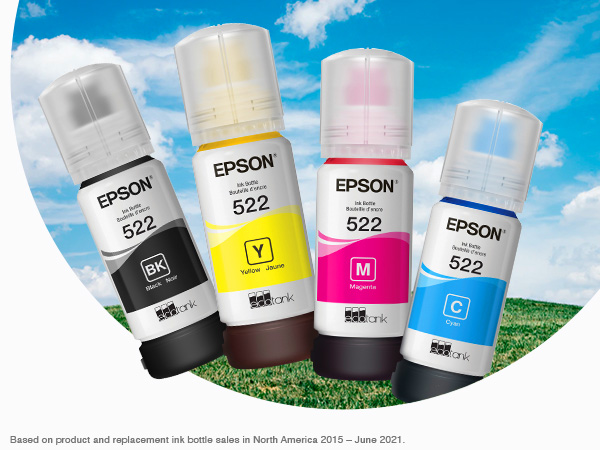
| Included components | EcoTank ET 2800 all in one,Manual,CD ROM for product setup,Power cord, Bottle 522 Black,Bottle each 522 Cyan,Magenta,Yellow |
| Item Weight | 3.99 Kilograms |
| Item model number | ET-2800 Black |
| Manufacturer | Epson |
| Max copy speed (black & white) | 10 ppm |
| Max input sheet capacity | 100 |
| Maximum Media Size | A4 |
| Maximum black and white print resolution | 5760 dpi |
| Maximum color print resolution | 5760 x 1440 dpi |
| Number of Ethernet Ports | 1 |
| Number of USB 2.0 Ports | 1 |
| Operating System | Mac OS 10 15 Catalina, Mac OS X 10.6 Snow Leopard, OS X 10.10 Yosemite, OS X 10.11 El Capitan, OS X 10.8 Mountain Lion, OS X 10.9 Mavericks, Windows 10, Windows 7, Windows 8, Windows 8.1, Windows Vista, macOS 10.12 Sierra, macOS 10.13 High Sierra, macOS 10.14 Mojave |
| Power Source | Corded Electric |
| Power consumption | 12 Watts |
| Print media | Envelopes, Glossy photo paper, Paper (plain) |
| Product dimensions | 37.6D x 57.9W x 25.4H centimeters |
| Scanner type | Flatbed |
| Sheet size | A4 [NO] |
| Standing screen display size | 1.4 Inches |
| Voltage | 240 Volts |
| Warranty type | limited warranty |
| Wattage | 12 watts |
ر**ء
جربتها في الطباعة الحرارية فقط ، و تعجبني الجودة و الألوان و السرعة
F**N
Excellent
Good quality and excellent service
E**N
Power cable
I need some one from amazon to contact me, as I need only to replace the power cable it’s not as per UAE standard Please advice what to do as I can’t return all the printer
ج**ل
كويسه
A**B
Good printer for sublimation!
Good printer for sublimation!
A**E
Good 🤗
L**E
My old printer broke (sooner than I would have liked) so I did A LOT of research before deciding to buy this Epson EcoTank printer for home office use. This is my honest review of it this far and I will definitely update my review if I run into any issues. So far, this printer has been pretty impressive (I've been using it for about a month). The price was pretty average for a printer... but I personally think all printers are overpriced so it was a bit more than I would have liked to spend. It is smaller and more lightweight than I was expecting which is a plus because it takes up less desk space than my previous HP printer. It is very easy to set up, comes with step-by-step easy instructions and guided instructions through the app. It only took me about 10 minutes (Mostly just waiting for the printer to initialize on its own). It is very easy and surprisingly satisfying to fill the ink tank. I like the idea that this ink might last longer than traditional cartridges and won't have as much plastic waste that went along with my old HP Inkjet. I have printed plain black and white documents as well as photos. I print all my photos at home, which is most of the printing that I do, so quality was important to me. The photos came out with pretty good quality! No ink smudges or off colors, colors are bright/vivid, and it is easy to modify what paper you're using with automatic prompts on the printer. Now for the negatives and the reason I'm giving this 4 stars... app to printer connection issues. This was a big issue with my old printer as well. I'm pretty tech savvy and I just have no idea why this is still always an issue for me. There is an extra Epson app that you are supposed to download for printing. Sometimes it can find my printer, sometimes it can't. Sometimes it gives me printer errors or won't let me print documents. And now every time I go to print something it says the paper being used doesn't match the paper settings so I have to bypass that error message (even though it does match in settings and the app, and this happens for both regular paper and photo paper). I've turned everything off and back on again, but the issues with consistent connection and error messages are still an issue. Usually with some fiddling around, I can get the documents/pictures to print but sometimes it feels like I'm jumping through unnecessary hoops. I'm still working out the kinks so if I find some magic solution I'll update my review. Considering this is an issue with most home printers I've used, it's not a deal breaker. All in all, if you are looking for a new home printer, I would definitely recommend this one. The quality has been great for me and I am pleased with my purchase (so far). Hope this helps! *UPDATE*: I have now printed HUNDREDS of photos, they are all excellent quality, and my ink tanks are still mostly full. This is WAY better than my HP printer as far as ink longevity. Changing my review to 5 stars just based on how long this ink lasts. User interface is still a tad annoying but so worth it regardless.
E**O
Ya tiene tiempo que la tengo, y está súper bien para el precio
P**L
My old Cannon printer was almost 20 years old and I finally decided to replace it. I decided on this one and have now had it for 3 1/2 weeks. I don't generally print much but I have put it through its paces some and am very happy with it. Installation was easy and flawless. I have it hooked up via USB cable to my desktop, so I can't comment on printing from a phone or tablet. I love the ink tank system. Because I don't print much I have a weekly reminder in my calendar to print a page. I found a test graphic that uses a little color from each of the tanks and black. So far so good. There are also some great guides online on how to clear badly blocked nozzles. Printing text is fast and the quality is IMO excellent. Text with light graphics on plain white paper is also fast and the quality is also great. I bought some 8 1/2" x 11" Epson glossy photo paper and some Epson ultra premium glossy to test out for pictures, just to see what this puppy could do. The reviews lead me to believe this printer performed poorly at this. I downloaded some HD, good quality photo files and picked a few of those to try out. I printed the same picture on ordinary white paper and the two photo quality papers using Paint Shop Pro 2023. I have been an amateur photographer for decades so I know what photo quality prints look like. The prints with the photo quality paper are way better than I expected. Yes, the shadows and highlights loose some detail, but it is working with three colors and one black. And if I look at the resolution and sharpness through a magnifier I can see the difference compared to photo printer output, but again, this is not a photo quality printer. I can also not comment about color fidelity because my monitor is not currently color calibrated (hoping to fix this soon), but IMO it's not bad. In the end this is a printer that is really inexpensive to run and can print pictures that look really good unless you judge it against a better, way more expensive system. The only negatives I've found so far is in the software. I am running an old computer on Windows 10 Pro and this could be one issue here. I have had a few print files get stuck in the print queue and could not delete them. This seems to be an issue for some people because I found a couple of workarounds online for it and one is working well for me. Another one is the print driver seems a make choosing my photo print quality options a little finicky. Regular printing is easy. I'm pretty computer savvy so I don't usually have problems like this, but it is getting better as I learn the driver's quirks so maybe it's just me. I have not needed to contact Epson about anything yet to solve a problem and I'm still getting better at working with it. I just wanted to mention these to round out my experience with this machine so far. All in all, I'm loving the ET-2800. If this changes I'll come back with an update.
F**M
The Epson EcoTank ET-2800 works well for everyday printing, scanning, and copying. Setup is straightforward, and the cartridge-free ink system is a huge plus. Filling the ink tanks is easy and much less wasteful than traditional cartridges. Print quality is solid for documents and basic color printing, and it handles regular home use without issues. One of the best things about this printer is how long the ink lasts, which saves money and hassle over time. It’s not the fastest printer, and it’s best suited for home or light office use rather than heavy workloads. As long as expectations are set correctly, it performs reliably. Overall, a great option if you want affordable printing with minimal ink replacement.
Trustpilot
3 days ago
2 days ago