
DOWNLOAD THE APP


Customer Services
Copyright © 2025 Desertcart Holdings Limited
DOWNLOAD THE APP




🚀 Elevate your Mac setup with Plugable’s powerhouse dock—because one screen is never enough!
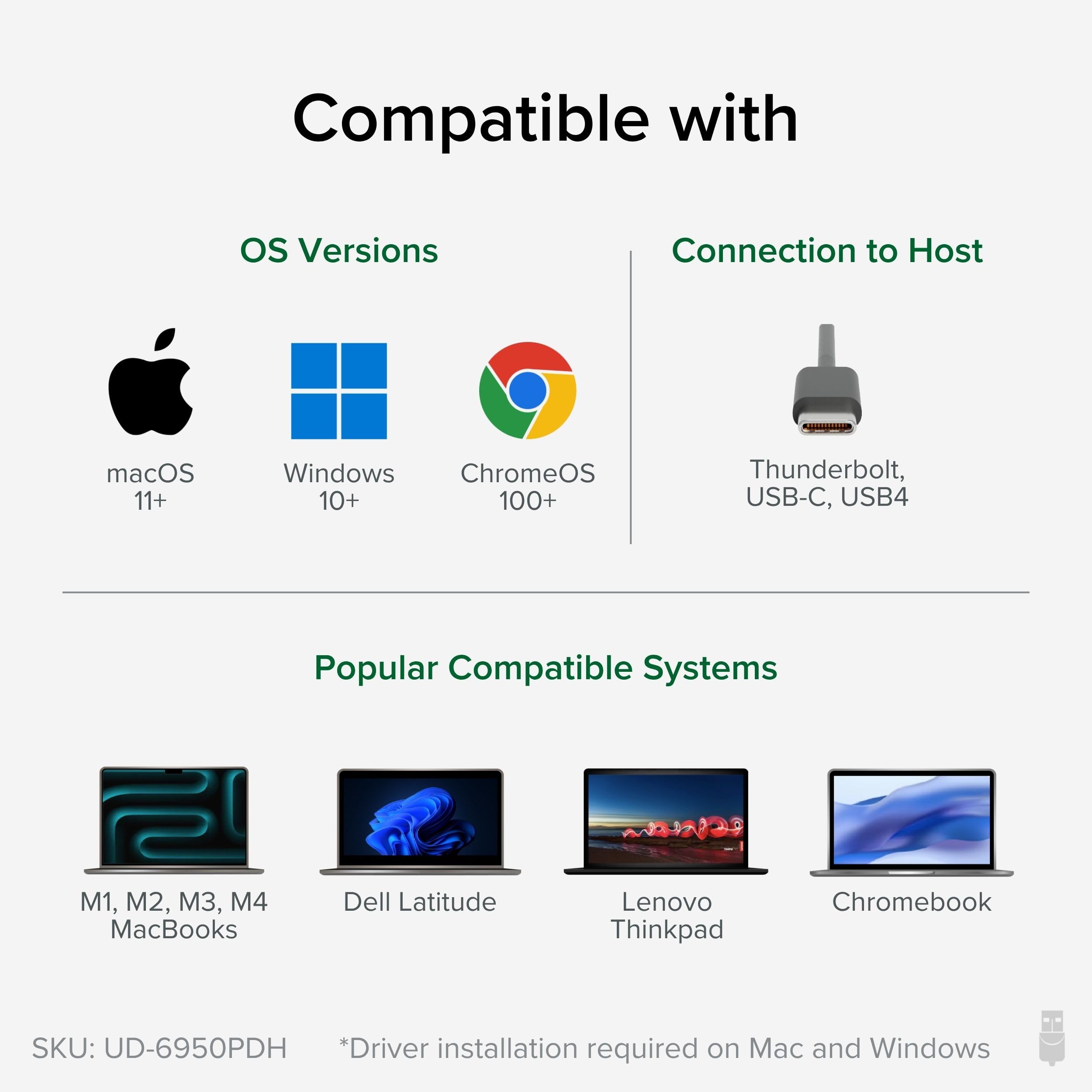
The Plugable USB C Laptop Docking Station UD-6950PDH is a premium 14-in-1 hub designed for MacBooks with M1 to M5 chips, enabling dual 4K 60Hz displays via HDMI or DisplayPort. It delivers 100W charging, extensive connectivity options, and uses DisplayLink technology to overcome Mac’s native single external monitor limitation. Compatible with macOS 11+, Windows 10+, and ChromeOS, it’s built for professionals seeking a sleek, reliable, and future-proof docking solution backed by 2 years warranty and lifetime support.
























| ASIN | B09TQY97MJ |
| Best Sellers Rank | #687 in Computers & Accessories ( See Top 100 in Computers & Accessories ) #87 in Laptop Docking Stations |
| Brand | Plugable |
| Color | Silver |
| Customer Reviews | 4.3 4.3 out of 5 stars (290) |
| Date First Available | March 2, 2022 |
| Item Dimensions LxWxH | 9.4 x 3.1 x 1.2 inches |
| Item Weight | 11.7 ounces |
| Item model number | UD-6950PDH |
| Manufacturer | Plugable |
| Product Dimensions | 9.4 x 3.1 x 1.2 inches |
| Series | UD-6950PDH |
A**.
Best customer support ever!
I work mainly from home and wanted a docking station that I could use to switch between my work laptop and my home laptop easily and that would work well with my monitors while allowing me to hook up a speaker and webcam. One of the challenges is that my work laptop is a Mac and my personal laptop is a Windows machine. I initially thought a Thunderbolt docking station would work well for me, but, while my work laptop can handle Thunderbolt, my personal laptop has an ARM architecture and cannot work with a Thunderbolt device. Enter the Plugable UD-6950PDH. I learned about it because I originally bought a Thunderbolt docking station from Plugable which didn't work for me and their customer support team was able to guide me to a device that would work for me even considering the power requirements that I had. They provided guidance on the software that I'd have to install to make it work with my two machines and made it super easy. Once I had this device, I then had an issue with audio dying. And to make a long story short, the webcam I was using was interfering with proper functioning of the docking station. But, what I loved is that the customer support technician that I worked with actually dug into the log files that I sent him to find out exactly what was causing the issue. Not a lot of customer support teams would go that far. This device merits 5 stars on the basis of the cusomer support I've experienced around it, but it also works great! I can use my two-monitor set-up (almost) seamlessly with my two machines. The docking station runs quietly and smoothly. I love it!
K**Z
American brand, loving it so far!
So far it's working perfectly. I bought this docking station with dual display ports specifically because it's manufactured by an American company. I didn't want a Chinese brand because I didn't want to worry about any spyware hidden in the drivers. As for daily use, it doesn't get too hot during a heavy workload and it charges devices very quickly. I'm also impressed with the image quality for my dual monitors using the display ports. Very nice! There was a shipping issue with the first one I ordered. Then I ordered it again and the 2nd one was delivered on time and in brand new condition. (I hate it when I spend extra to buy new and it's actually refurbished 🤨) Anyway, I will update if something happens, but right now I'm very happy with my purchase.
D**N
Dual Monitor for MacBook Docking Station - Excellent product/company
Incredible, local customer support on top of a product that is unique. I'd not been able to find docking stations that supported a dual monitor set up for my MacBook Air until this one. When I noticed some glitchiness after a year of use, they quickly sent me a replacement, and then helped me with every step of the Cleaning and updating DisplayLink software to ensure that I was back in business. Really amazing to find a technology company where the support is so prompt and customer friendly.
J**E
Ports work... when they want to.
Had this dock for a few months. I have this connected to 2 display port monitors, 1 corsair k-series keyboard and 1 corsair wireless mouse. It is connected to my Lenovo Thinkpad that suports USB C. The mouse and keyboard only work when they want to. It charges my laptop when it wants to. One day they work; the next day they don't. I thought by time it would help. Now, I'm stuck with a dock that could be defective.
K**Y
After loads of research I finally found one that works for dual monitors!
The whole purpose of Thunderbolt 4 was to be able to have an all in one port where you can connect almost anything to it and just have it work! Apple is supposed to be a company that always prioritizes user experience yet they don't provide their own dock and leave it to third party manufactures to make their own all in one dock. They baffle me on this one. The sad truth is the majority of third party thunderbolt docks suck! They either don't work at all or at best only work half the time! This Plugable dock works great with both my monitors plugged in every time I connect the thunderbolt cable from the dock to my 14 inch 2021 Macbook Pro! The only caveat is to get both my monitors to work I had to use the display port cable on both monitors into the dock and install the software. For some reason HDMI doesn't work with both monitors for me (could be a bad HDMI cable). I give it a 4.5/5 total! The only reason I don't give it a 5 is because on some rare occasions when I plug the thunderbolt cable back in my MBP it doesn't show the login screen automatically and I just have to manually turn my monitors on (they automatically turn off if they are not plugged in) then hit any key on the keyboard then the login screen shows up but otherwise other than those rare glitches both my monitors turn on automatically upon plugging in the cable and hitting any key on the keyboard and pass through charging works great too!
K**H
Pretty decent device for basic use.
Only puts out 60hz for 1080p. Device works pretty smoothly for office and basic tasks. Had issues when trying to game on it. Would not recommend for modern gaming (Battlefield 6 for example). Some games like Destiny 2 and ARC Raiders seemed to work alright. Built sturdy. USB functions worked properly. Very easy setup. Had to install drivers from their website for one PC. Worked immediately on another.
E**.
Second times the charm
Based on a recommendation from Lenovo, I purchased a Plugable UD MSTH2 docking station for my Lenovo V15 G4 laptop. That unit failed to work with my laptop even after assistance from Plugable technical support. Plugable suggested this unit and provided directions for downloading the latest driver. Plugged this unit in, connected my laptop and all the peripherals; turned it on and everything worked perfectly. The USB-C provides power and connectivity. I have only attached a single monitor so I can't say how well it will run dual monitors. This unit was a little more expensive than the UD MSTH 2, but the convenience is worth it. I had no problems with unit, but if you need assistance, the support from Plugable technical service was fantastic. They were responsive and gave great troubleshooting directions.
J**B
Es un muy buen Hub, elevado de precio pero se nota la calidad y eficiencia. El DisplayLink funciona perfecto asi ya puedo usar mi Mac con M1 con 2 monitores
L**D
I was actually looking for a hub which does not need power to work. However, after installing the driver and learning how to use this, I'm quite happy with this new hub. it doubels up as a charger for my laptop and more importantly, for my 2 4K monitors. It is so hard to find a USB C hub that fworks with 2 HDMI inputs, and at 4K. Still wish I could find one that does not need power, but so far the one I have currently is starting to give me trouble - few of these I bought last longer than 9 months.
A**R
I use the Plugable 13-in-1 docking station with a MacBook Air M3, a 32-inch 4K @75Hz monitor, and a 32-inch 2560x1440 @75Hz monitor in Extended Display mode. Each monitor, along with the built-in Retina display, operates as its own desktop/workspace. Both monitors are connected via HDMI outputs. Additionally, I’m utilizing the 1GbE Ethernet connection, and I have a Logitech StreamCam Premium 1080p 60fps webcam and a Logitech Blue Yeti USB Microphone connected to the USB-A and USB-C ports. At the same time, my Klipsch ProMedia 2.1 THC Certified External Speakers are connected to the 3.5mm audio output. Performance & Reliability Everything works flawlessly. The driver installation was seamless, and I’ve had zero issues with performance. While I don’t use the SD card reader regularly, I tested it, and it functions as expected. I frequently connect and disconnect my MacBook from the dock, and each time, everything reconnects instantly without requiring a reboot or restart. This level of reliability is impressive and makes the dock an effortless part of my workflow. Build Quality & Design The dock feels solid and well-built, though its finish doesn’t quite match Apple’s premium, but that’s to be expected. It does get warm to the touch while charging, but never excessively so. Value & Features While the dock is pricier, it delivers precisely what I needed; the ability to drive two external monitors independently, which the MacBook Air M2 doesn’t support out of the box. That alone makes it well worth the investment. Wishlist for Future Versions One enhancement I would appreciate in a future version is including a couple of USB-C ports for increased flexibility. Final Verdict I’m really pleased with this dock. It’s a well-designed, highly functional product that performs exactly as promised. If you’re looking for a reliable docking solution for a MacBook Air M2, M3, or M4, I strongly recommend it!
J**Y
Superb.
D**E
I have a M1 MacBook Pro. After you install the driver, the full extended screen across laptop and two HDMI monitors work perfectly. The only reason it's not a 5 star is the 4 USB ports. They are all USB-A, no USB-C ports. For a new product I'd have them all USB-C, maybe 1 USB-A port. If you have an old USB-A device, you could have a A-C adapter.
Trustpilot
2 weeks ago
4 days ago