

Desert Online General Trading LLC
Dubai, United Arab Emirates
Desert Online General Trading LLC
Dubai, United Arab Emirates

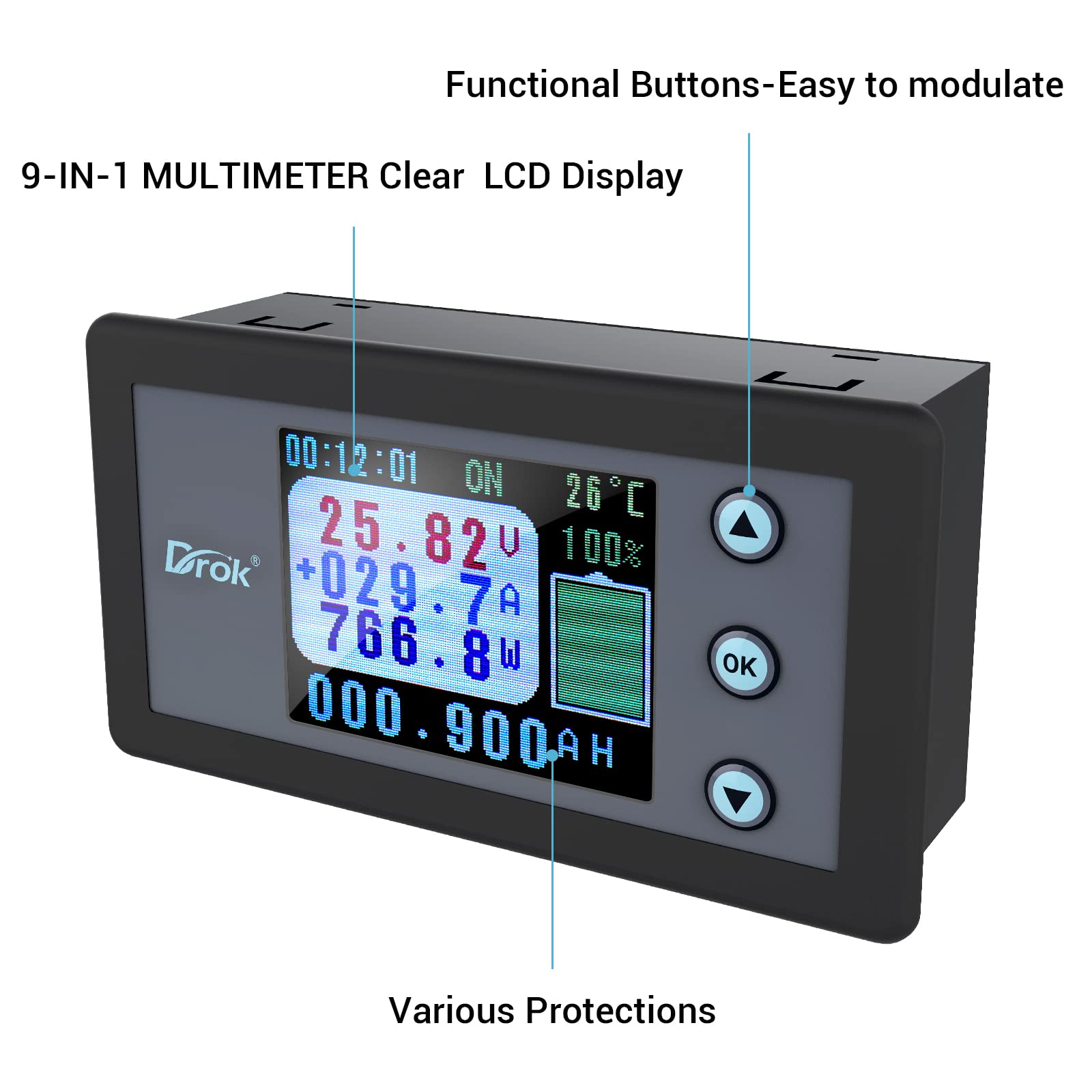


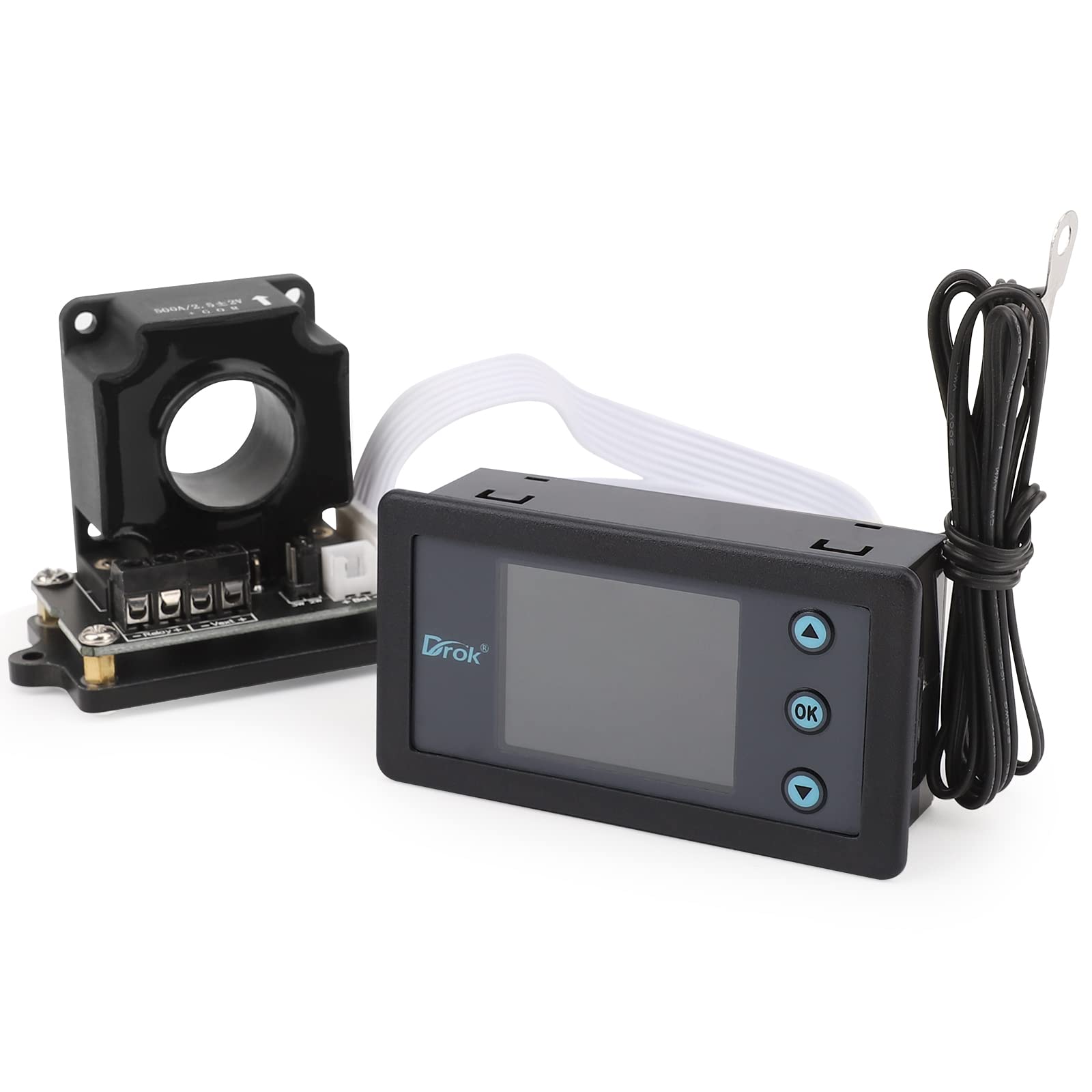

🔍 Discover the Power Within!
The DROK Charge-Discharge Multi Tester is a cutting-edge power meter designed for professionals, featuring a color digital LCD display that measures voltage (0-120V), current (0-300A), and temperature, among other metrics. With its 9-in-1 functionality and robust protection features, this device is ideal for automotive and photovoltaic applications, ensuring accurate monitoring and safety.
B**N
For the inexpensive solar setups.
I have two of these. Yes the manual is a little difficult, but how well will you write a manual in a different language? The units are small and a challenge to configure, but once done, you will like it. I purchased the first one a few years ago and it has not failed yet. It was used to monitor the in/out voltages and amps from a cheap Harbor Freight charge controller. Since then, I have purchased another one to use with another solar project. I have also used it in connection with my large array, though not needed, it was more blinky lights.The relay trigger that is built into this has not been used yet. I may use it in the future with and Arduino solar project I am working on.The input voltage should be calibrated to match your digital voltmeter. I suggest clipping them both to the same source simultaneously to achieve this.
E**O
current meter
not the same as earlier model,good quality. should be easy to use.
C**R
Tough to learn but reliable
I used this in a overland setup to monitor solar charge and battery performance. I don’t know if I’m doing it right or I’m have something wrong. The battery percentage is not accurate, but! The numbers are correct, so I just go off the numbers and ignore the battery percentage. I recommend watching YouTube videos for help if you experience any issues, there’s a few different ways to reset the different counters in the unit. They will not explain that instructions. Other than that, good unit for the cost.
R**1
Just What I need
In my first setup I have a wire charging the battery and the 2nd wire pulling power from the battery and put them both through the sensor. I noticed the readings are not correct. Then I read a user asking a question regarding the same configuration and was informed that this will cause some problem. After that, I revised my wiring so that only the 2nd wire pulling power from the battery went through the sensor and the wire charging the battery was connected to this 2nd wire but before it went through the sensor. Now the display shows the direction of the arrow corresponding to whether the battery is supplying power or it is being charged by the controller.Also, I learned to reset the battery graph/values by moving the yellow dot past the LOP option then press OK once. this clears usage data. Toggle the battery display with the OK button.Going over other peoples comments really helped me a lot.
K**G
Garbage documentation, "enhanced" advertising, NOT A BATTERY MONITOR.
This unit is not what it appears to be. If you want to use it to actively monitor battery usage for more than a single discharge (just so you can find out what your battery is capable of), THIS IS NOT FOR THAT PURPOSE!It's sold like a battery monitor, using a Hall effect sensor for current monitoring and as a unit with battery capacity monitoring, bidirectionally. Well, it sort of is, but isn't. Here's the game they're playing... It has settings for adjusting voltage calibration, getting accurate current bidirectional measurement, and lots of other relay-based functionality. What is is NOT is a battery charge monitor. You can set the AH expected from your battery, and it will monitor it and display a percentage, but as soon amperage drops to near zero (matched in/out or just plain not using anymore), it resets the AH gauge to the max and shows Watt-hours used in the last session. IT DOES NOT monitor battery percentage for more than testing purposes only. Single time test. Then the numerics reset. Let's say you want to say you have a 200AH battery and do a controlled discharge. Once it gets to zero, it won't even show you how much more you got than 200AH.This is far oversold as a device that performs functions that it does not, and the documentation is VERY poor and extremely incomplete. If you want to use it just to run your cables through a Hall effect ring and have it show the amperage, it's good for that. It an also display hard-connected voltage (OMG!) They're playing the "bad English" game of adding and miswording functions to give an impression of it being a device that it isn't. They're not an American company, so false advertising is okay.Oh, and they accept returns just fine, but only if you drive it to an approved location (Amazon, etc). When attempting to return it, you'll get horrible English that makes it sound like they've done nothing wrong and you're just not using the unit right. Typical. Spend a few more dollars (literally, about 10 more) and get a device that is an actual battery monitor.
D**.
Not reliable
I have purchased many of these, mostly because I could not find anything else that had what this has. The price has gone up considerably. That is too bad, they are not very reliable. I have had several fail. They are not very accurate. The battery SOC is a waste of time. You get it set, then it drifts so far that it becomes a waste of a graphic. Looking for an alternative.
R**K
Meter to show battery charge
I use this meter to see hat is going in and out of my solar battery To get the best out of meter start with a completely empty battery and as you charge the meter keeps a total of amount stored and sets the full mark. You have too now fill the battery to 100 percent and then you get a good percentage of battery charge as you use up battery. This means a time period to use meter before it gives you good info.Dont reset meter as this will loose your work get meter setup.You can set the meters amperage rate.
S**.
Great to calibrate
As came out of box Calibration off a little. It is super easy to calibrate and work like a champ. Disconnect Battery power. Press OK and hold OK while powering up. The move curser to item to calibrate. use up and down arrows to match readings off another meter. press ok. Easy to read screen even with my old eyes. Would and most likely will buy another one.
Trustpilot
3 days ago
2 months ago