We remain fully operational. Our teams are working around the clock to ensure your deliveries continue safely.

DOWNLOAD THE APP


Customer Services
Copyright © 2025 Desertcart Holdings Limited
DOWNLOAD THE APP

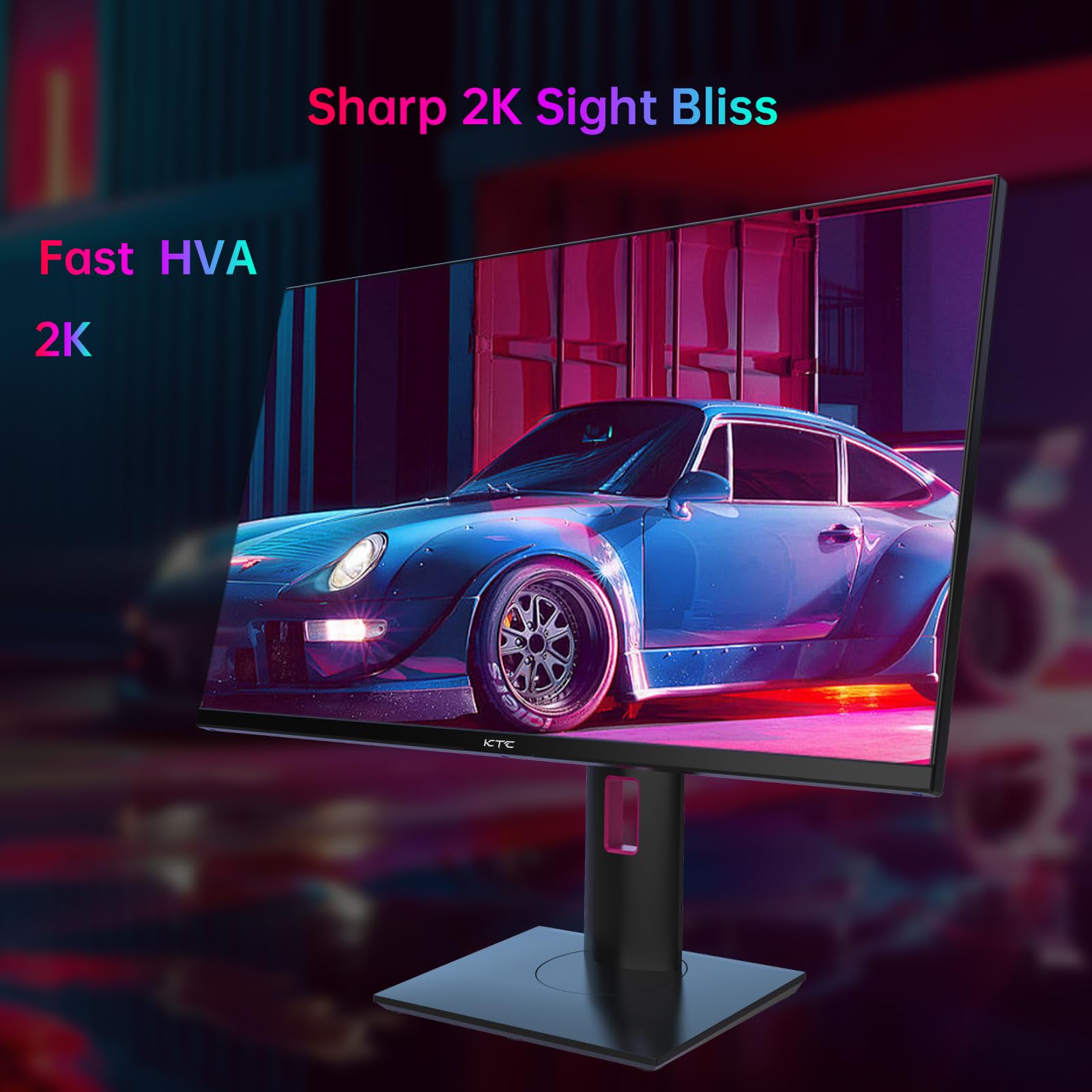

🚀 Elevate your game and workspace with next-level speed and stunning clarity!
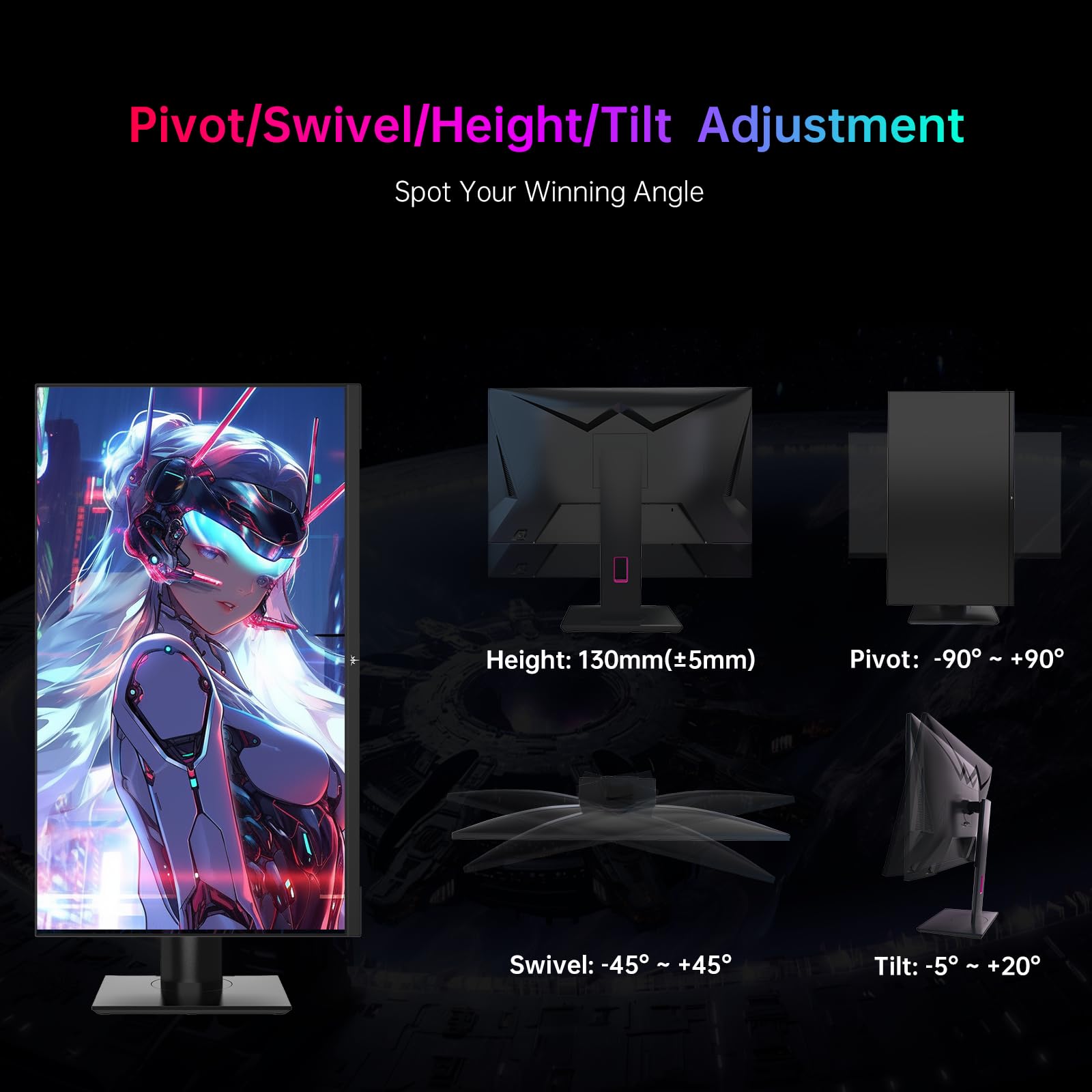
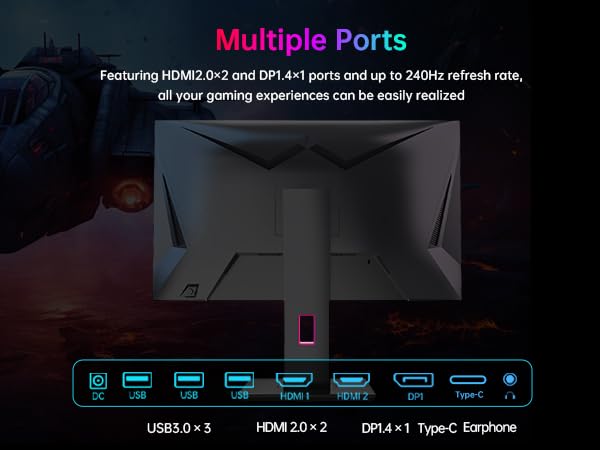
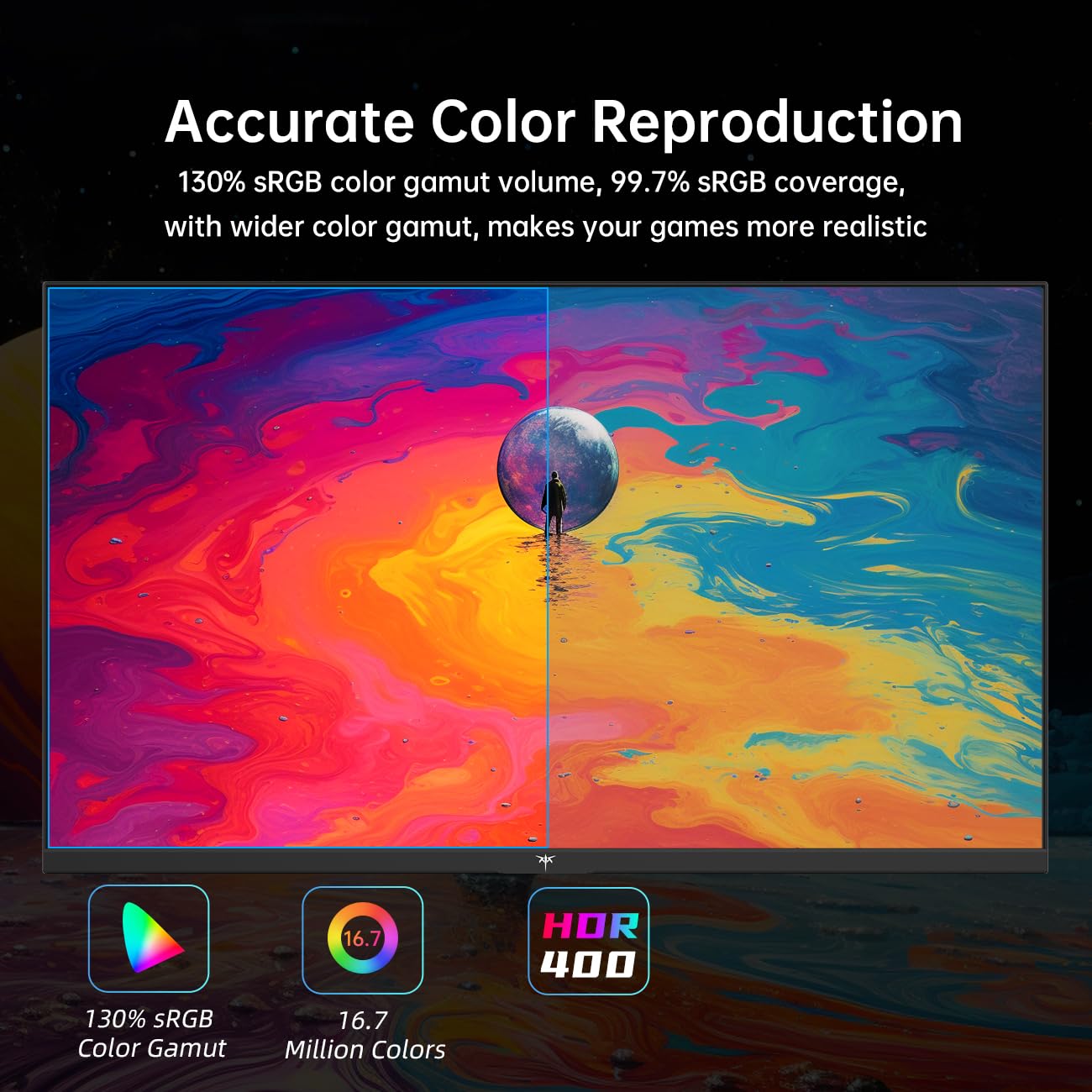
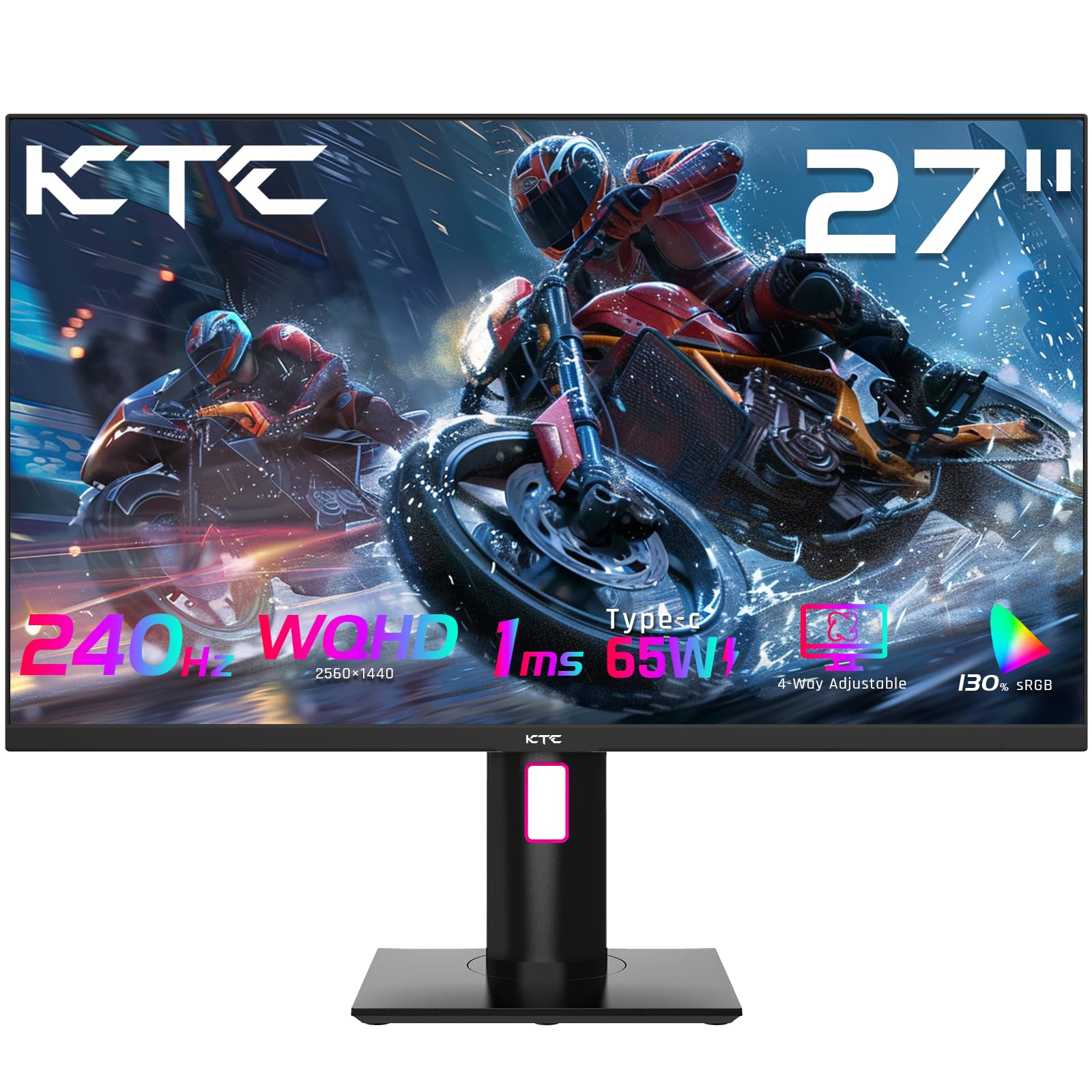
The KTC 27'' Gaming Monitor delivers a professional-grade 2560x1440 QHD display with an ultra-fast 240Hz refresh rate and 1ms response time, perfect for competitive gaming and multitasking. Featuring HDR400 support and 99.9% DCI-P3 color accuracy, it ensures vibrant, true-to-life visuals. Its ergonomic stand offers tilt, height, swivel, and pivot adjustments, while versatile connectivity includes USB-C with 65W reverse charging, DisplayPort, HDMI, and USB 3.0 ports, making it a powerhouse for both work and play.


| ASIN | B0DF285RDG |
| Aspect Ratio | 16:9 |
| Best Sellers Rank | #2,114 in Electronics ( See Top 100 in Electronics ) #82 in Computer Monitors |
| Customer Reviews | 4.0 4.0 out of 5 stars (31) |
| Date First Available | September 18, 2024 |
| Image brightness | 400 Candela |
| Item Weight | 19 pounds |
| Item model number | H27E22 |
| Manufacturer | KTC |
| Product Dimensions | 30 x 19 x 7 inches |
| Resolution | 2560 x 1440 |
| Standing screen display size | 27 Inches |
| Total Usb Ports | 2 |
| Voltage | 24 Volts (DC) |
C**H
Very Great Color, Plug and play
Plug and play. Easy setup You can use HDMI or AUX for audio. This is also mountable but I use the stand which takes 10 seconds to figure out and slide into place. Very well done
I**4
1440p 27" 240Hz review
TLDR: If you have a 1080p 24" 144hz or slower monitor and you're looking for an upgrade, this will do nicely. I've been using an older monitor for gaming; the specs above. It was fine. I didn't know what I was missing. I don't know if I'm just that much older or if it's the newer tech, but the 27" 1440p is fantastic. Even when I drop in-game scaling down to 1080p, it just looks better: I can see details across map that I couldn't before. One problem I've had: the VESA mount. The mount I have came with screws. They worked fine on the older monitor. They are too long for this one. I need to get either spacers or shorter screws to get the monitor snug. Connecting to the PC was easy with the included DP cable. It needed some color adjusting out of the box. Of course. But HDR works, resolution and refresh rate all work great. (My poor 6700xt isn't enough to really drive the high frame rates I'd like to see, but that's a fixable hardware problem.) Connecting the Xbox series S was fine too. I needed to tinker a bit with settings to get the resolution and frame rate I wanted, (I can't get HDR to work unless the xbox switches to 4k and drops down to 60fps in game but not allowing 4k in the xbox settings fixes the problem) but when I got it dialed in games look great at 1440p 120 fps! There was a pleasant surprise here. It has KVM support, which isn't clearly stated on the page here. I thought it might because it has usb C and usb A hookups, but it does works. When I plug my phone into the usb C port (with the right cable: some are crap) Samsung Dex fires right up when I switch to the usbC input and my keyboard and mouse control the phone functions. Even sound plays through the usbC cable and volume control and media pause un-pause on my keyboard work. Switch back to the DP input for my Pc and keyboard mouse control go right back to the PC. Even the RGB on my Razer Keyboard works running it through the monitor. It switches to the default pattern when I'm on the phone input, but it goes back to my preselected pattern when I switch back to the PC input. I'm very pleased with this monitor.
M**X
Stuck pixel on 2nd day of use.
I like the high refresh rate and clear colors but now on my 2nd day of purchase, there is a stuck green pixel right in the middle of the screen. This is so disappointing. I'm returning this product. Fixed it, but issue occurred by enabling HDR Edit: I found the solution is by resetting the display using the OCD (display menu) in the Settings tab. I've tried fixing by applying mild pressure to the screen where the stuck pixel is, that didn't work. I've also used JScreenFix, that also didn't work. I lightly tapped the stuck pixel, which also didn't work.
O**O
Great Monitor
Display is great. The different connection ports on the back are appreciated. The menu selection joy stick is hidden but easy to use. When my 2nd monitor dies, I will again, purchase this monitor. My 2nd monitor, built by a well know manufacturer, menu's selection joy stick is very difficult to use - when I try and access my menu (2nd monitor), my Navy descriptive words are heard.
I**T
Amazing Monitor
Really amazing monitor I bought so many monitors But no one of them have so good quality like the one I brought from KTC I love it
G**N
Great Monitors While They Last
About 1 year ago I bought this monitor and have enjoyed using it ever since I purchased it. The picture is great and it gives me a huge advantage in esports titles. However, after a year of use, the DP stopped working and caused color banding in the display. I worked with support and was able to get a 50% refund after a year of use. Can't beat this monitor for the price. What I Liked: The 240Hz refresh rate is awesome for Esports gaming. I am an avid Rocket League and Counter Strike player and instantly noticed a difference in my gameplay after buying this monitor. The image is really good! This monitor displays beautiful colors at 2K quality despite the budget price. The joystick on the back is awesome for changing settings. I work from home and am a gamer so I switch displays daily. The joystick makes it super easy to change from my work display to my gaming PC display. It also has a ton of customization options for brightness, gamma, etc. What Could Be Better: While this monitor has enough inputs to satisfy all of your needs. I do wish that this monitor came with 2 DP inputs as opposed to 1 DP and 2 HDMI. Build Quality - The monitor overall has a good build quality out of the box. I didn't notice any dead pixels or other common monitor issues. Drawback: The main issue is longevity.. This monitor lasted about 1 year before my DP input stopped working. Due to the issues with the DP, I am no longer able to achieve the 240Hz refresh rate. Bottom Line: People who are looking for a budget option should take a look into KTC monitors. They are spec'd out for the price. a 2k 240Hz refresh rate monitor for $200 when I bought it was pretty unheard of. While I had issues with my DP which impacted my love of the monitor, I don't think this is a common problem with these monitors. I was able to work with their support and get a 50% refund a year later. This monitor received a 3/5 from me. It was great while my DP worked and even after, the HDMI works well. I worked with support and was able to get a 50% refund. Overall a positive impression on KTC despite the issues.
Trustpilot
2 weeks ago
3 days ago