We remain fully operational. Our teams are working around the clock to ensure your deliveries continue safely.

DOWNLOAD THE APP


Customer Services
Copyright © 2025 Desertcart Holdings Limited
DOWNLOAD THE APP


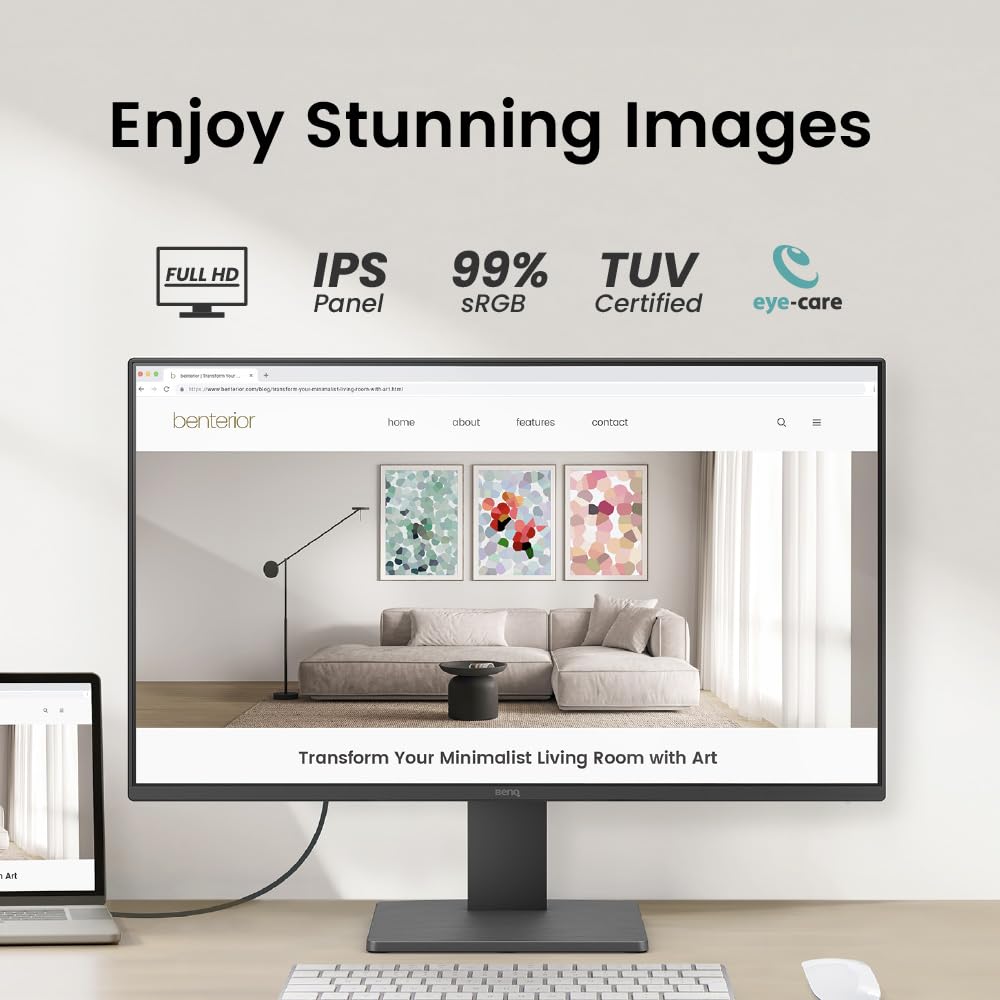

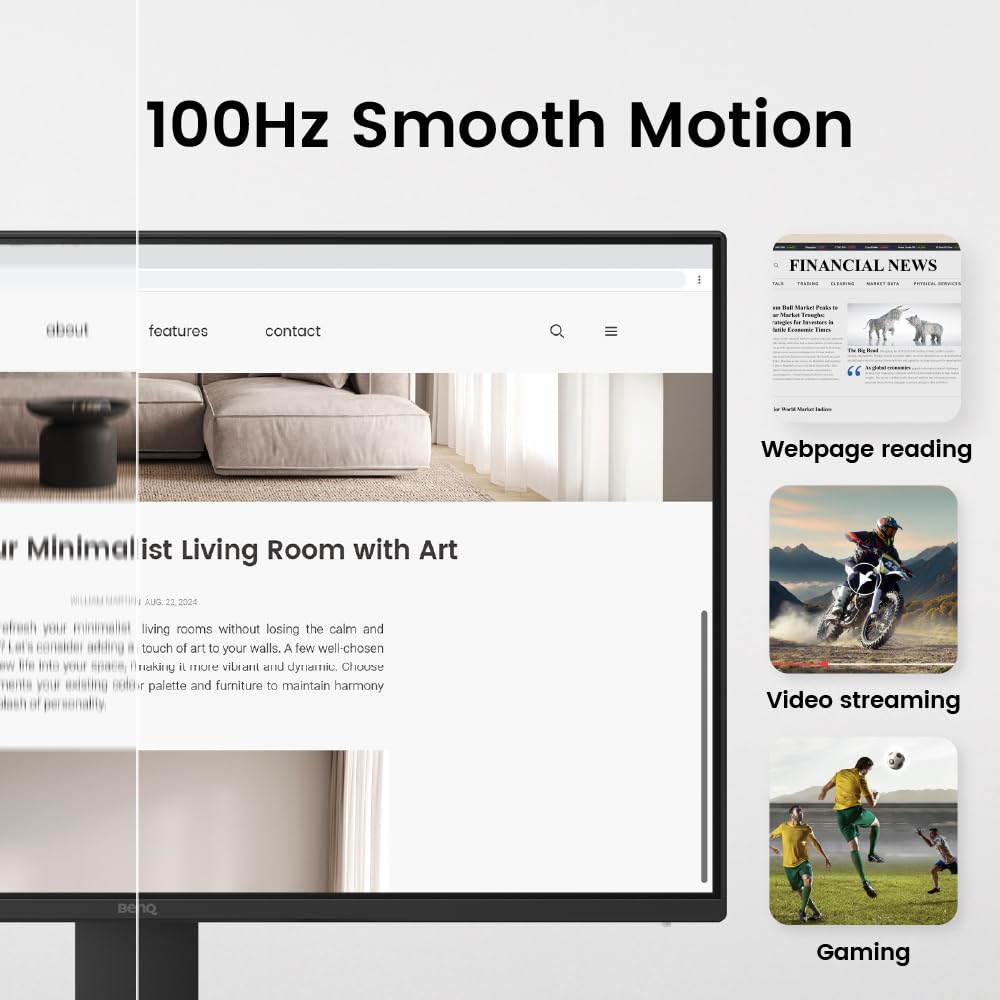

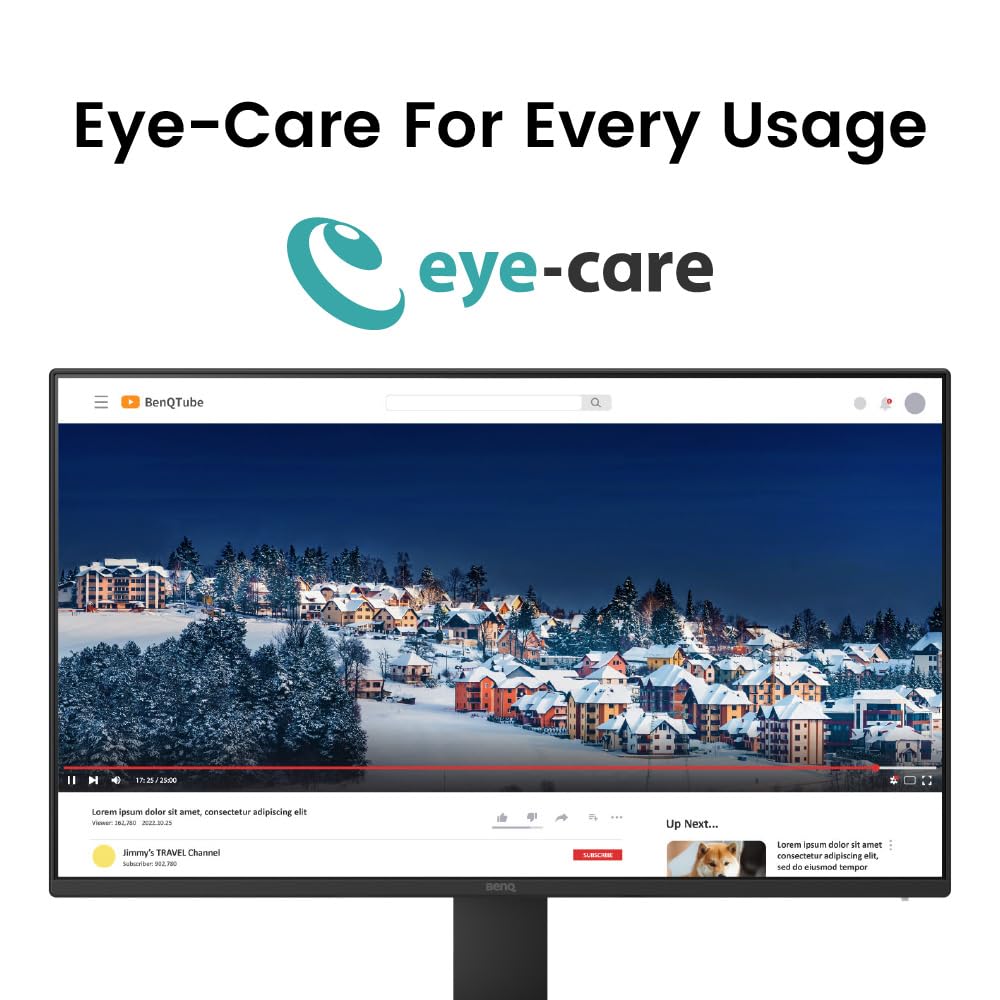
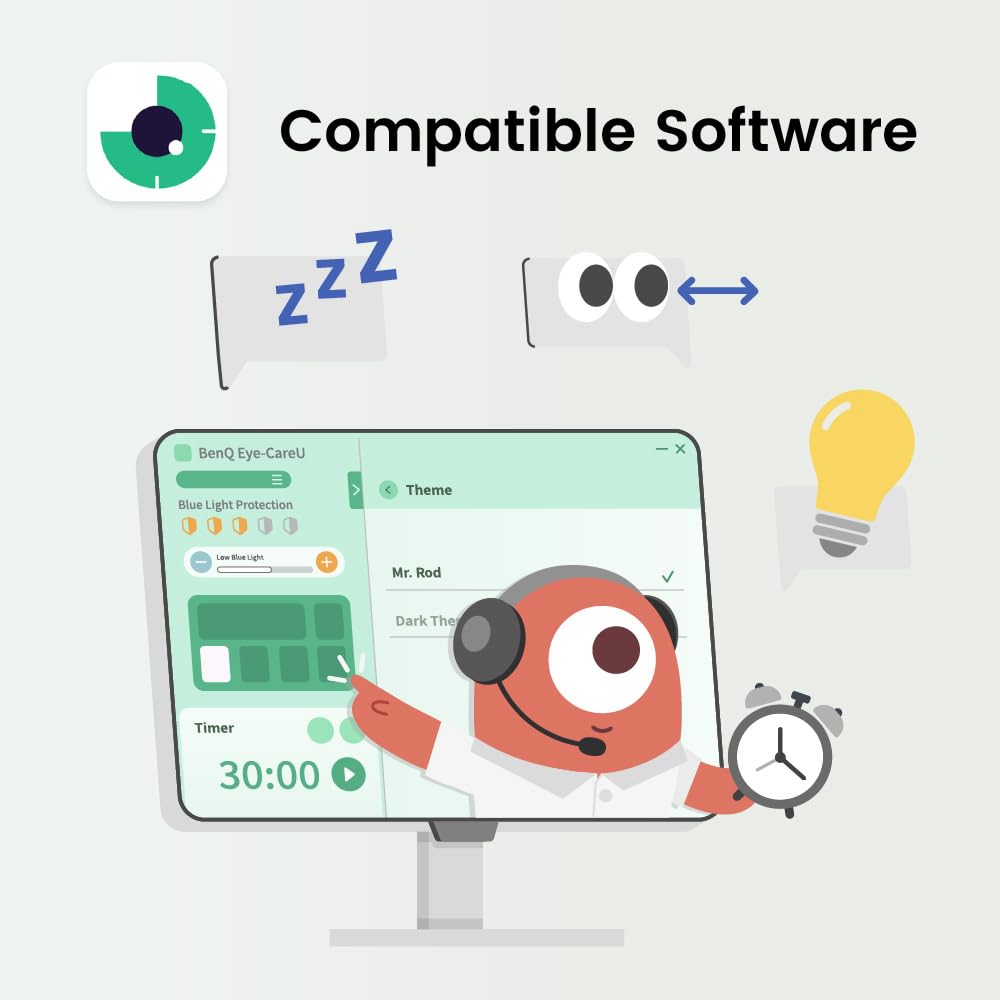
👁️🗨️ See More, Strain Less — Elevate Your Workspace Game
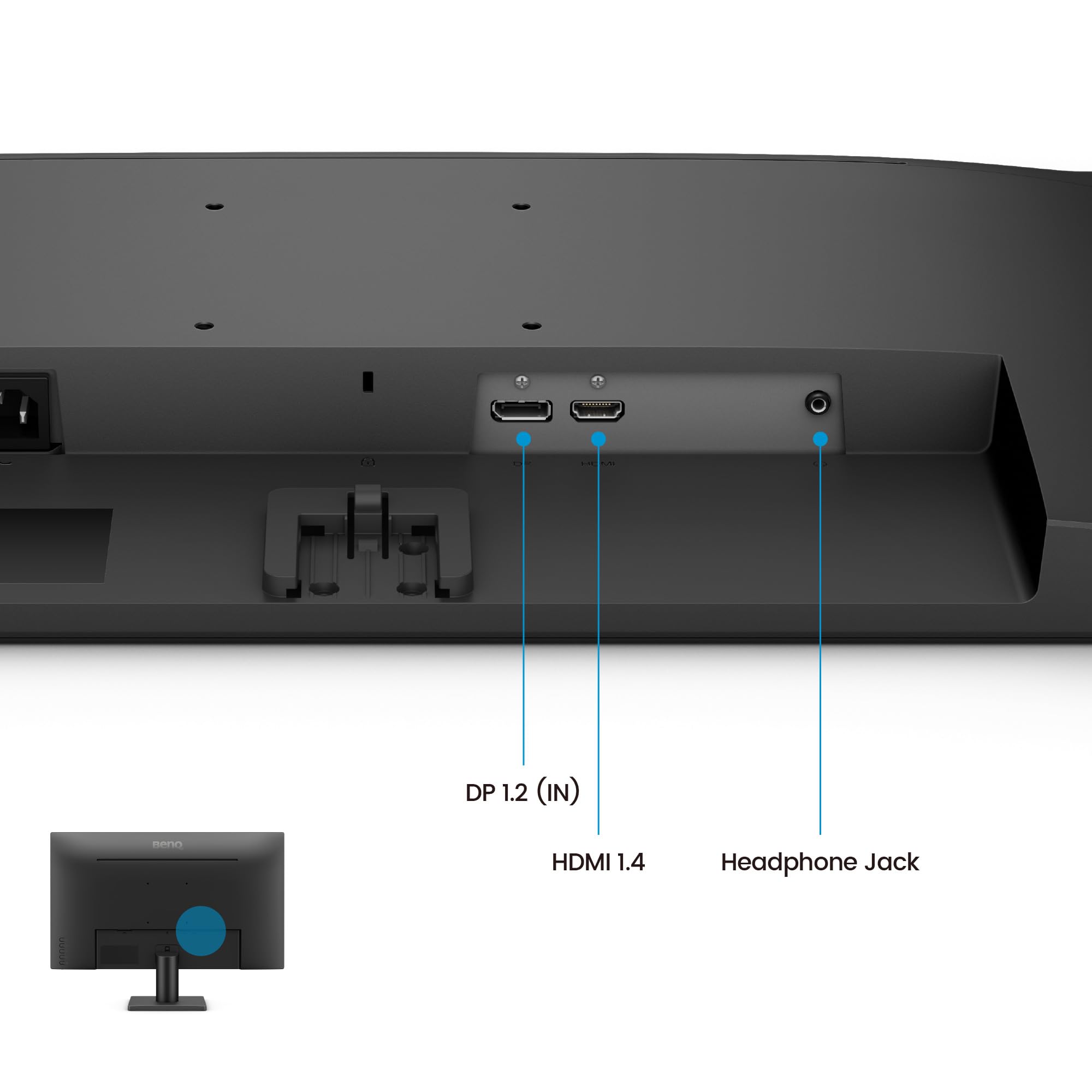
The BenQ GW2491 is a 23.8-inch Full HD IPS monitor featuring a 100Hz refresh rate for smooth visuals and 99% sRGB color accuracy for vivid, true-to-life images. Designed with eye-care technology including TÜV certification, flicker-free display, and low blue light, it ensures comfortable viewing during extended use. Its ultra-slim bezel offers a sleek, modern look, while HDMI and DisplayPort connectivity provide versatile device compatibility. Ideal for professionals seeking a stylish, high-performance monitor that balances visual excellence with eye health.


| ASIN | B0DKZPC3HV |
| Adaptive Sync | FreeSync |
| Aspect Ratio | 16:9 |
| Best Sellers Rank | #1,088 in Electronics ( See Top 100 in Electronics ) #44 in Computer Monitors |
| Brand | BenQ |
| Color | Black |
| Connectivity Technology | HDMI, DisplayPort |
| Contrast Ratio | 1000:1 |
| Customer Reviews | 4.6 out of 5 stars 20,081 Reviews |
| Display Resolution Maximum | 1920 x 1080 Pixels |
| Display Technology | LCD |
| Display Type | IPS |
| Hardware Connectivity | DisplayPort, HDMI |
| Has Color Screen | Yes |
| Image Contrast Ratio | 1000:1 |
| Item Dimensions D x W x H | 16"D x 7"W x 21"H |
| Item Weight | 2.7 Kilograms |
| Manufacturer | BenQ |
| Model Name | GW2491 |
| Model Number | GW2491 |
| Mounting Type | Wall Mount |
| Native Resolution | 1920x1080 |
| Number of Component Outputs | 2 |
| Picture Quality Enhancement Technology | Eye-Care technology, Eye-CareU |
| Refresh Rate | 100 Hz |
| Resolution | FHD 1080p |
| Response Time | 3.99 Milliseconds |
| Screen Finish | Matte |
| Screen Size | 24 Inches |
| Screen Surface Description | Matte |
| Total Number of HDMI Ports | 1 |
| UPC | 840046051556 |
| Warranty Description | 3 Year Manufacturer |
M**X
Wow ..... what a great monitor !!!
First off, this is a truly great 27" monitor. I looked a long time before I found this. It has excellent color and accuracy, no distortions, wide RGB capability (99% +), very fast response time, higher contrast score than a LOT of other even higher priced monitors, nice guarantee, and way brighter display (at same brightness setting) and better color than my Dell 24" 1080p monitor !!! The ONLY oddity is the on/off button placement, and fact that you have to push the button twice to turn off the monitor. Mildly annoying but no where near a deal breaker with its EXCELLENT quality and function. You should check the specs yourself. You'll have to pay a LOT more for a better 27" monitor than this one !!! It is an absolutely great monitor at a price WAY more affordable than even $190 -$200 units
B**N
Amazing value, and an excellent monitor for those who need "just a monitor"
Since Amazon groups things together, this review is for the GW2491 For $99, this thing is absolutely outstanding. For sure, it's more feature limited than the more expensive models, but what you're left with is "just a monitor" that delivers on the basics, while omitting all the extra fluff you probably don't need. It has great color quality and a reasonably good refresh rate (100Hz, though it seems 100+Hz is becoming increasingly common... this is a good thing). It forgoes some of the extra fluff that higher end models have, saving money on features you may not need. It has no built-in speakers, built-in microphone or adaptive brightness. The monitor setup menu is remarkably minimal; the only settings are color mode, brightness, low blue light, and input (HDMI/DP). The one drawback: No height adjustable stand. This isn't something that matters in my case as I used my own monitor stand, but it's something to be aware of; it's the only thing I consider essential for a monitor to have that this one doesn't.
R**R
great price for a simple modern 1080p monitor with a quality IPS panel
This monitor is great, and it's great as a secondary monitor. It doesn't look bad next to an expensive screen. If you're looking for an additional screen under 27" good luck. Retailers are full of 22-24" 1080p monitors which look the same as the ones that came with an HP/Dell desktop in 2007. Most have huge bezels. Most have a single HDMI plug. Most have a power brick. And many of them don't even have HDCP so you can't watch Netflix on them. This monitor has a 100 mm VESA bolt pattern so you can put it on any arm. It takes a regular power plug — no power brick. It has HDCP. It's a good IPS panel. Black looks dark. There's slightly less light bleed than my more expensive LG screens. It has slightly smaller bezels than my other screens. And it has two HDMI inputs, so it's easy for me to use as an additional monitor for both my home machine and work laptop. The menus are easy to use and you can even setup shortcuts to put your three most-used adjustments on the first menu level. The speakers are worse than most — which is quite the feat when you think of how bad built-in monitor speakers are — but I don't care about that. The only slight annoyance I have is that you can't dim the light on the power button. But it's on the bottom edge of the screen, so it's easy to put a little piece of black tape over it. Of course that partially blocks those awesome speakers LOL. This monitor is a 21.5" 1920x1080 panel, so that's 102.5 dpi/ppi (pixels per inch). The bigger you go the worse it'll look next to a monitor with higher resolution. My other two monitors are a 38" 3840x1600 LG ultrawide (109.5 dpi) and a 25" 2560x1080 LG ultrawide (111.1 dpi). 21.5" BenQ GW2283 — sqrt(1920^2 + 1080^2) / 21.5 = 102.5 dpi 25" LG 25UM58 — sqrt(2560^2 + 1080^2) / 25 = 111.1 dpi 38" LG 38WN75C — sqrt(3840^2 + 1600^2) / 38 = 109.5 dpi The 25" LG 25UM58 is also a good deal. It currently costs 50% more than the BenQ for 33% more resolution. It's 75 hz, but I think the BenQ might actually have a better response time if you're gaming on it. And the 25" LG has a 75 mm VESA bolt pattern and a power brick.
S**E
good monitor with minor issues
This is a review for the GW2490T. This monitor has full adjustability - height, tilt, swivel, whereas the $40 cheaper 2490 only tilts. I find full adjustability critical. Otherwise it looks like the two monitors are the same. Even for system alerts, the monitor's speakers are worthless. BenQ should just drop them. The bottom bezel is very wide (speakers?) but contain welcome on/off, and picture control buttons. No frustrating joystick on the back of the monitor. Picture control is also possible through a Windows program. The monitor has both HDMI and DP and an HDMI cable (no DP cable) is included. Under W10 HDMI it's plug and go. Picture quality looks good with very good viewing angles. I found it too bright but it was easy to adjust. With only 100Hz max this is largely a business/movie/etc. monitor. For some reason I had to manually tell windows to use 75Hz (the max my antique card could drive FHD) so check after you plug in the monitor. I'll be switching to W11 DP soon but don't expect any major differences. One star off for the excessive $40 price bump, the speakers and the bezel.
F**R
Vertical Monitor 27"
I’ve been using this as my secondary monitor and it’s been great for that. I mostly use it for videos, podcasts, or anything I want to keep on the side while I work, and it handles that really well. If you don’t have a high-resolution monitor, this one is totally fine as your main display too. Both monitors are 27" What stands out the most is how solid and sturdy the base is. If you want to move the monitor a bit, you actually have to lift it because the rubber pads keep it firmly in place. The stand also gives you enough adjustment options to set it up comfortably. The brightness is fine for the price. The only thing is that when you use it vertically, it feels really tall, which makes me think a 24" might be a more practical size for a vertical secondary monitor. (kinda reminds me of the william dafoe meme when I first look at it)
A**R
Way nicer than I had before.
So much better than the giant super bright ones I had previously. The color is calm and normal for doing long computer work.
P**Y
90 degrees rotate for using vertically
I’m a coder and really need a monitor that can rotate at 90 degree with reasonable price. I enjoyed using the BenQ so much after I received it. I have been using it vertically since I got it. Great product to pair with a horizontal monitor so I can switch between them
S**D
Nice
Pros: - 3 inputs: VGA, HDMI, DP - has speakers - Ambient light sensor - VESA 100 - Narrow bezel - Stand with cable management - Bright IPS and nice colors - Good OSD with DDC/CI (this is when you can adjust settings via software, in addition to the monitor buttons) Cons: - Only 60 Hz - Matte finish, not glossy (just my personal taste, although some people might find this a plus) Generally good feature set compared to similarly priced models. Honestly I had in mind other monitors but they were either out of stock or had issues with the connector locations when mounting to VESA 75 (meaning the mount plate on my VESA 100/75 dual monitor stand would block the connectors on a VESA 75 monitor, specifically the Philips 246E9QDSB). In any case, I settled for this one and can't complain. I'm sure you can find others at this price range just as good or perhaps trading off features such as 75 Hz but only with two inputs for example. Or maybe no IPS or not VESA compatible. I use this for basic desktop applications, work, etc. Not a gaming monitor, although if you are not a hardcore gamer you may get away with this. If you have an nVidia card you can set the RGB dynamic range from 16-235 to 0-255. This means that you'll use the full color gamut the monitor can handle and get (marginally) better contrast and more colors. Not a massive noticeable improvement, but it's there. Image is pretty good and even (not much backlight bleed). The monitor is 60 Hz out of the box but I overclocked it to 75 Hz using the nVidia control panel. You can verify your refresh rate. I searched online for "hz checker" and used www.testufo.com. I confirmed the before and after refresh and it works fine. Do it at your own risk as I don't know anything about overclocking monitor refresh rate. The last thing I'm gonna say is not necessarily specific to this monitor, but it grinds my gears that it's so hard to find a gloss finish monitor this days. Most are matte finish. I personally prefer gloss because the colors tend to be more vivid. Reflections don't bother me as much as the washed out color effect you get on a matte monitor.
Trustpilot
1 month ago
1 month ago