
DOWNLOAD THE APP


Customer Services
Copyright © 2025 Desertcart Holdings Limited
DOWNLOAD THE APP
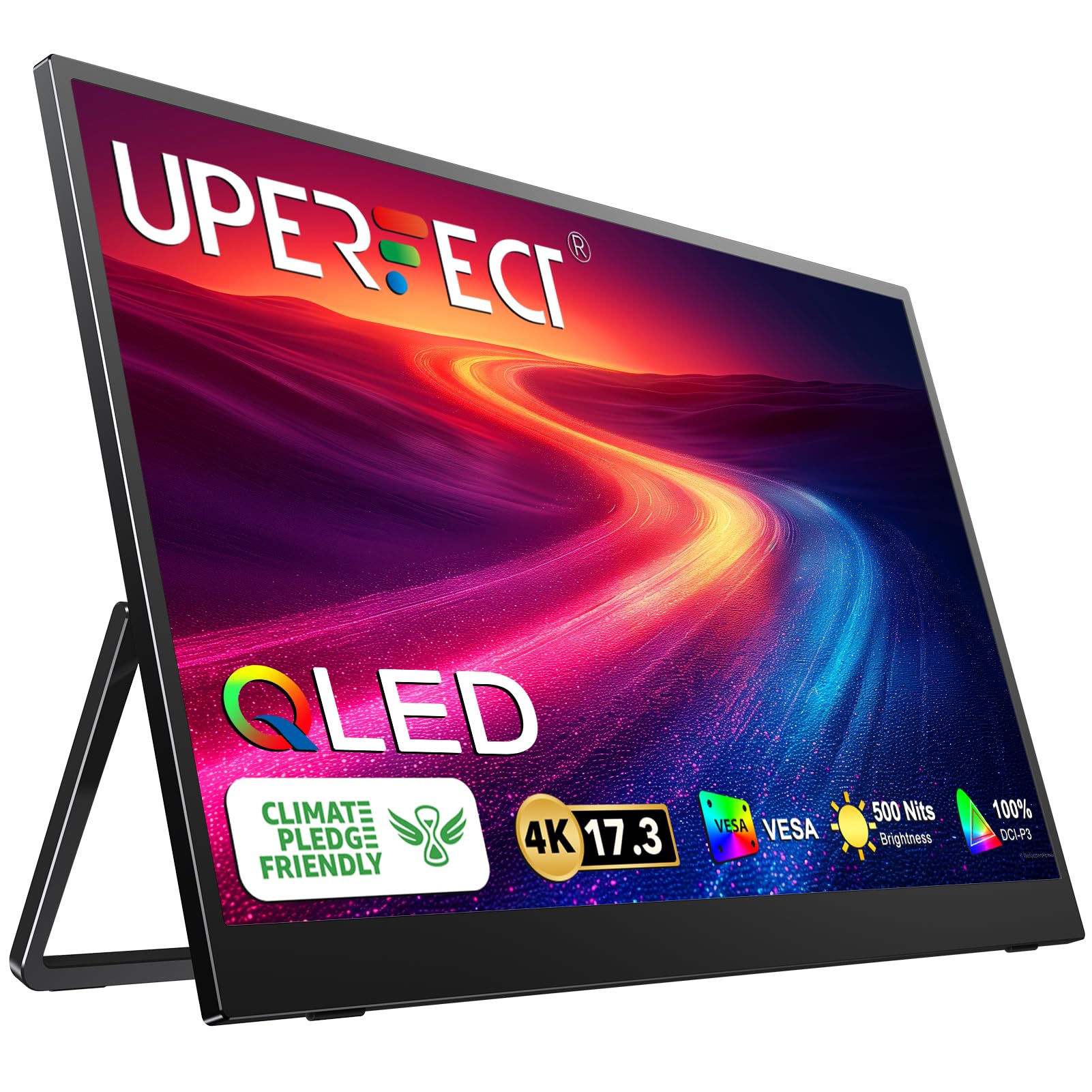
🚀 Elevate your workspace anywhere with 4K clarity and power in one sleek package!
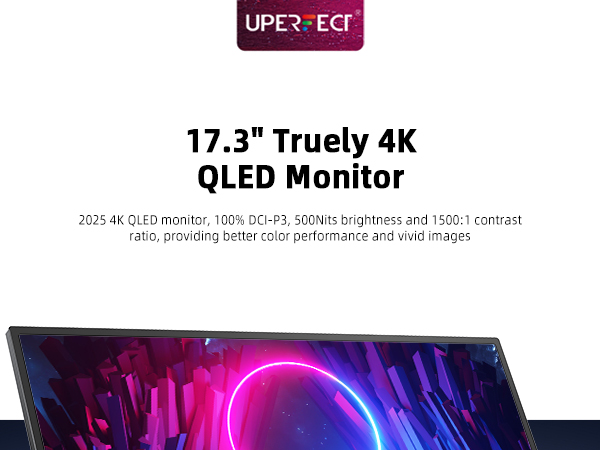
The Uperfect UGame J5 is a 17.3-inch portable 4K UHD monitor (3840x2160 @ 60Hz) designed for professionals seeking ultra-high resolution on the go. It features USB-C single-cable connectivity that powers both the monitor and compatible laptops with up to 60W power delivery. Lightweight and portable at under 2 kg, it offers sharp text rendering and solid everyday performance, especially optimized for Apple Silicon Macs. While not tailored for high-end gaming or color-critical work, it delivers excellent value with responsive customer support and a premium magnetic case for travel convenience.




| ASIN | B0CQN3SX4Q |
| Are Batteries Included | No |
| Brand | UPERFECT |
| Color | Black |
| Customer Reviews | 4.4 4.4 out of 5 stars (66) |
| Date First Available | 2 October 2024 |
| Item Weight | 1.99 Kilograms |
| Item model number | M173J05 |
| Manufacturer | Uperfect |
| Number of HDMI Ports | 1 |
| Product Dimensions | 53.34 x 40.64 x 10.16 cm; 1.99 kg |
| Resolution | 3840 x 2160 |
| Screen Resolution | 3840x2160 |
| Series | UGame J5 |
| Standing screen display size | 17.3 Inches |
P**P
-- UPDATE after 1 year of usage --- Monitor still working pretty fine. One nuance was revealed: monitor not working well in cold areas. At approx. +14 C it become bluish in the corners. It need some time for "heat up" - after several minutes of work it start to work normally and blue areas disappear. ---- To start with - there were a few models of 17" 4K monitors. For me, the difference is still not clear at all. I purchased the cheapest $ 280 17" 4K model. I do not know, how much more expensive compared to cheap one. I suggest you contact a manufacturer before purchasing. TLDR Overall, I like this monitor. It was a good fit for my case(I needed it small to reduce international delivery costs + I need to be able to bring the monitor with me in the luggage). It does not provide excellent colors and response, but it is ridiculously sharp(a lot of PPI), great for text and good enough for my everyday stuff. I've installed it on vesa stand and got a comfortable desktop setup I was surprised, that the Chinese niche product has pretty good quality - there are a couple tiny drops of glue on the edge gap, but overall monitor looks nice with a pretty magnetic case included. The supplied type c cables are also pretty soft and I like 'em much more than the "wooden" cables I had in my Dell monitor. I'm not an expert in image quality, but feels like this is not very good. My previous large monitors feel better in terms of colors. But, for my personal use(code, text editing and youtube) this is good enough. I like "text" color setting preset in the monitor - it increases contrast and looks good for my taste. For my casual and rare sessions in SC2 and Dusk(doom 2 like game) monitor is good enough. However I noticed a bit of sluggishness when sliding the desktops on a mac(feels like pixels are a bit slow to react), but it doesn't bother me in everyday use. I guess you might notice this if you have higher standards for gaming. I believe there is no practical use in 4k for such a small monitor and 2k will be a great fit for 17" monitor. I was forced to buy 4k because apple silicon macs do not support monitors less than 4k. This monitor did the job: UI scaling works as expected with my m1 macbook. The monitor works without an external power supply (powered by a MacBook which is not plugged to power also). But it will switch off on the highest brightness setting (feels like a bug - it would be better if a monitor would disable higher brightness settings when without external power) The monitor can provide power to MacBook, which is very good for desktop setup - i plugged monitor to 60w Anker power supply and connected the MacBook air m1 to the monitor with a single cable. However, I do not know if this will work with more powerful laptops and if there is any power limit that the monitor can transfer. Monitor has strange micro-usb 3rd port which is not convenient nowadays. I plugged the mouse via 2 adapters: mouse -> usba/usbc -> usbc/microusb. it works but usba or usbc would be better. The other tiny issue is that you can not rotate OSD(monitor settings interface). I am using my monitor rotated and setting up brightness/contrast becomes a pain because OSD is not rotated.
G**.
I was very impressed with the 17.3" portable monitor. The screen was bright and filled my needs. After about three months of use, there seemed to be a connectivity problem with my Surface Pro. I worked with UPERFECT's customer service team to try and solve the issue over the holidays. They were very responsive and worked with me to troubleshoot the problem. They went above and beyond to address the issue and eventually gave me the option of a refund or a replacement monitor. I recommend the monitor without any reservations whatsoever not only for its quality and value, but also for the company's customer service as well.
E**E
The screen itself look great! Very sharp, true 4k, easy to set up, light. Love that you can use it with just a usb c if you don't need it to be too bright, it helps with the connectivity. I did have a problem with it, it would turn off after a while of using it, and it would get too hot. The support team was amazing, quick replies, very nice, understanding and accommodating. Helped me figure out what was wrong with the display, it seemed to be a faulty unit and the support rep was nice enough to offer a replacement or refund. I opted for the refund and got another uperfect portable monitor. looking forward to it!
B**R
Solid product so far. The screen is sharp and bright. I've seen a review or two say this is not true 4k. I'm not sure what their setup was, but attached to my Dell Precision 7560, it is definitely 3840 x 2160. It comes through in that resolution with both the USB-C and HDMI Connectors. A note on the 17.3" display: While the description says a case is included in the package, it's referring to a magnetic smart-case which DOES NOT come with this model, due to its having a built-in kickstand already. Tech support told me they are aware of the issue but Amazon won't let them change it for some reason or something like that. They promptly sent me a case anyway though. So good on them. My only qualm with this display is that I can't get it to work at brightness level 10. When I try, the display turns off for a few seconds, then it comes on and stays on for a few seconds, then off again, rinse and repeat. Tech support told me the monitor can't do both signal and power with the same cord (IMPORTANT NOTE: THIS IS NOT STRICTLY TRUE - SEE BELOW), so I plugged it into the wall. It ran at full brightness for a while longer then, but eventually got back to having that problem again. I'm still giving it 5 stars because I have no need of running it at that level of brightness. 6 is good enough for me. It's unclear what the deal is with using power and signal on the same cord. I've been doing it for several days now and haven't had a problem so long as I've got the brightness where it's at. Tech support had mentioned they "recommend using an external power source during use to ensure the monitor has enough power for normal operation and to extend its lifespan, although it can still be used without an extra power connection." So I'm not sure if running it this way will cause trouble down the line. For now, I plan to keep it plugged in at my desk and only do combined signal and power when I'm out and about.
T**C
Fantastic product with fantastic customer support. The monitor is super sleek and works well with my apple and pcs computers. It is very easy to use and would recommend this to anyone who needs an extra monitor on the go. The monitor power through USB C and will self power if you have a newer computer. Definitely worth the money and super durable.
Trustpilot
2 weeks ago
1 month ago