We remain fully operational. Our teams are working around the clock to ensure your deliveries continue safely.

DOWNLOAD THE APP


Customer Services
Copyright © 2025 Desertcart Holdings Limited
DOWNLOAD THE APP
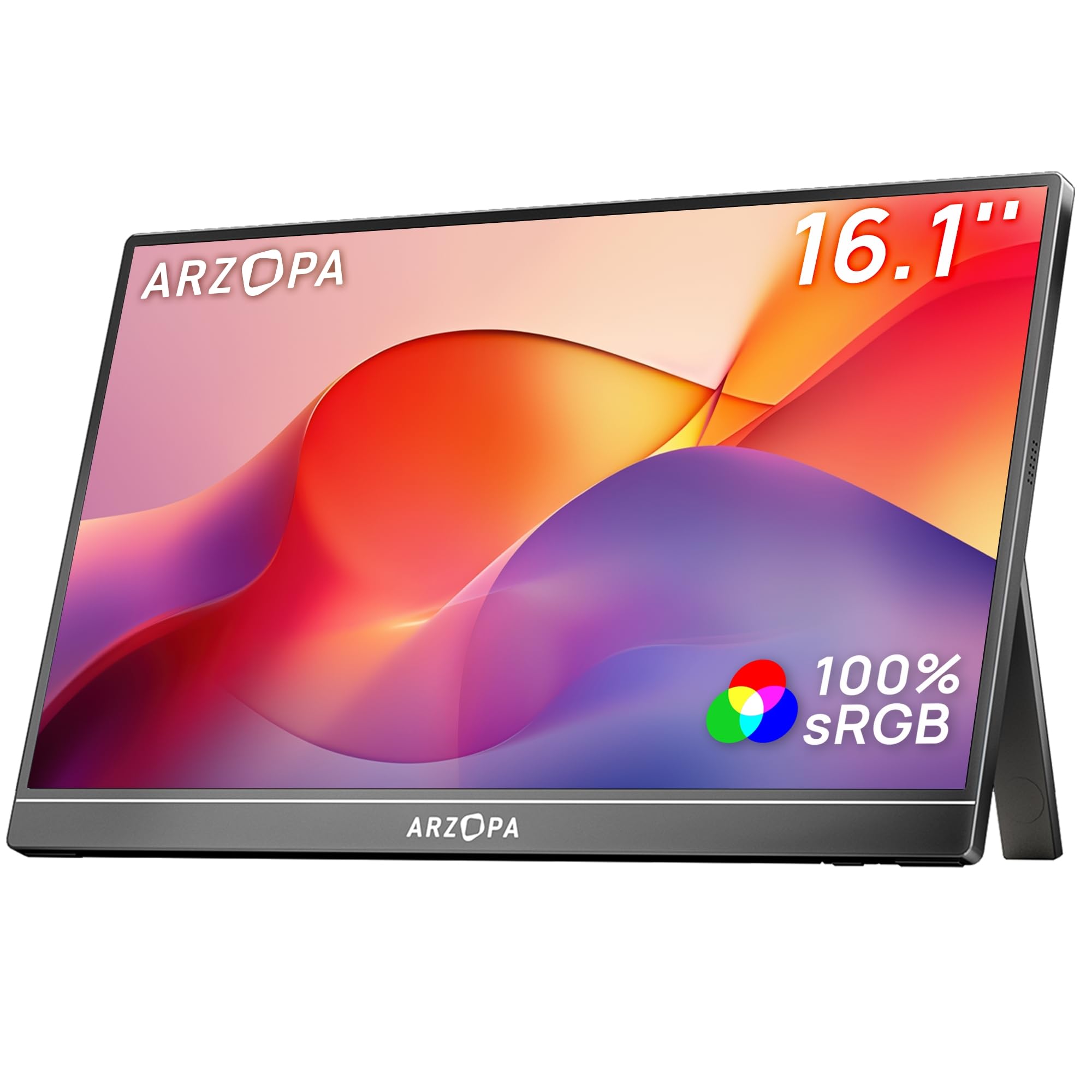
🚀 Elevate your workspace and play with ARZOPA’s vibrant, portable powerhouse!
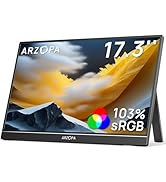
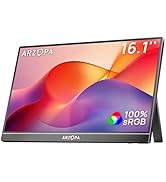
The ARZOPA 16.1" Portable Monitor delivers stunning 1080P FHD resolution with 100% sRGB color accuracy on an IPS eye-care screen. Crafted with a durable metal body and built-in adjustable kickstand, it offers versatile viewing angles. Featuring dual USB-C ports and a Mini HDMI port, it supports seamless plug-and-play connectivity across laptops, Macs, smartphones, and gaming consoles without driver installation. Ideal for professionals and gamers seeking enhanced productivity and immersive entertainment on the go.




| ASIN | B0CH9WLFTP |
| Are Batteries Included | No |
| Best Sellers Rank | #233 in Computers ( See Top 100 in Computers ) #19 in Computer Monitors |
| Brand | ARZOPA |
| Color | Black |
| Customer Reviews | 4.4 4.4 out of 5 stars (5,109) |
| Date First Available | 11 September 2023 |
| Item Weight | 1.39 Kilograms |
| Item model number | Z1C |
| Manufacturer | ARZOPA |
| Number of HDMI Ports | 1 |
| Number of USB 2.0 Ports | 2 |
| Number of USB 3.0 Ports | 2 |
| Product Dimensions | 0.93 x 36.6 x 22.8 cm; 1.39 kg |
| Resolution | 1920 x 1080 Pixels |
| Screen Resolution | 1920x1080 |
| Series | Z1C |
| Standing screen display size | 16.1 Inches |
| Voltage | 220 Volts |
F**S
Great item!
Works perfectly and seamlessly with my mac air. Anddd the quality of the print and the audio is superb as well. You’d think it’ll be a bit dull - the colors and all - but it delivers exactly how it’s produced in the main source. I’m glad I chose this unit as an extended monitor.
A**A
Value for money product
I like this product very much and display quality is best audio qualities average and playStation 5 in normally works in refresh rate is 60 can you help me
S**O
Amazing!
Fab!!
M**N
Overall A Good Device
This is a review after three weeks of use. Overall, it is solid and well made. The device powers on via the USB C. It doesn't power on via the mini HDMI. I did not notice a different brightness by connecting both type C and HDMI. When I try to maximise brightness, after 70 or 80 percent it restarts back to the default brightness. Overall, it does what it should. Image quality is not the best, but it is fine.
A**A
Waste of time - single cable solution doesn’t work.
The monitor doesn’t work on usbc cable alone. I tried it on MacBook Pro m3 max and ms studio laptop. The only way I got it work was to have power on usb and video on mini hdmi.
H**N
Enough for the price
I mean it's not a bad one, but anyway you will see the pixels on the letters and numbers, and you cannot use it vertically. So for the designers I'd not recommend this, but for everyday casual tasks its ok
W**R
Mentor is not working
I purchased it 12 days, and today it’s stopped working, I can not do return. What should I do?
K**.
Quality is good but no protective sleeve
The quality of the monitor display is crisp and clear. What I do not like is that it doesn't include a protective sleeve when most of the manufacturers in this range provide it. I needed to buy a separate sleeve for protecting it when I travel. Another negative point is the price. It keeps changing to a lower point. I bought it at 700AED and now it is below 500 AED. Annoying.
M**H
I recently purchased the ARZOPA 16.1'' 180Hz 2.5K Portable Monitor (2560x1440 QHD) on Amazon, and I honestly couldn’t be happier with it. The first thing that impressed me was the display quality. The 2.5K resolution is incredibly sharp, and everything looks crisp and vibrant. Whether I’m working on documents, browsing, or watching videos, the clarity makes a noticeable difference. The 180Hz refresh rate is also a huge plus — scrolling feels super smooth, and it’s great for gaming. I didn’t expect this level of performance from a portable monitor, but it really delivers. Setup was quick and easy. I just plugged it in via USB-C, and it worked right away with my laptop. It’s lightweight and slim, so it fits perfectly in my backpack without adding much bulk. The build quality feels solid, and the included stand is stable enough for desk use. I’ve been using it as a second screen for work and travel, and it has definitely boosted my productivity. For the price, the quality and performance are excellent. I would absolutely recommend this monitor to anyone looking for a high-resolution, high-refresh portable display. Great purchase!
L**R
I bought the ARZOPA Z1RC 16″ 2.5K portable monitor for an overseas work trip. My main use case was working at various overseas locations, with the monitor acting as a secondary screen beside my Dell laptop. This included working at hotels, client offices, and occasionally airports while waiting for flights. For that setup, it worked extremely well. The most important thing to check before buying is whether your laptop’s USB-C port supports Power Delivery and DisplayPort (DP Alt Mode). If it does, you can run the monitor with a single USB-C cable that carries both power and video, which makes the travel setup very clean and simple. If your laptop does not support that, it is still perfectly usable. You simply use: USB-C cable for power, and HDMI cable for display All the necessary cables actually come in the box, which is nice and means you don’t need to buy anything extra to get started. That said, I strongly recommend buying the ARZOPA U-shaped USB-C cable separately. The ports on the monitor are located on the left side, so when I place the monitor on the right side of my laptop, a normal straight cable sticks out toward the laptop screen. The U-shaped cable bends toward the back of the portable monitor and then toward the right, which keeps the cable neatly out of the way and makes the side-by-side setup much cleaner. The build quality is very good. The casing appears to be aluminium, which makes it feel more solid than many of the cheaper plastic portable monitors. It is slightly more expensive than the basic plastic models, but in this case you get what you pay for. The buttons for brightness, contrast and settings feel very clicky and well made, not mushy like on some budget displays. The main selling point of this monitor is the 2.5K resolution (2560×1600) on a 16:10 IPS panel, which gives slightly more vertical workspace than standard 16:9 screens. Text does look a bit sharper than a standard 1080p portable monitor, although I wouldn’t say the difference is huge. It is noticeable, especially when working with documents or spreadsheets. The refresh rate is 60 Hz, which might seem basic compared with gaming monitors, but for office work it is perfectly sufficient. In fact, this can be a good thing if you are working away from power because lower refresh rates draw less battery from your laptop. I often used it in places like airports or lounges while running entirely on laptop battery. When I first set it up, I used these display settings: Brightness: 100 Resolution: 2560 × 1600 Scaling: 150% Without scaling the text was too small to read comfortably. For comparison, my Dell laptop screen runs at 1920×1080 with 125% scaling, so 150% on the portable monitor felt about right. Overall, this is a very practical travel monitor for productivity. It is lightweight, well built, and the higher resolution makes it a nice companion to a laptop when working overseas. Hope this review helps someone considering it.
T**A
This monitor is the perfect weight and size for working on the go. The settings are easy to adjust, so not matter where I set it up, it’s the perfect brightness. All the needed cords are included, which is a plus. I would recommend this monitor.
A**S
Great product! Works very well, you just need to plug 2 cords with a PC, one HDMI cord and another for the power supply, and you can set it up as a second screen. It comes with three cords: one HDMI, one HDMI/USB-C, and another USB-C/USB-C, which is pretty cool! I was having trouble with the sound at first, there was an odd high-pitched ringing (intermittent), but I contacted costumer service to figure out why. They were very helpful, and as it turns out, when the power source is low on battery (in this case, my PC), it can make a high-pitched sound. So I charged my computer, and it was fine! Image quality isn't the best I've seen, but it does the job for homework or work, and the sound is great (when it works). Very light and portable.
J**E
I did a lot of research on portable monitors to use with the Steam Deck. After reading positive reviews with the Arzopa G1 I decided to try it. The price point for 144hz was to good not to try. I am blown away! First of all, the monitor comes with all the cables you need in the box. You do not! Need a dock to play your Steam deck and charge it. I was nervous hearing stories about Steam decks bricking using docks and portable displays. All you need to do is plug your Steam deck charger into the monitor. The charger will power the monitor and your Steam Deck at the same time. The case the monitor comes with is very nice looking and works as a stand. The stand holds sturdy and no issues with the monitor falling over. The picture looks great! Just make sure to change your settings in steam to play at a higher quality display and frame rate. Now I don’t always have to play on a small screen at home and can easily take this monitor and the deck on the go or if you do a lot of traveling. Arzopa definitely did a great job with this monitor and highly recommend giving it a try!
Trustpilot
2 weeks ago
5 days ago