
DOWNLOAD THE APP


Customer Services
Copyright © 2025 Desertcart Holdings Limited
DOWNLOAD THE APP
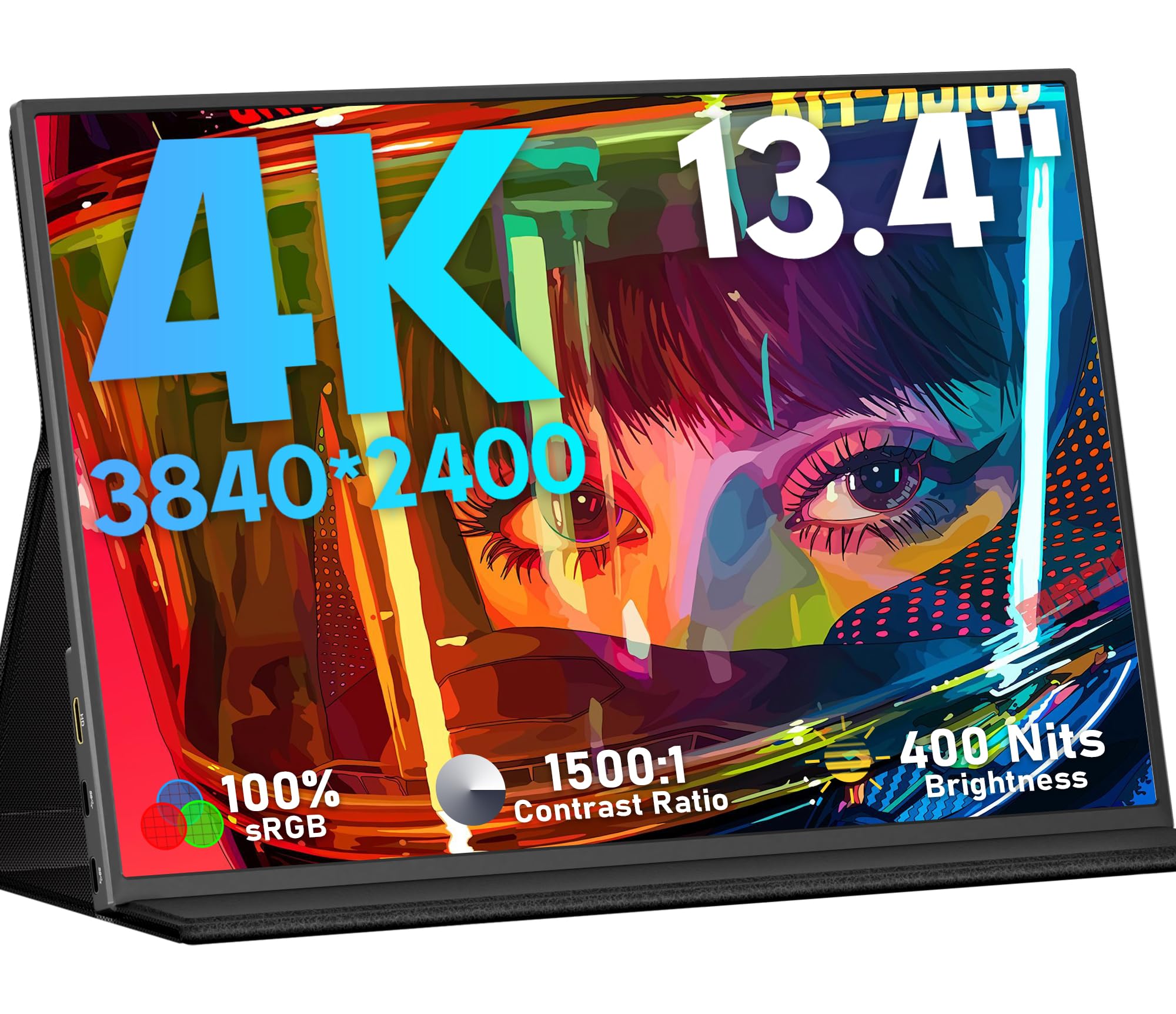
🚀 Elevate Your Screen Game Anywhere, Anytime!
The KEEPTIME 13.3" Portable Monitor delivers a premium 4K UHD experience with an A-grade IPS panel, 100% sRGB color, and HDR support. Featuring USB-C and Mini HDMI connectivity, it’s compatible with laptops, gaming consoles, and smartphones for versatile use. Ultra-slim and lightweight with a magnetic stand, it’s perfect for professionals and gamers seeking enhanced productivity and immersive visuals on the go.


| ASIN | B0CJLGFCPZ |
| Are Batteries Included | No |
| Brand | KEEPTIME |
| Colour | Black |
| Customer Reviews | 4.4 4.4 out of 5 stars (23) |
| Date First Available | 25 April 2024 |
| Guaranteed software updates until | unknown |
| Item Weight | 1.48 kg |
| Item model number | M133 |
| Manufacturer | KEEPTIME |
| Number of HDMI Ports | 1 |
| Product Dimensions | 29.97 x 19.05 x 1.02 cm; 1.48 kg |
| Resolution | 3840 x 2160 |
| Screen Resolution | 3840x2160 |
| Series | M133 |
| Standing screen display size | 13.3 Inches |
N**B
Super light and fantastic resolution! I totally recommend this portable screen
S**S
The screen image was very good but after a short while I could not get an image but only the message "No signal"...and that despite using various C ports combination and another cable just in case... The Sellers apologized for the issues and trouble and provided me with a full refund and that despite having used it for more than 30 days... Although we never got to know the issue(s), I give the Seller a 4 starts for their service and reactiveness.
M**L
This little thing packs a lot of punch. The clarity is excellent. I got this for font editing because of the high DPI (331) and it delivers in that aspect very well. I also got it for photo editing and the high DPI is great for double checking the edit. If you set the scaling to 200% it's actually usable as a main screen for productivity apps like Photoshop. It's great for watching videos. At least in terms of picture quality- the speakers are not impressive but it has them if you need them. But the colors are amazing and I didn't even need to adjust the color profile, they were pretty accurate on factory settings. It works okay for gaming. There is some smearing/ghosting. The worst scenarios are when the scene has a lot of washed out grays, like in Dark Souls 3. You need to turn off motion blur in these games because the ghosting is already like motion blur. It was still playable but it was right on the threshold of what I would consider acceptable. I would definitely not play the whole game on this monitor. But in more bright games the smearing is hardly noticeable and the 13" screen is actually a great size for certain games like celeste and hollow knight. The form factor is nice. The magnets are strong enough that it doesn't slip. Construction feels solid. The kickstand keeps its angle and is sturdy. Overall I'm really impressed with this display for its price.
R**.
I got the 13.3" portable 4K monitor . Unfortunately, the one that I received was not "Glossy" as described in its info, instead it has a Matte surface. Image quality not as sharp and crisp as some of the others in its size range. I wasn't sure if they had sent me the wrong model as there are different variations in this listing so I requested a replacement. The second one I received also was not Glossy but is Matte so I concluded it was a description error. I then tested out the monitor a little more, running into another issue. When I switch it to HDR mode, the screen keeps flickering and stops when I turn it off. For a $160 portable monitor its really not worth the value.
A**R
I could not get a video signal using USB-C. Tested with a DisplayPort to USB-C bidirectional cable. This cable works with another monitor I have. I suspect it does work because of the reviews. But the seller needs to provide details on the conditions. I also tried it with my iPhone SE and Motorola Android, got no signal, says this display. The HDMI works at 4K at full RGB (4:4:4) at 60Hz w/ 8bit color according to Windows 10. I like the rotary controls. It is quicker than the old push buttons. Rotate up gets you volume control. Rotate down gets you brightness control. Press and you get menu. The single button is to quit.
Trustpilot
1 month ago
4 days ago